
Leaderboard


Popular Content
Showing content with the highest reputation on 09/28/25 in all areas
-
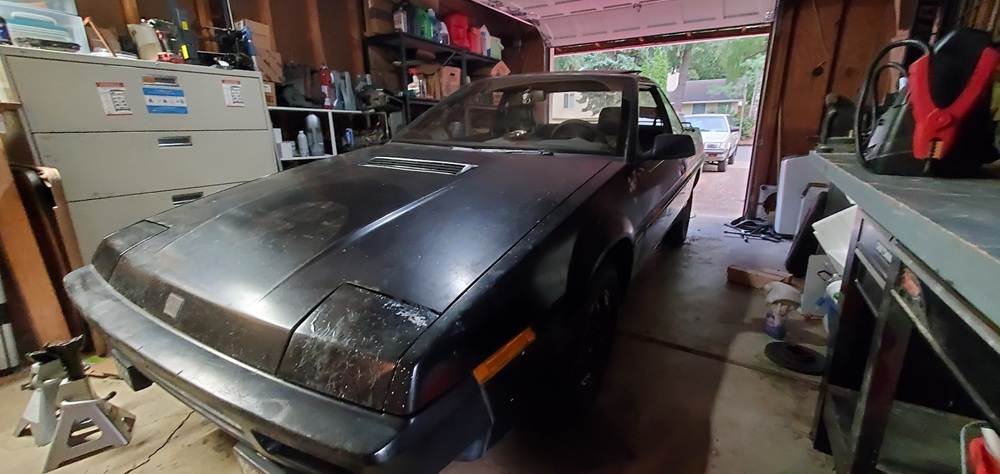
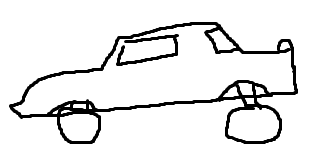
Small update, I was able to find some conventional struts at a yard in my area and they went on just fine! At least, the rear ones did, I haven't done the front ones because I wanted to try out a little experiment. What I have learned, is that you can have the front air suspension independently from the rear, as long as your plug up the rear. I used the solenoids from the rear air struts and plugged them into the airline and just left the power unplugged, which leaves them in a closed state. Not exactly a revelation, but still fun to know. This wont be long term of course, but I did drive it around my neighborhood, and it didn't explode so that's a win in my book. It does lead to a somewhat silly look on the car when the front struts are deflated. The attached picture doesn't do it justice, but hopefully my MS-Paint art shows what I mean. It basically has a very aggressive attack angle which really made me laugh when I first saw it.
 1 point