kbaaum84
Members
-
Joined
-
Last visited
-
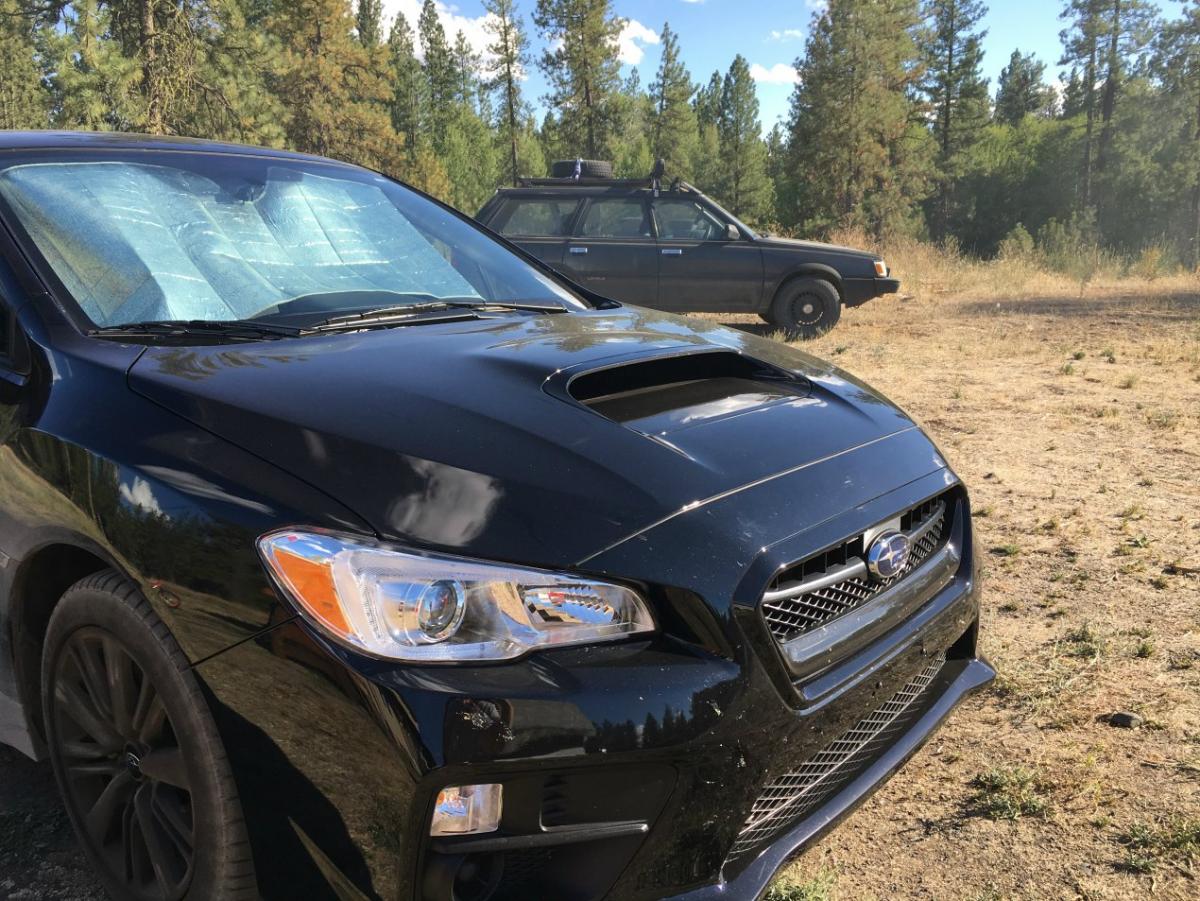
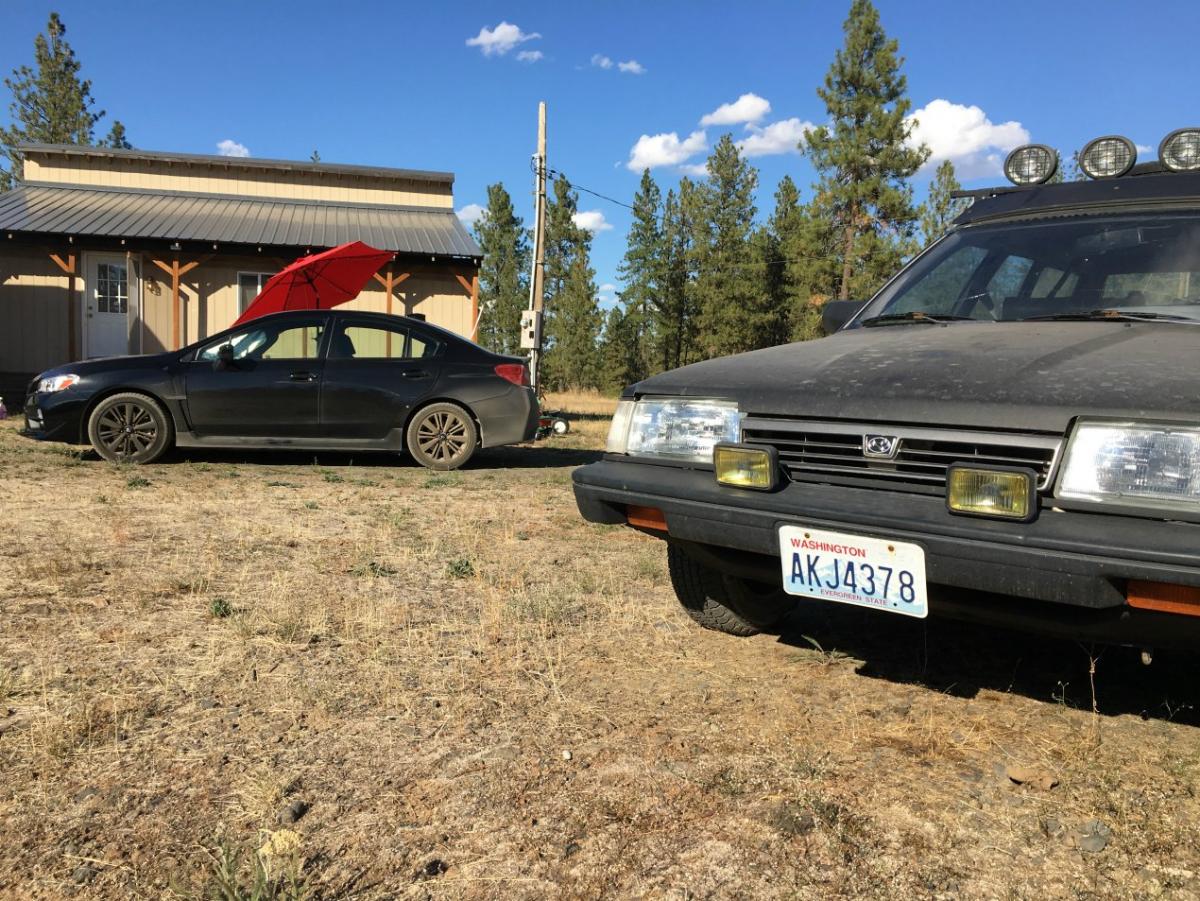
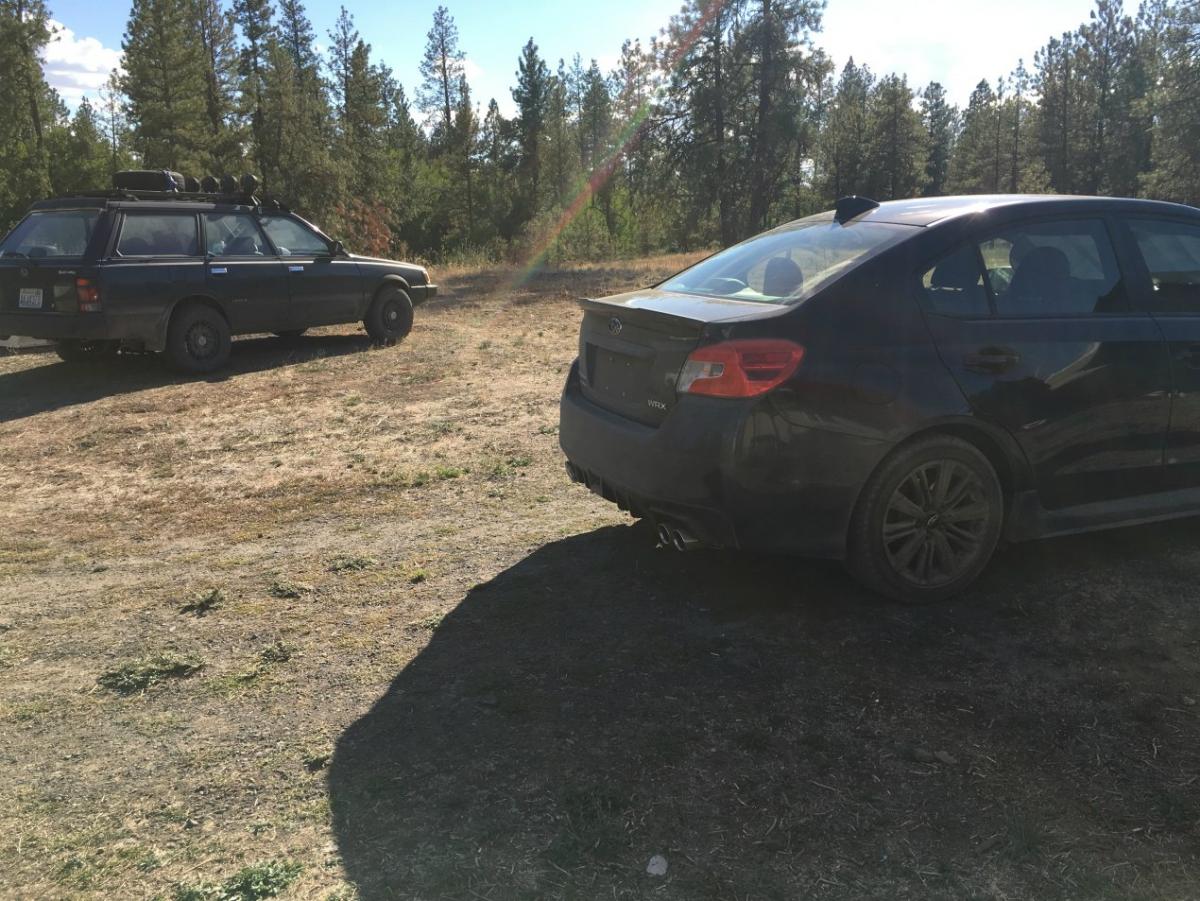
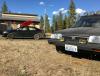
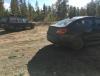
Got a new friend for the Snail Wagon! totally a different beast! wow is it fun! still love the Loyale though lol
-
I like your old dodge.. reminds me of mine lol
-
i want to go! to bad i missed out! have yet to go to the orv park i used to live in airway heights and was real close to it! now i live past Cheney. looks like you had alot of fun! btw i was walking around reardan this summer and i swear i saw your subaru parked on the streets looks great in person!
-
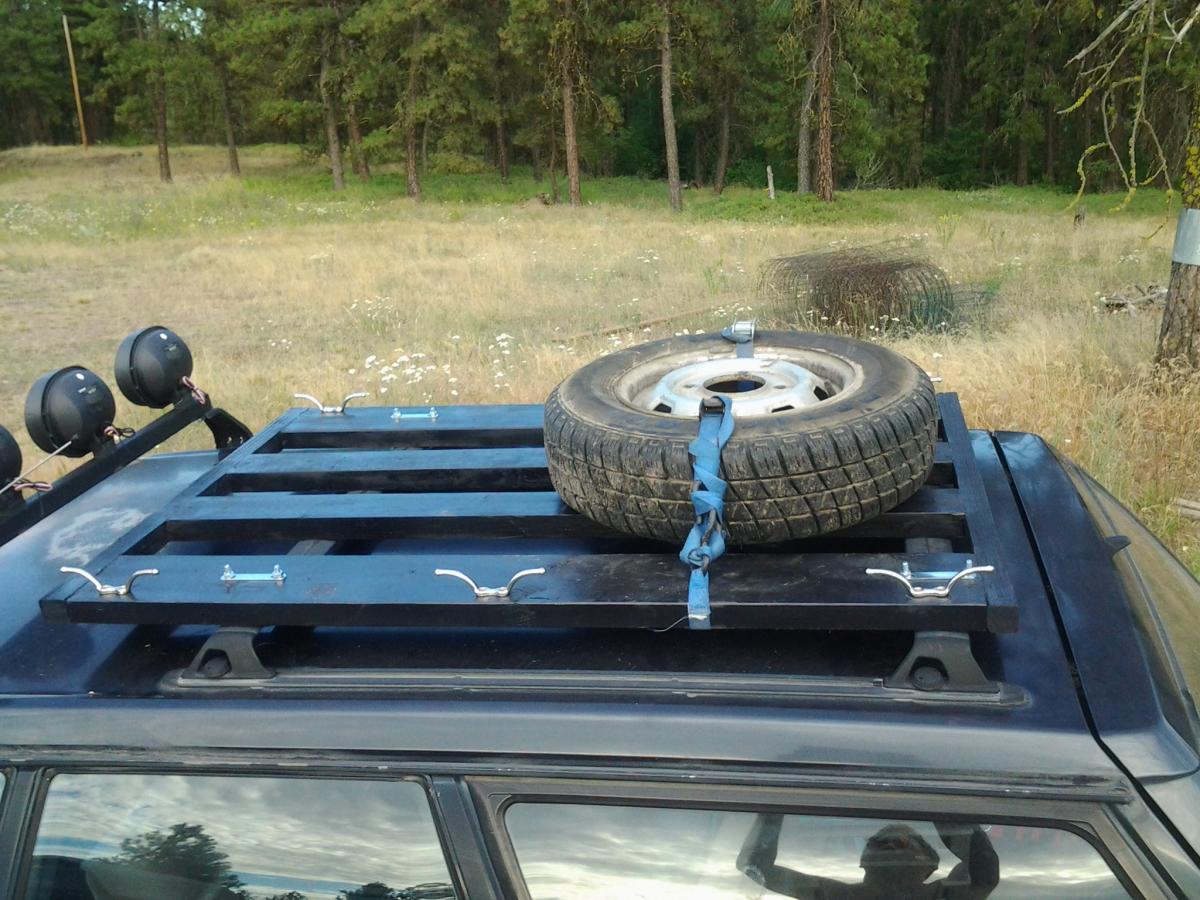
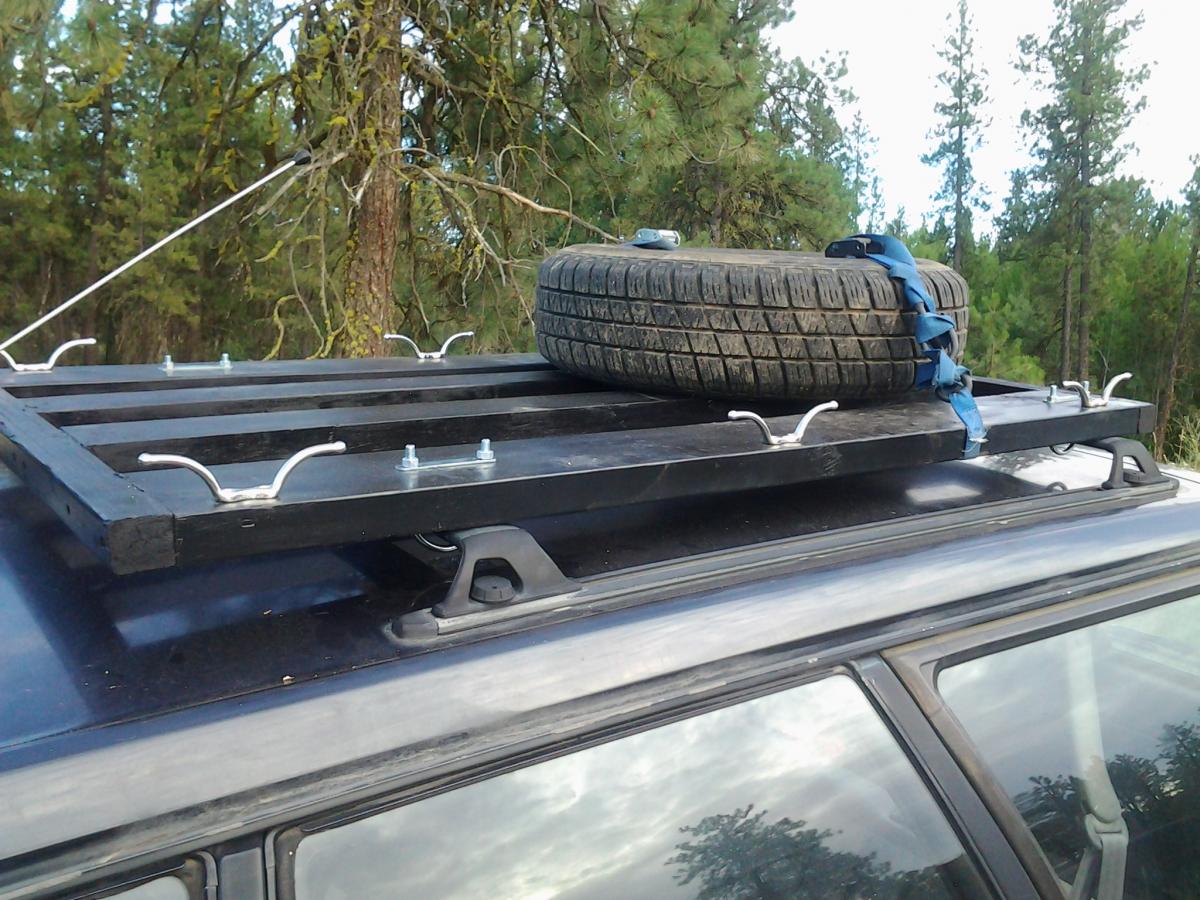
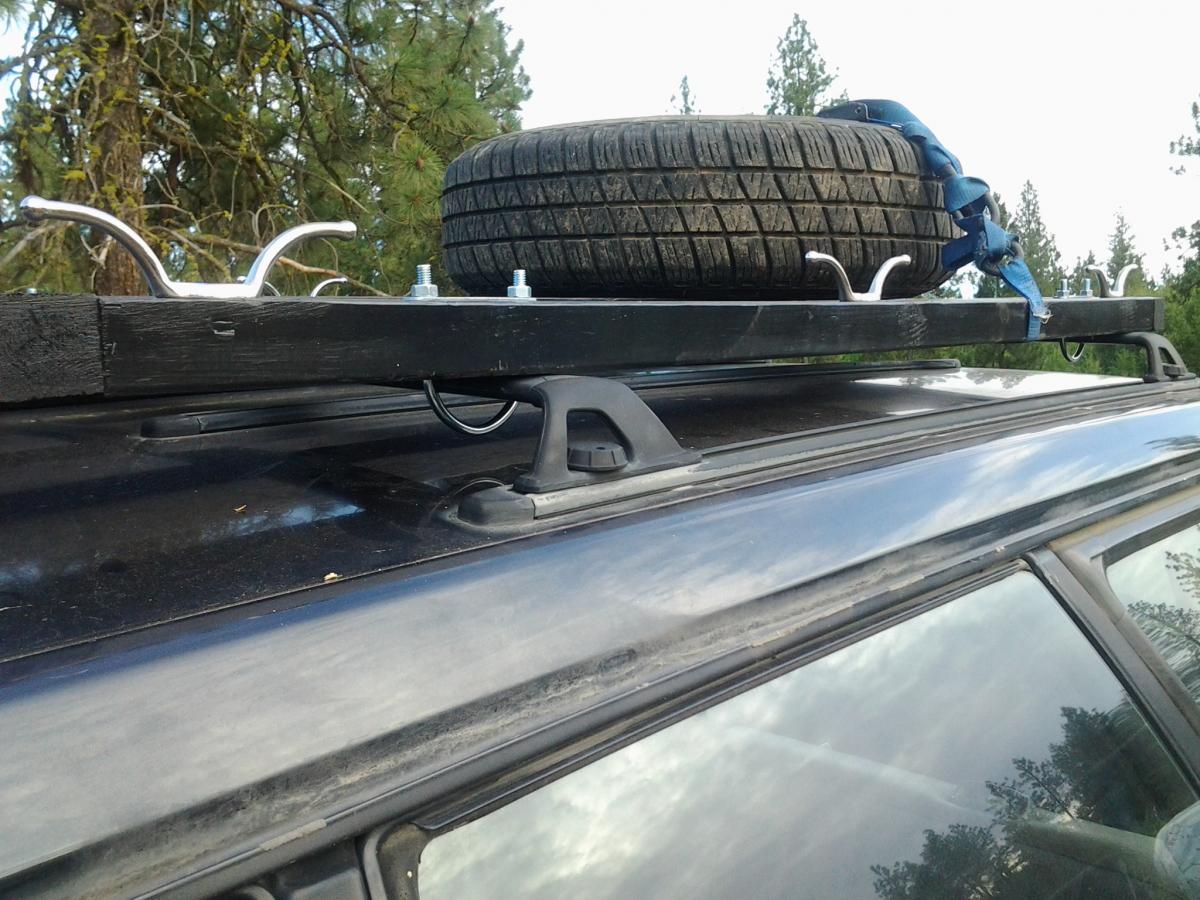
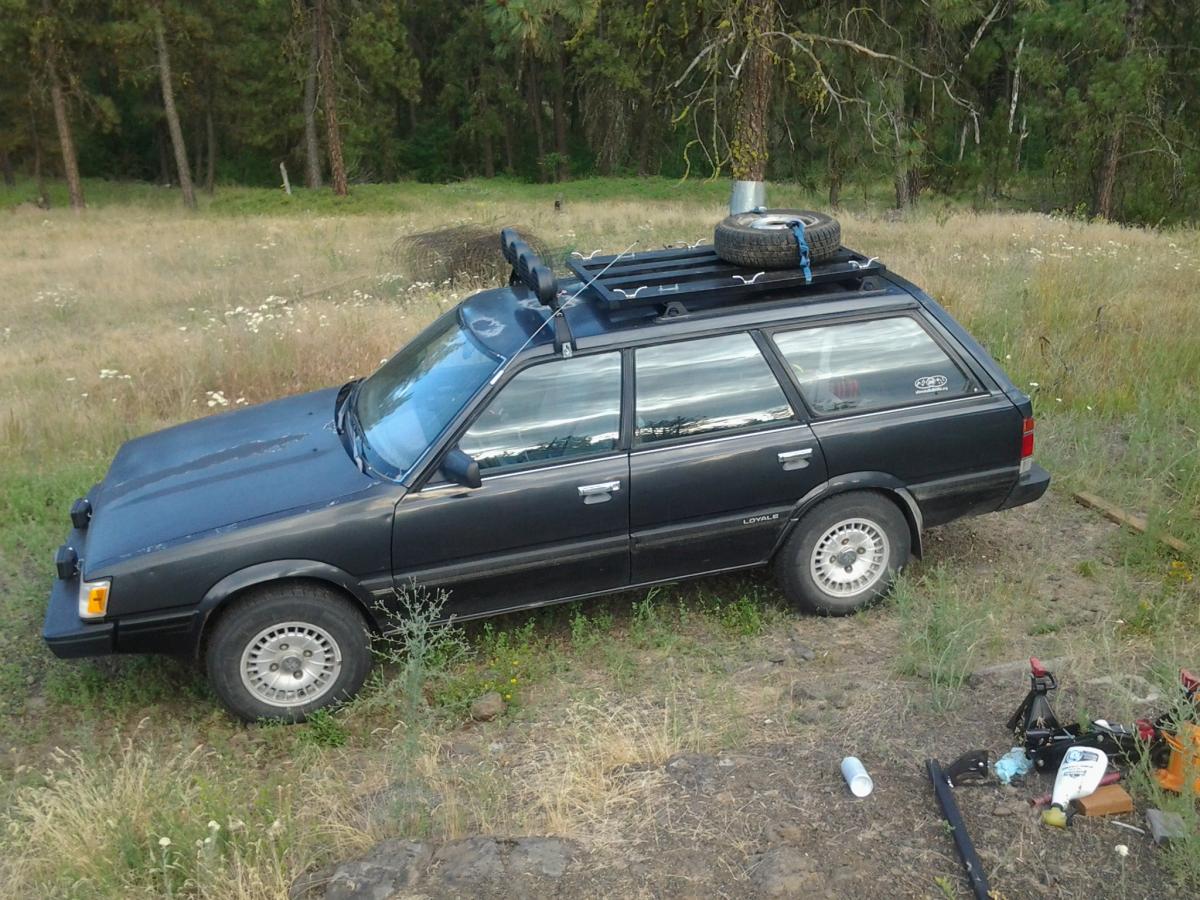
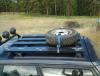
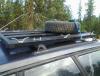
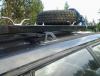
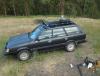
Built and installed a wood roof rack. I got creative and didi it real cheap!. I like the look but its just temporary until I can afford a real one ha ha. But it was a fun project! Only thing missing is a cargo net that im going to attach to the hooks.
-
spokane, anyone else from spokane lol
-
Finally got my pugs on The Dirty Sock!!!! and they are the awesomeness! Before: After: And then went and got it dirty!!!!!! overall very happy!!!!! im going to plasti dip the pugs soon just to see how i like them in black! will post pics then
-
Hello my name is Kenny and I just bought my first subaru and am very excited to start modding! I am a proud owner of a 1992 Loyale 4X4! This is not the first time I have driven a loyale. My parents owned one while I was in school and it was the first car that I learned to drive manual. I look forward to reading more great stuff on these forums and collecting more mod ideas!