JRH1953
Members
-
Joined
-
Last visited
Everything posted by JRH1953
-
So I just wanna go over what I have read as I have a 1997 Legacy Brighton wagon and I wanna raise it about 2 inches at least as I at times carry some weight in it. I am planning on going with a 215/60/16 a/t tire.I am going to use the struts out of a 2004 forester xt-complete with new mounting hardware.Now should I use the Forester upper strut mounts also.As far as springs should I go with some new Forester springs or get something better? I also read about using a Outback trailing arm bracket to relocate the wheel.What year Outback? Do I also need to go with Forester sway bar links front and rear? Any other info that can be offered would be greatly appreciated.I wanna make sure I do this correctly as next year I am planning a 9,000 road trip. Thanks Again.
-
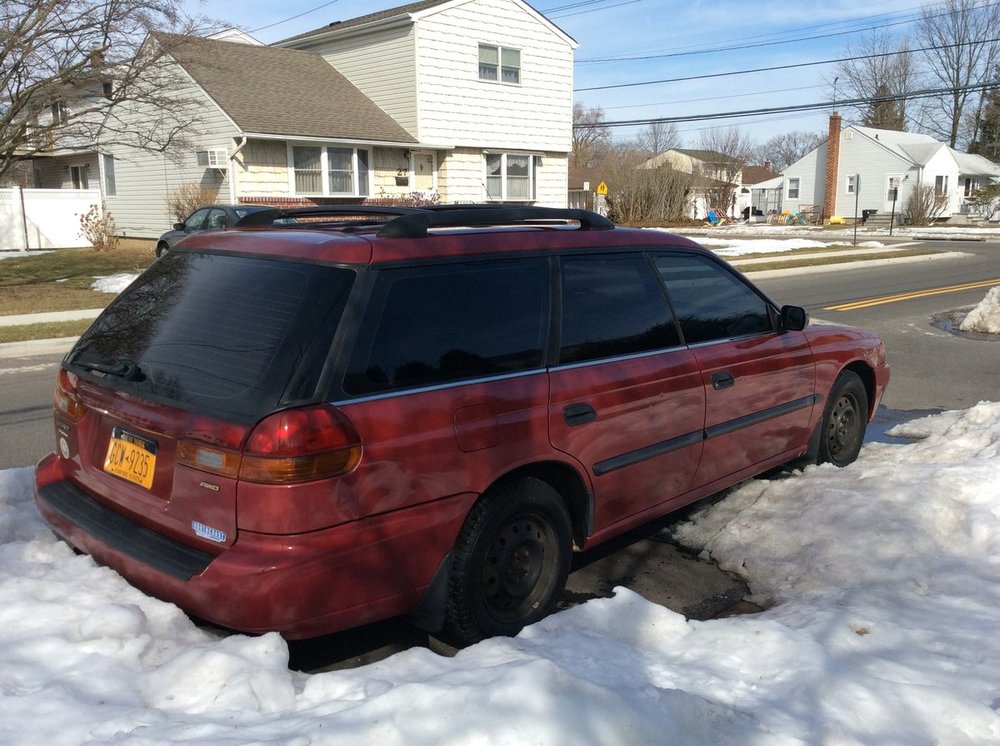
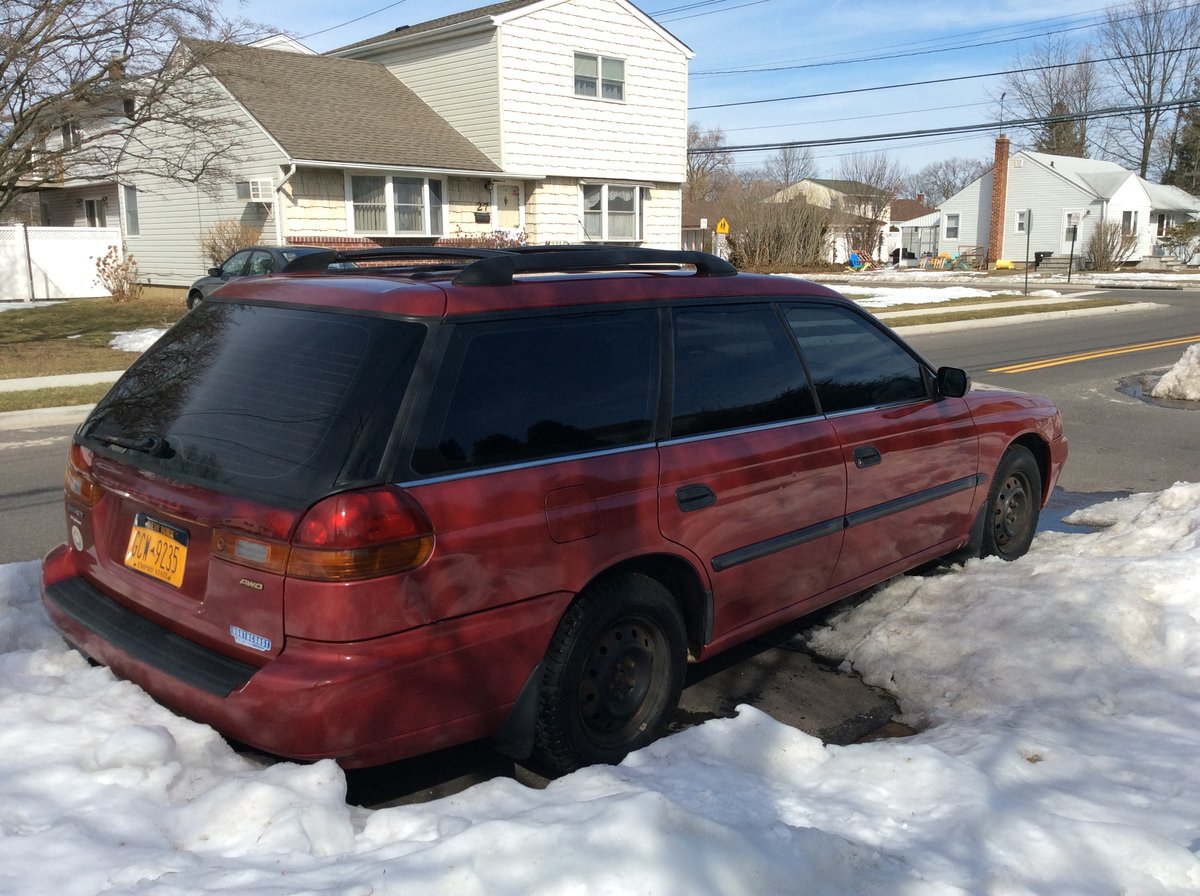
New Member here.This is my 1997 Legacy Brighton Wagon. Bought it from the original owner about 5 years ago. Had about 144,000 miles on it then-has about 216,000 now. It's my semi daily and road trip car.Nothing special done yet just the normal maintenance stuff along with replacing the heater core.Got a great deal on Baja Wheels so had them put on.Next plan is raising it up about 2 inches as i wanna go with a more aggressive tire and the back is kinda low. Couldn't load the pic with the baja wheels as the file was too big.At one point had all the windows tinted but NYS inspection laws.
.jpg.8919906aa085d531080c98b8ccee54e4.jpg)