Leaderboard
-
scalman
Members1Points452Posts -
NuclearDeLorean
Members1Points72Posts -
86BRATMAN
Members1Points4006Posts
Popular Content
Showing content with the highest reputation on 02/17/21 in all areas
-
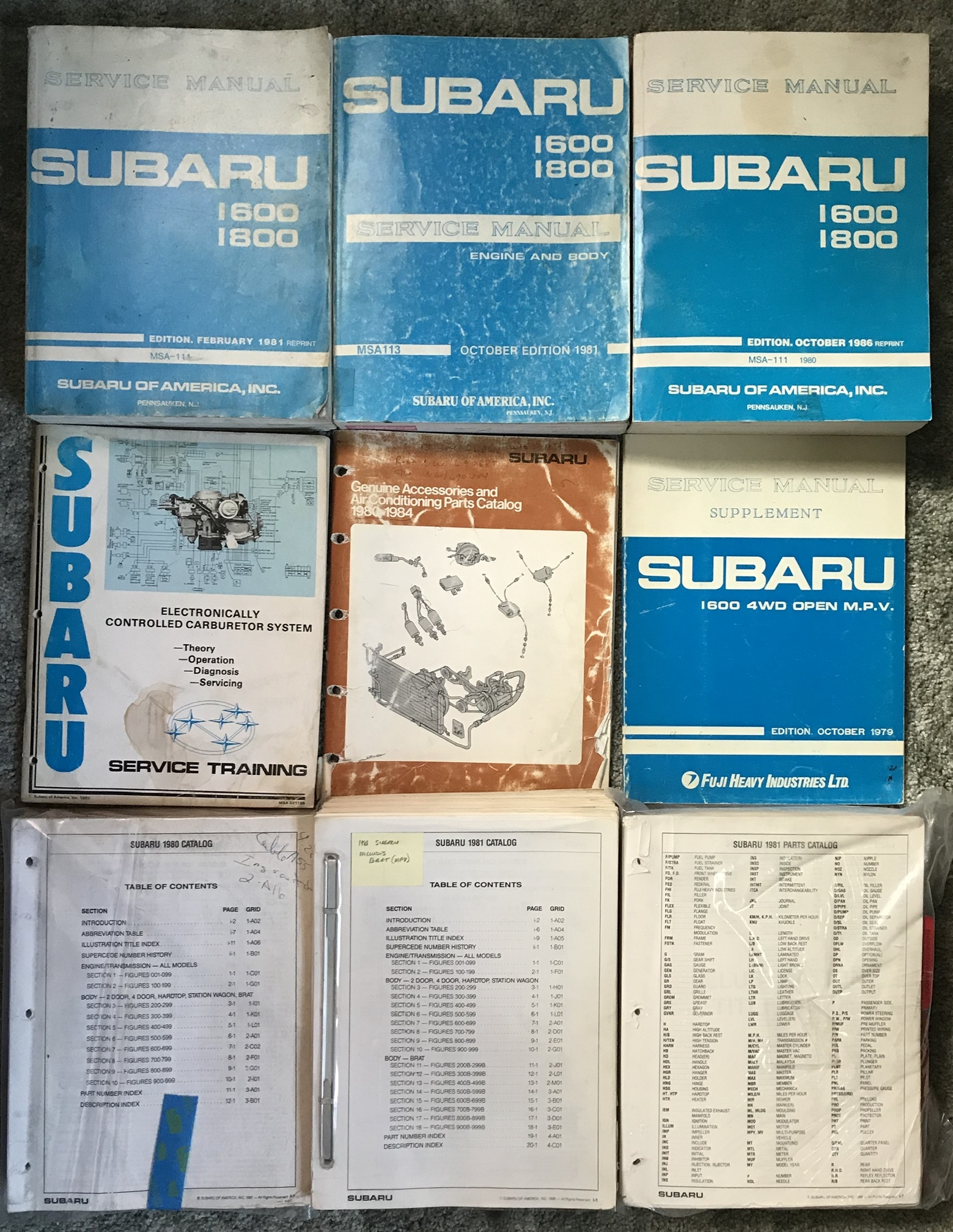
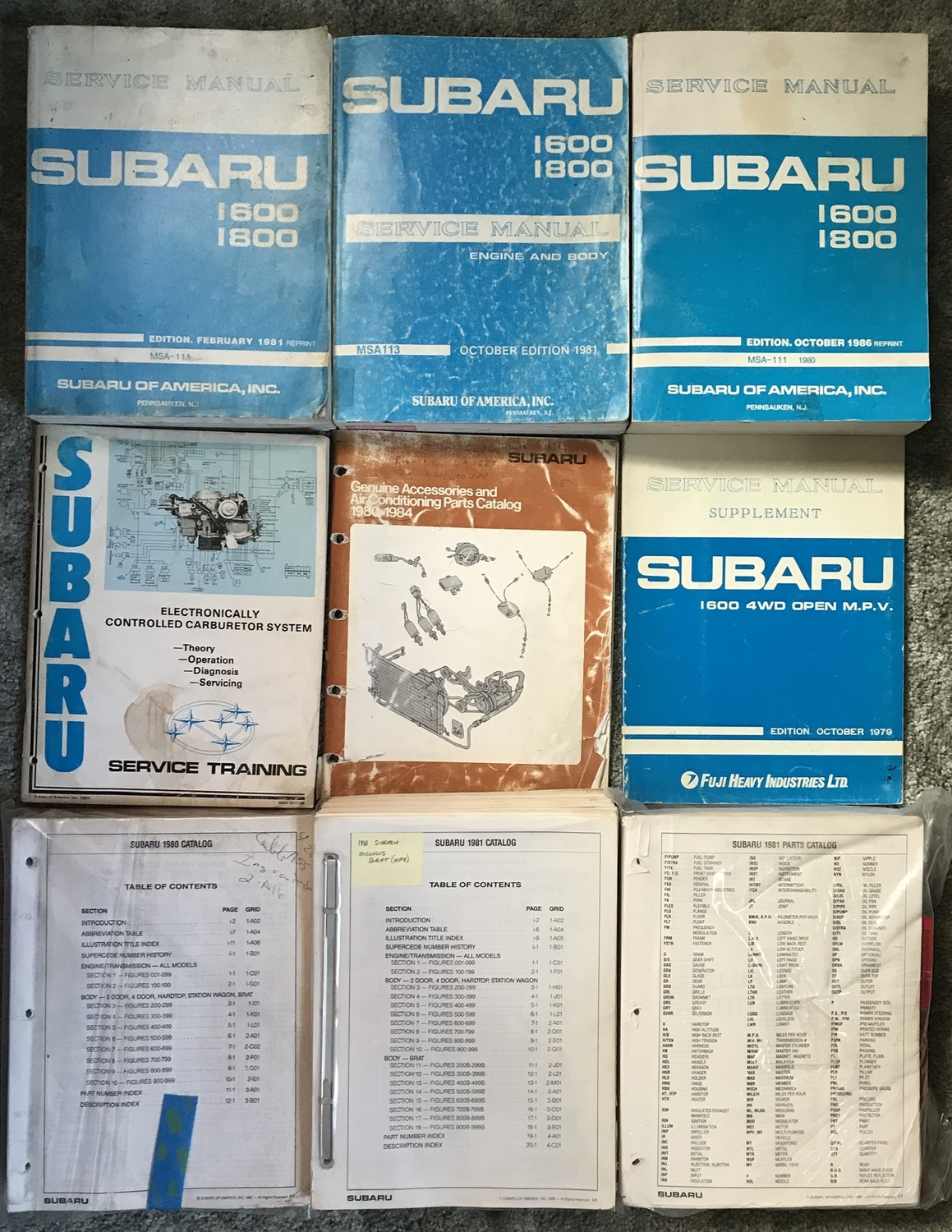
Hello USMB! Over the years you guys have given me so much. I thought I would offer to give a little something back! I have stacks of early 80s manuals and diagrams from the Subaru factory service manuals. As well as entire dealership part guides for 1980 1981 in 1982. Possibly some 1979. If you need a diagram, if you need a part number, if I can find it in my books I’ll get it for you! Just want to help like everyone else has helped me
 1 point
 -
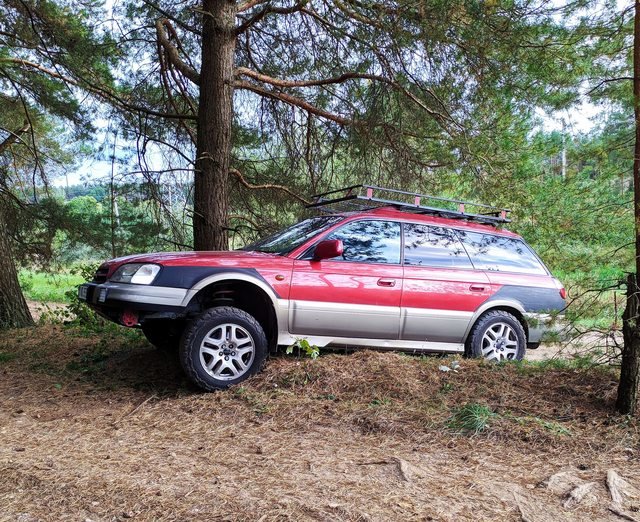
small tires 225/50R17 , enjoying forest in this years amazing winter1 point
-
1 pointIndeed you are correct. Most people use the terms interchangably. I would recommend KYB's for your car, they'll give a good ride and long lasting quality, at least in my experiance1 point