
Leaderboard

(2).thumb.jpg.bec89cdb417321b805950fa2084ffc78.jpg)

Popular Content
Showing content with the highest reputation on 03/22/23 in all areas
-
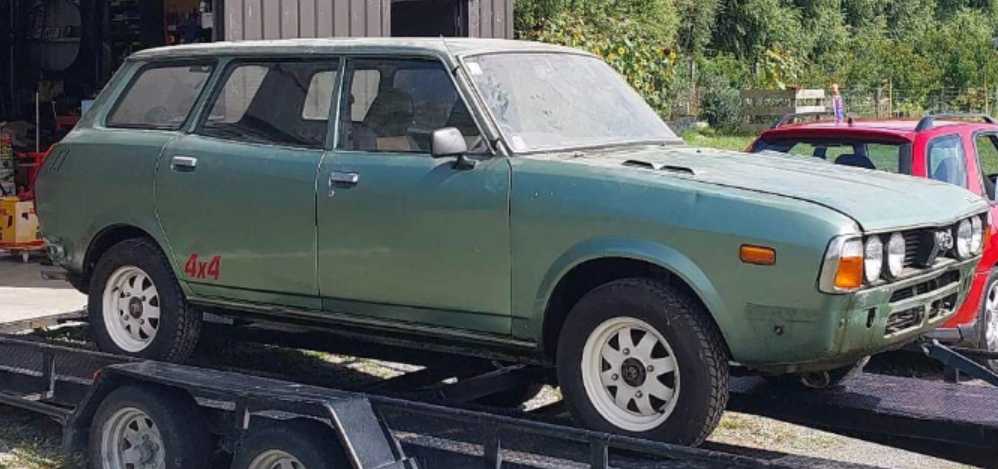
1 pointAquired this and plan to get back to original, might motor covert it later down the track....definatly want to track down a twin headlight front rather than the quad... but we will see what happens, have found a 2nd one, unsure if its for sale, need to do some digging on that still. Needs a fair bit of rust done, have started stripping it, currently have gutted the interior, and full loom etc, only have motor and glass to remove
 1 point
 -
Oil is normal in an engine. It’s spraying everywhere and coating interior copiously and sitting in locally low spots in the engine. Milky, probably short trips. or initial headgasket you don’t know about yet. Use standard issue OEM plugs. No need for platinum or specialty1 point
-
Love the addition of the hi/lo shift levers over the cables. Looks like you are about finished mocking up the rear suspension. The entire skid plate frame looks well executed. Everything I'm seeing is an improvement over the Outback... man, you are taking this car to the next level! K1 point