Leaderboard
-
Foreverman8
Members2Points8Posts -
idosubaru
Members1Points26995Posts -
Daskuppler
Members1Points472Posts -
nvu
Members1Points383Posts



Popular Content
Showing content with the highest reputation on 01/27/24 in all areas
-
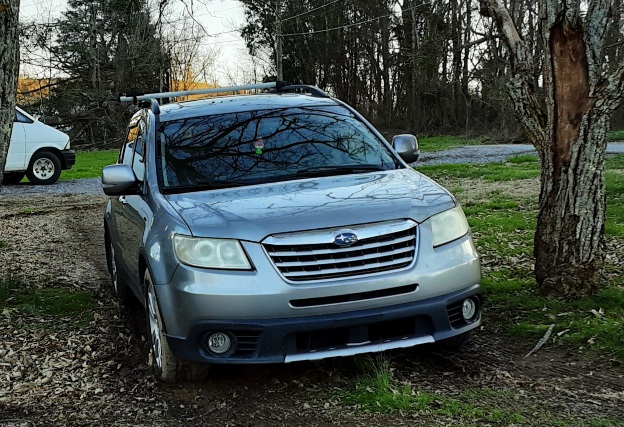
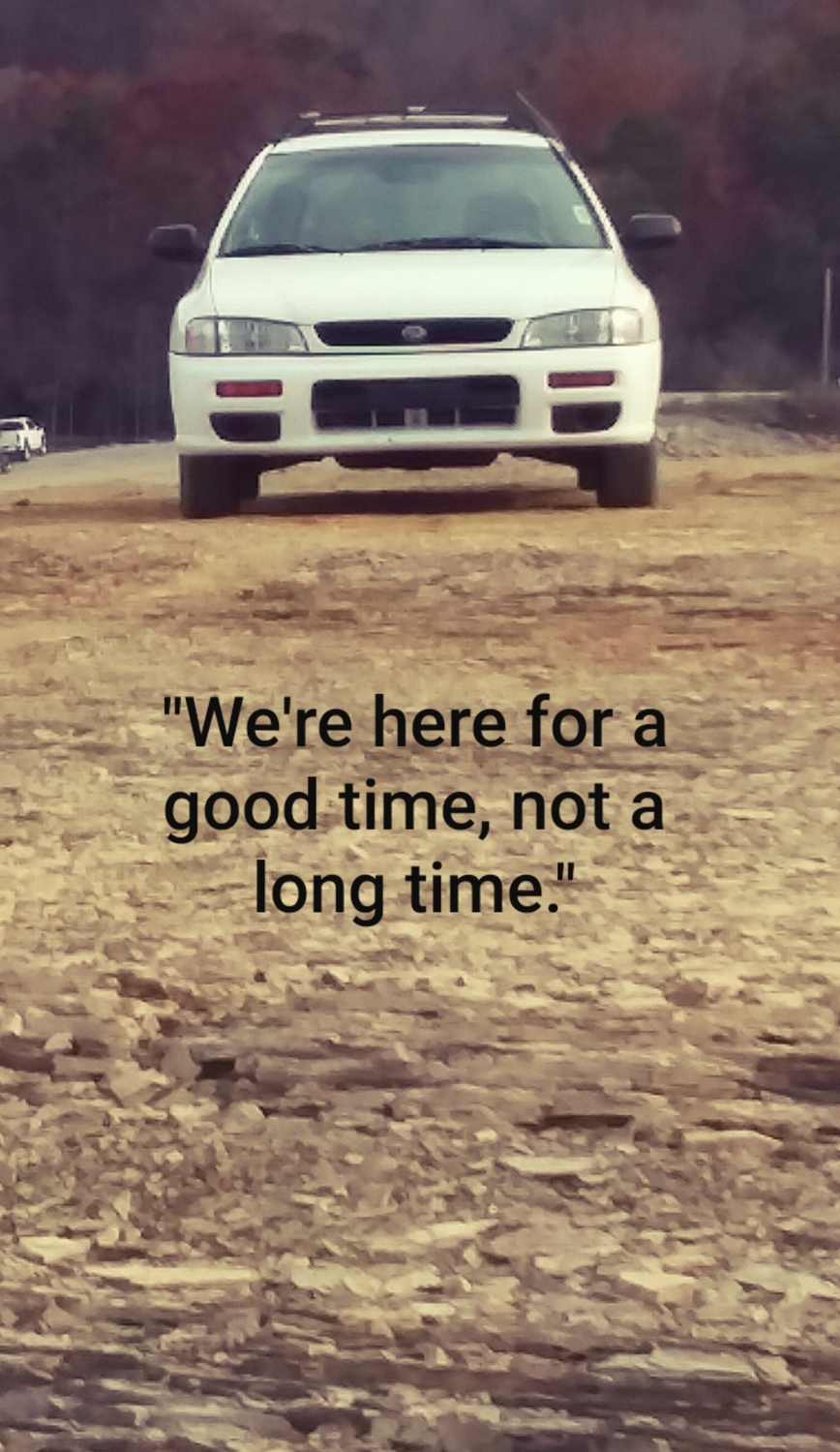
2 pointsHad many Subarus over the years and, generically, my original screen name was Subaru_dude. Have no idea if it still exists. Still got a gc8 Impreza though, and so does my aunt.
 2 points
 -
1 pointIt is in car, radiator was removed for the head gaskets and hasn't gone back in yet. A machine shop loaned me a time sert set to try out with a liberal application of loctite 271. If it doesn't work, they said it will need to go to them for repair.1 point
-
1 pointYou mentioned you're doing it in car right? At this point, might as well remove the radiator to get the best possible outcome for tapping a hole... especially if it might break through into block.1 point