Leaderboard
-
GrizzlyFox
Members1Points29Posts -

Mitchy
Members1Points240Posts -
el_freddo
Members1Points4486Posts



Popular Content
Showing content with the highest reputation on 12/01/19 in all areas
-
1 pointThat sucks mate! Just about everything will be interchangable between the two vehicles, other than rear panels etc. With the rear struts I think there is a difference with these but I think it’s the top hat and spring rate. You’ll love the wagon! Glad you were ok. Not fun, but everyone is safe, that’s the main thing. Cheers Bennie1 point
-
1 pointNext to go in: Legacy Outback KYBs all round, Forester rear sway bar brackets and new strut bump stops. Should be in for new-year.. And then I’ll be buying a set of Yokohama G015’s.1 point
-
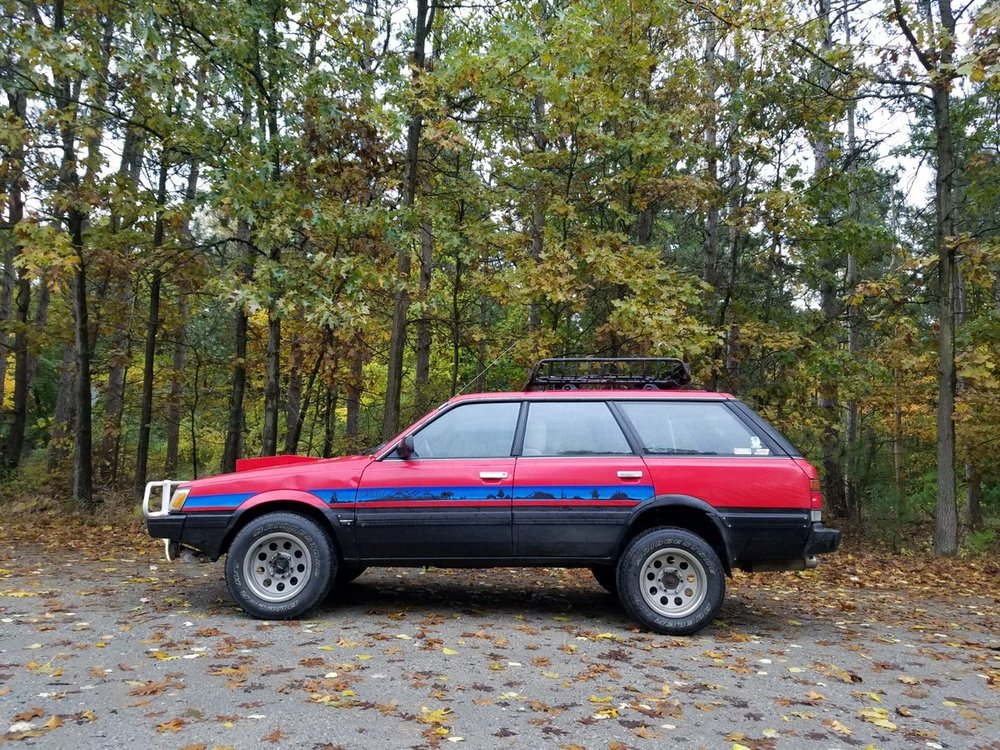
Here's a almost current pick with 205/70/15 tires. I have since swapped to a 185/65/15 winter tire. I hope to have the new front springs on Monday evening. Then I can finish up building the snow plow set up.
 1 point