Leaderboard




Popular Content
Showing content with the highest reputation on 12/10/19 in all areas
-
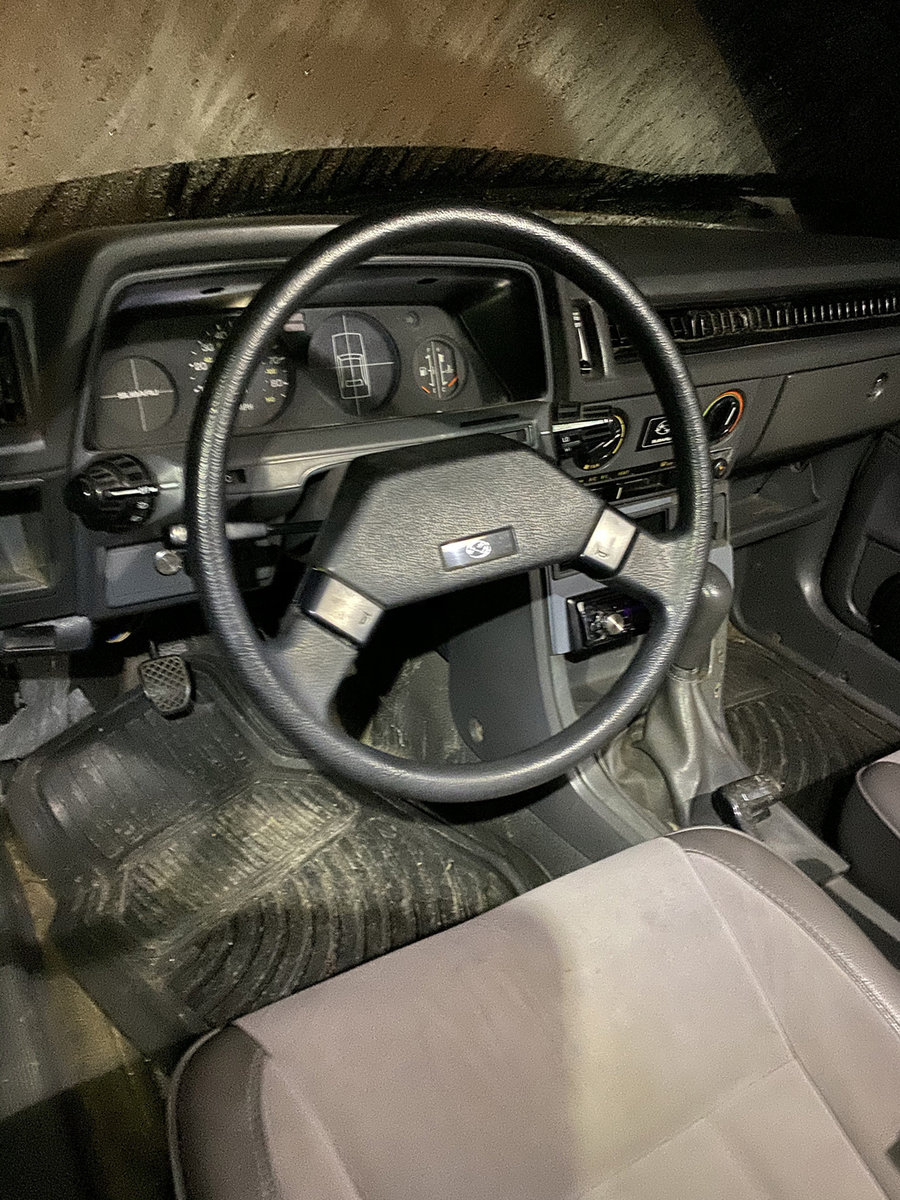
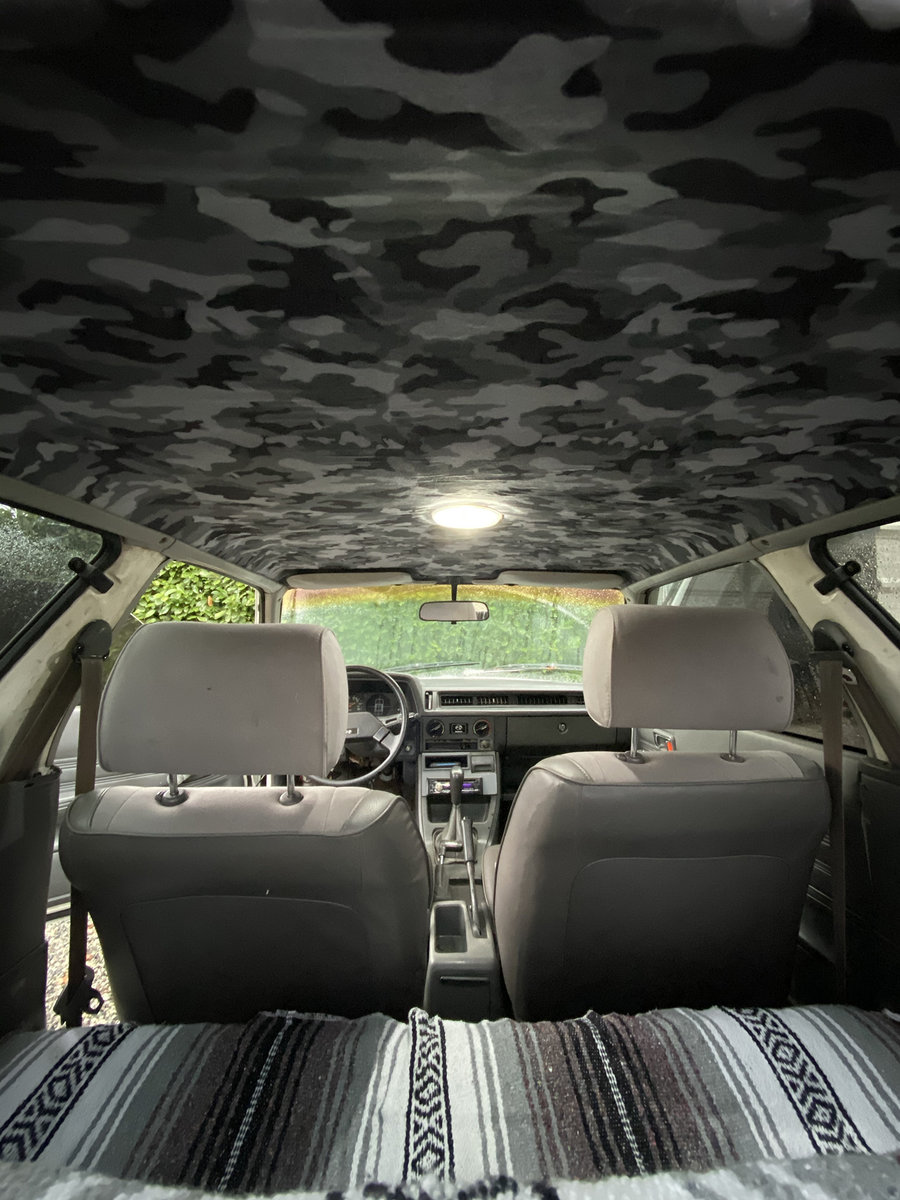
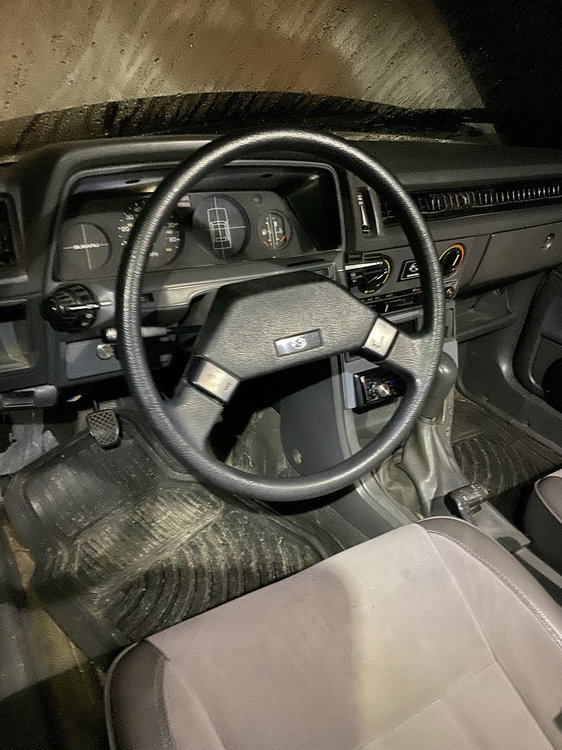
1 pointSwapped out my old crap steering wheel to a justy one, as well as re-upholstered my headliner.
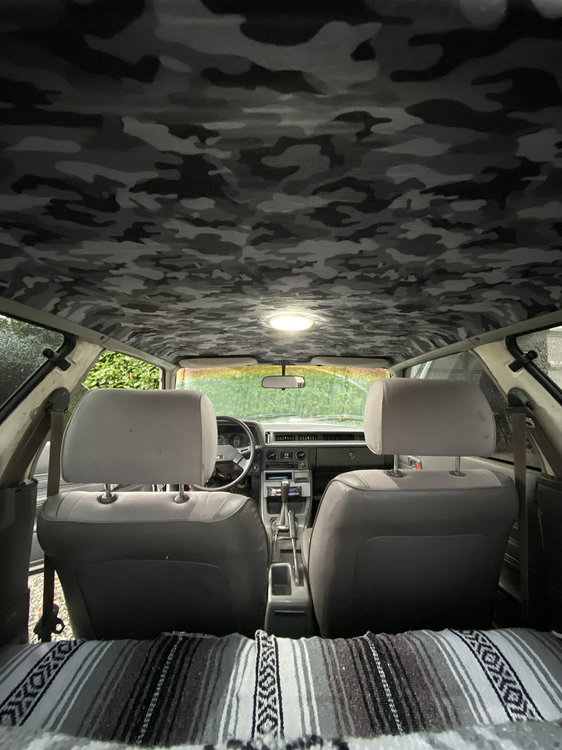 1 point
 -
1 pointNiCopp is very forgiving, so I bet you had good luck with that style tool. I've fought with and broken those working with steel lines so many times. I started using Inline flaring tools, and will not go back. I've been using this one for years, but recently bought this one so I can do multiple sizes.1 point
-
The gates belt that I tried split from the front edge into the center of the belt, then split lengthwise about 3 inches then the rear half broke. I could see wear marks on the front edge of the first split. Like yours the rest looked fine. Never had a Dayco belt break, but the bearings in their kits only last a couple years.1 point
-
1 pointSince it disappeared from the USRM twice, and I've received a few PMs asking where it went, here it is. Still in the same place as its always been. ---begin USRM cut http://random.removed.us/altswap.html1 point