Leaderboard



Popular Content
Showing content with the highest reputation on 11/28/23 in all areas
-
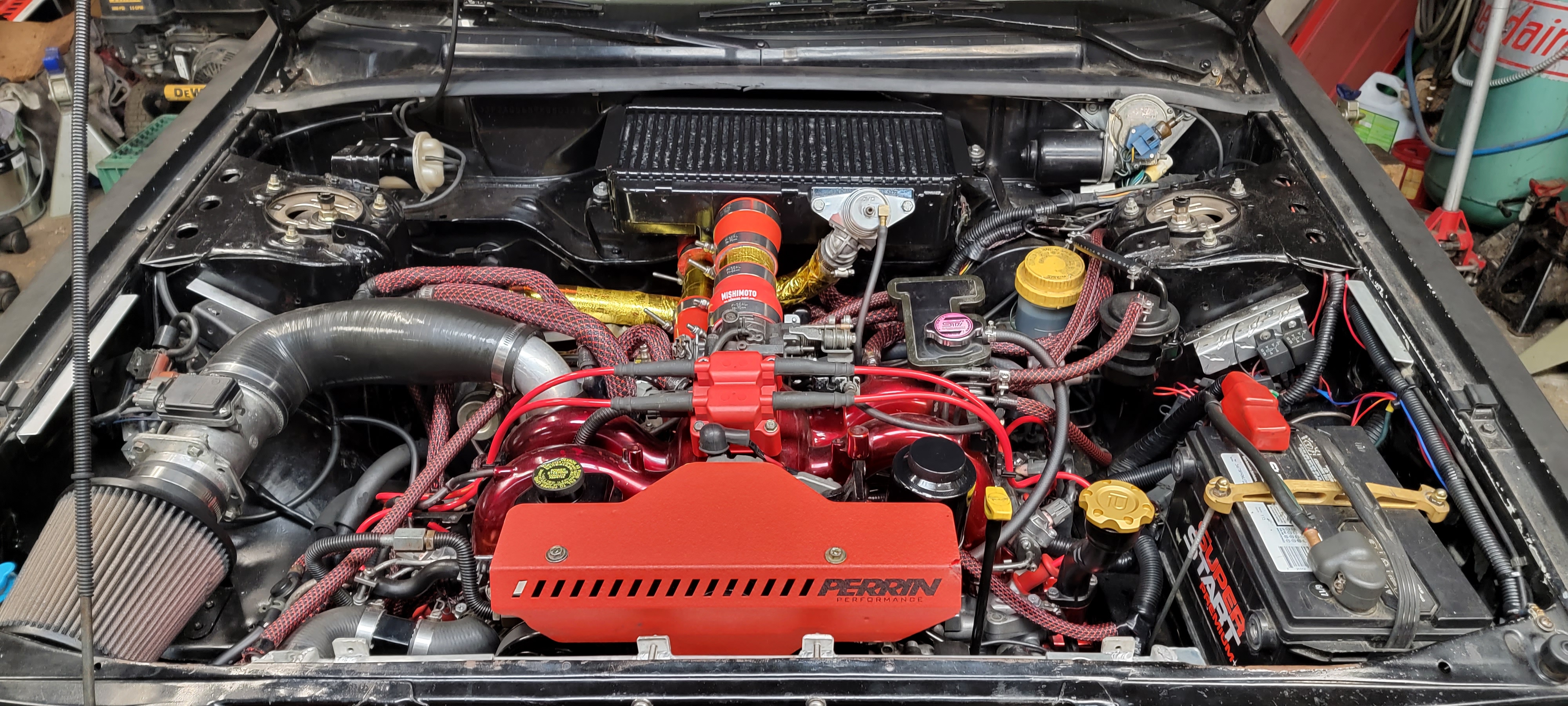
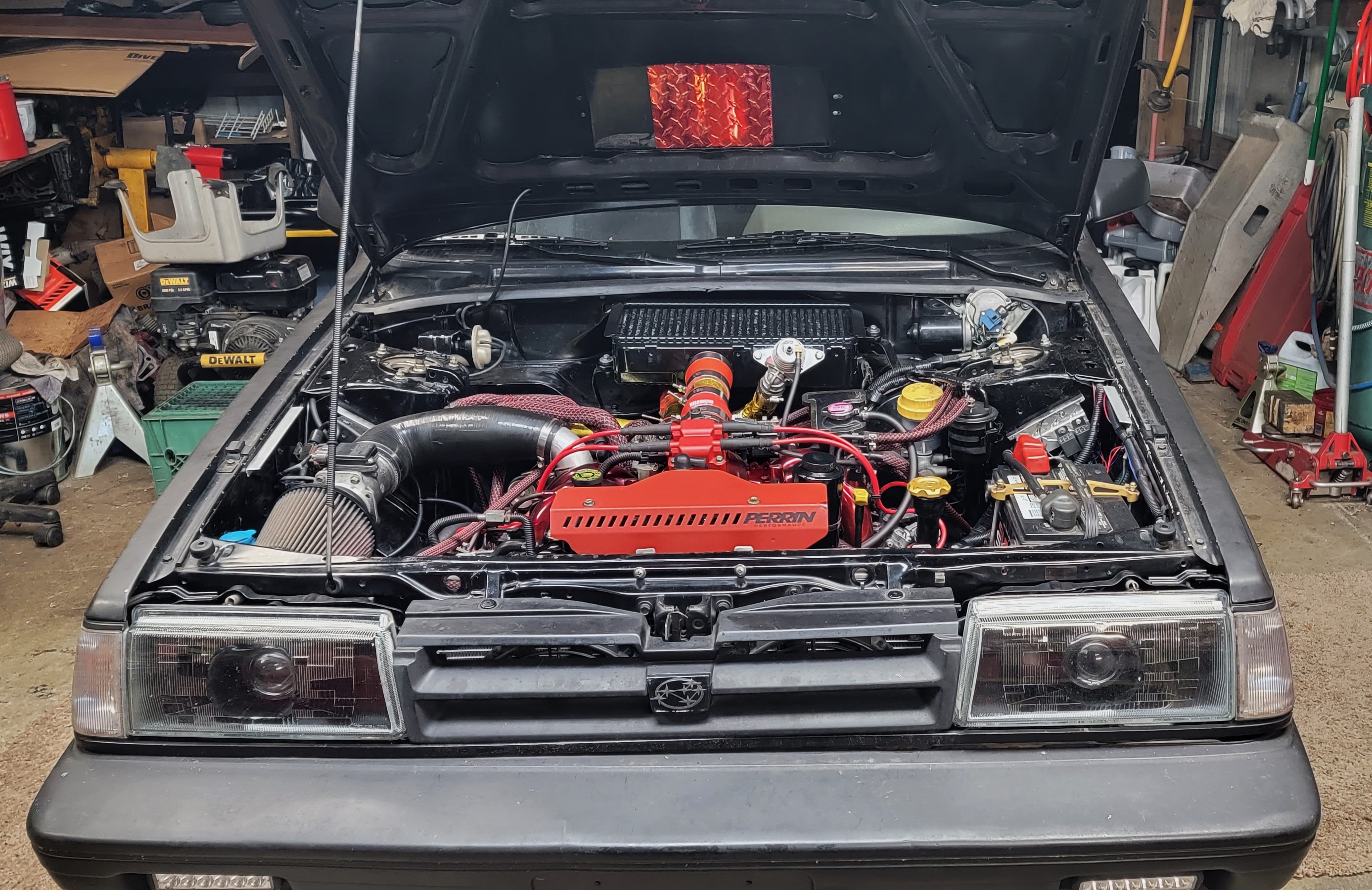
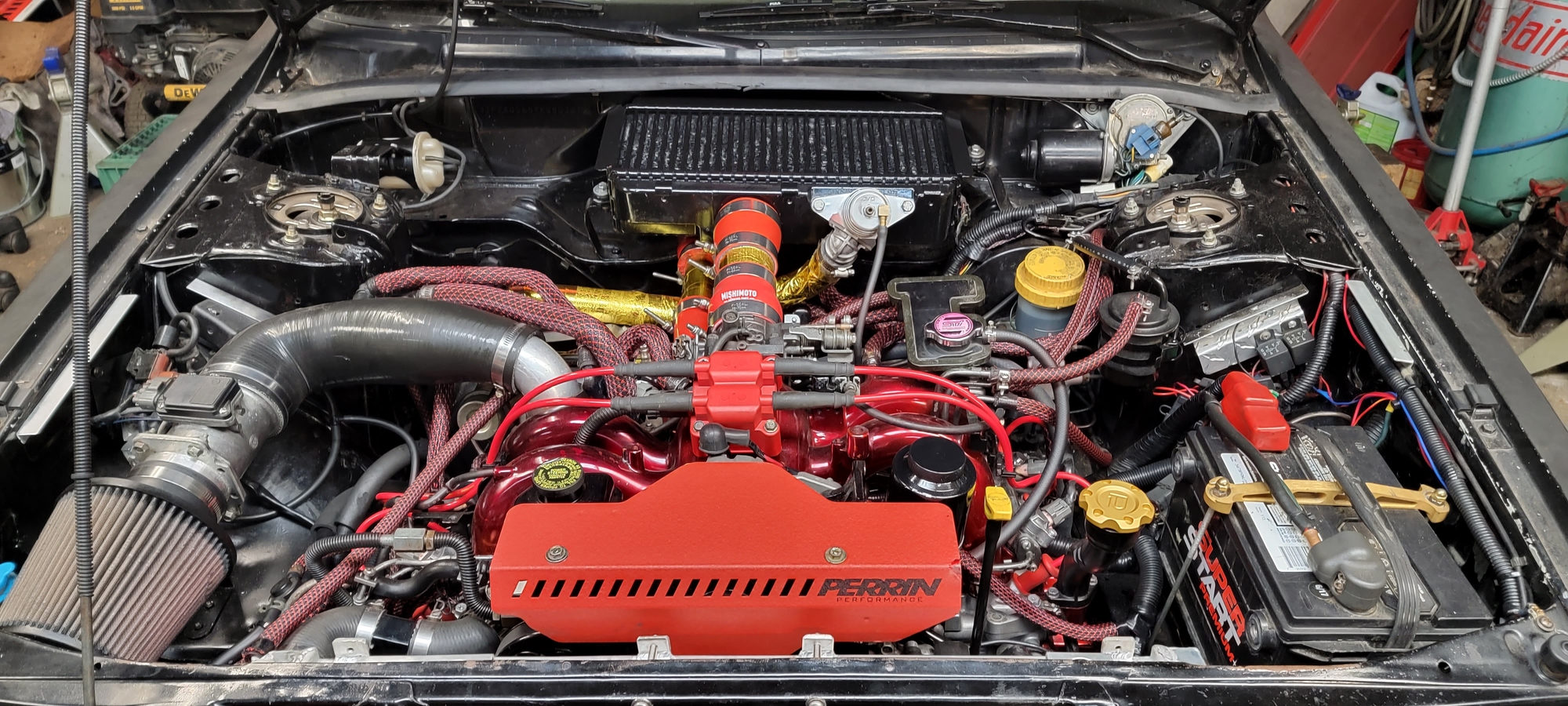
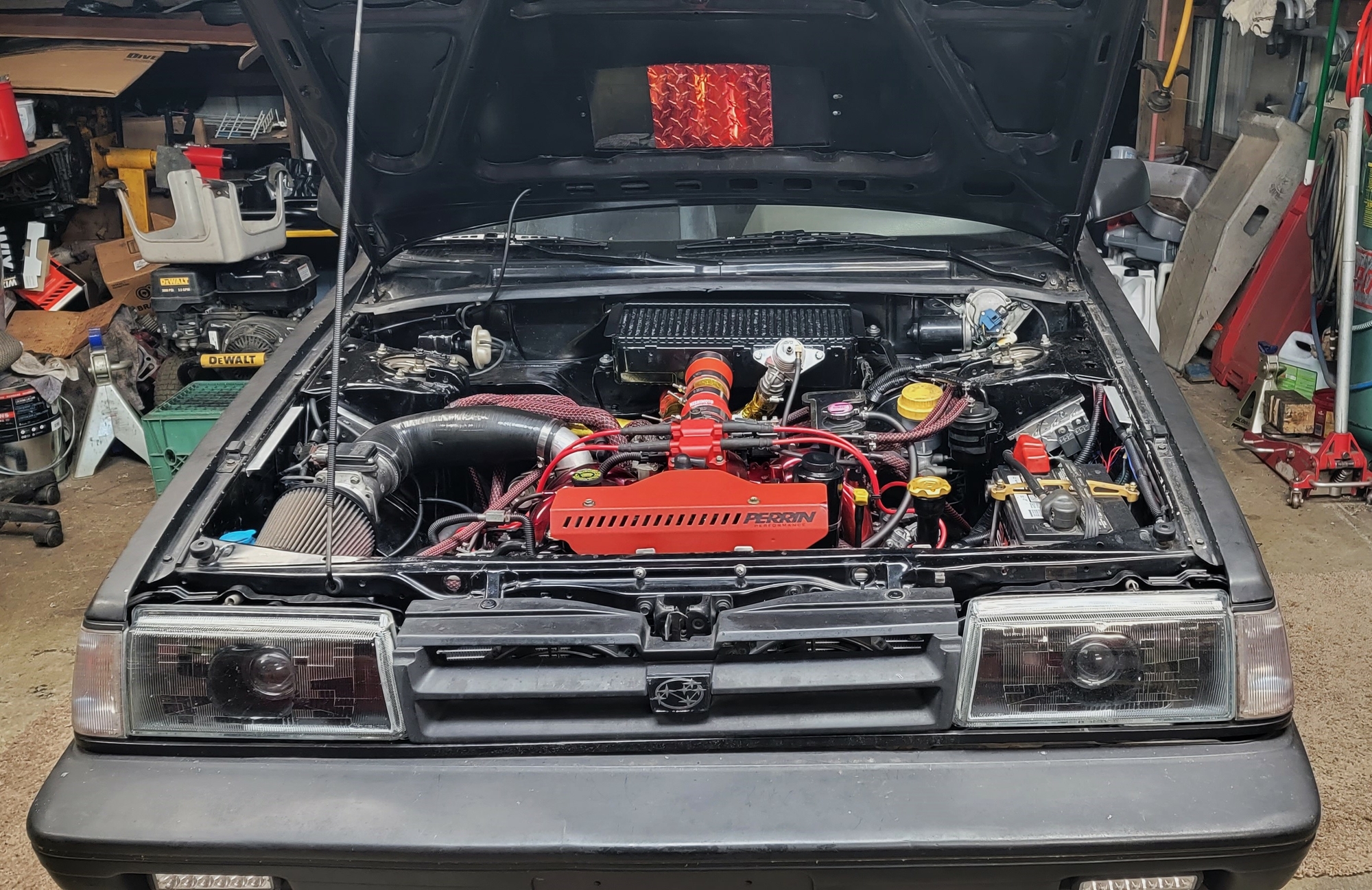
1 pointAnother update, its been a while. Its running pretty good. Well it was until I messed with the charge pipe clamps. Have a boost leak now and I've already checked the clamps I messed with. But its not smoking like it was, so the rings have sealed. Also adjusted the valves again. From the way it was running before the boost leak, this engine is going to rock! Cant wait to finish breaking it in, then I can do the fuel mods and slap the VF39 turbo on
 1 point
 -
1 pointLittle more progress today. Not the great report you wanted to see but we’re closer to cranking it over today than we were yesterday. Some slight differences between 78 and 79 and I’m using a 78 engine. So I’ll be referring to all my pictures and if I’m lucky maybe someone has both a 78 4wd and a 79 4wd or Brat can help. Couple basic brackets vary according to A/C used etc. Would be nice if I could see yours but I’ll likely be able to zoom in on my pics and hopefully all works out.1 point