Legourde_Nux
Members
-
Joined
-
Last visited
-
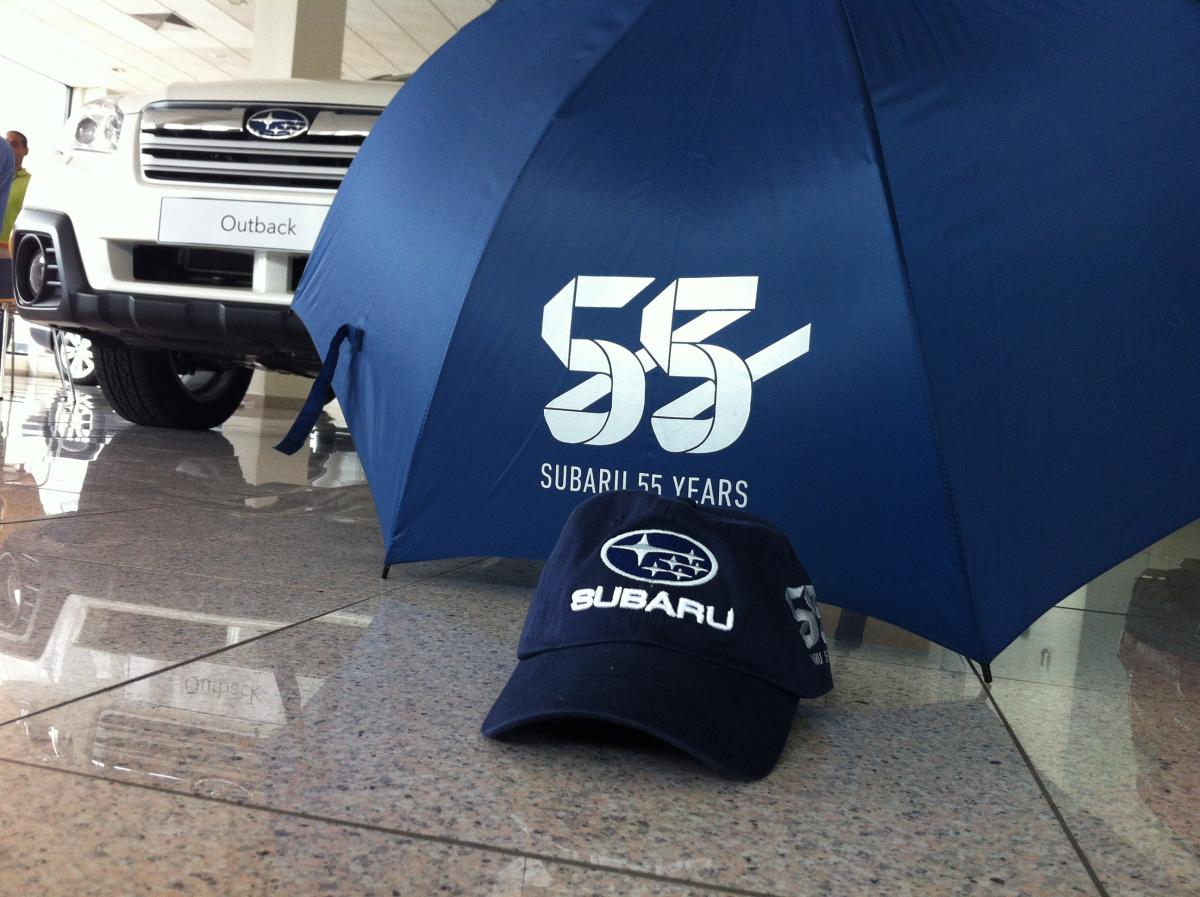
Celebrating Subaru's 55th bday in DR....pics an cool stuff for my Subies.

-
Side markers made from clear acrylic?......to the drawing board!!
-
-
You got two EA81 sedans!!!.....that blue one looks sweet!!!!. That engine sure looks clean.
-
Of course.....like a runner breathing thru a straw.
-
Ahhh, that's a beauty!!!
-
Took the wiper arms and the back-side moldings of the Impreza out, sanded and painted'em black. Good as new
-
Welcome!!!!!....we got ourselves another proyect?
-
:o :o :burnout:
-
:slobber: :slobber: :slobber: ....toys!!!
-
Now I'm interested......can you provide a link or description of the PCD adapter plates you purchased for the Brat? Thanks
-
[ Edit: your original build thread is freakin' awesome! I don't know why I missed that diagram in it.... Oh well ] Indeed.....still learning from that thread.
-
Hi, this seems very interesting. I don't have a strait answer for your question, at least based on my own experience.....my 79 Brat has always used 13". Still, I believe that as long as all the tires, specially the front ones don't rub the fenders while cornering nor falling into a pothole, you should be ok. But, please what are you planning to do with this truck: keep it stock, low riding, off road?
-
So, no imbalance and no rubbing?
-
Nice roads to drive, cruise and drift....