nobangmycar
Members
-
Joined
-
Last visited
Everything posted by nobangmycar
-
Cool project, will follow this one!
-
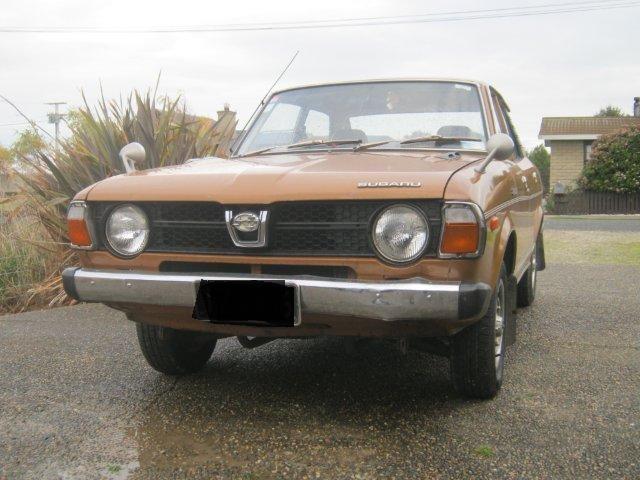
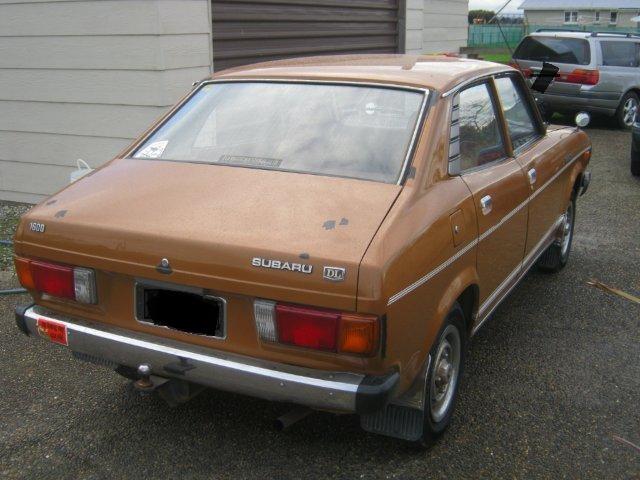
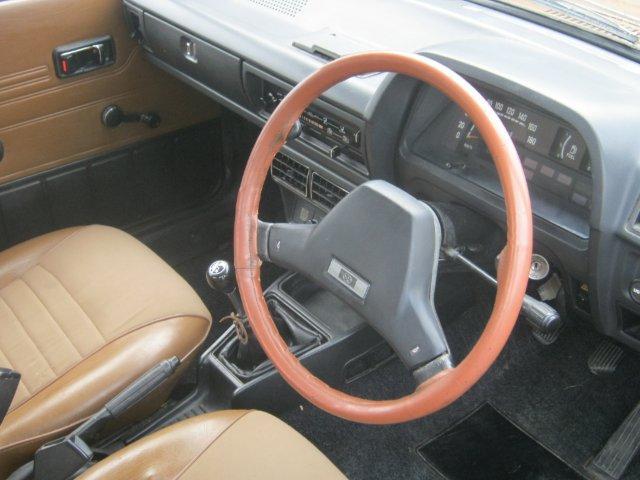
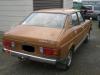
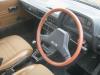
Yeah thanks guys. I'm really happy with it! I have inherited it in a weird sort of way... It was bought new by my great uncle and his wife in Invercargill, New Zealand in 1978 and was owned by them all it's life. It was in my cousin's garage for 9 years after great uncle passed on, until last week when we serviced it and put some new tyres on and drove it. So no, not a central car KiwiGL. It looks great and is a ball of fun to drive. Few rusty bits here and there that I will tidy up over the next weeks or two and also have a freshly rebuilt EA71 to drop in next weekend to fix the oil/water issues it has. Only 102,000km travelled since new. I'll make it look a little tidier and do the transplant and do a bit of touring about I think!
-
Yeah mint. I'm actually from dunedin and come up every 3 weeks or so still. Did you see that mint Leone Coupe on trademe for about $1250 or so up there? Would be a great reliable classic starting point!
-
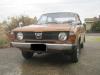
In the driveway...
-
Great! Fantastic to see another person with a 70's Subaru! Gotta love the old stuff!
-
I've got an old soob, and am further south than all of you! Hope you are all enjoying yesterday!!!
-
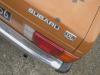
My Rolling Resto, will keep me occupied...
-
Very cool, love the overriders on bumper! I have a sedan the same but in dirty brown and 4 speed.