Leaderboard
-

oczuk32
Members1Points71Posts -
cartwheels
Members1Points19Posts -
6 Star
Members1Points1217Posts -
KiwiGL
Members1Points319Posts


Popular Content
Showing content with the highest reputation on 03/09/21 in all areas
-
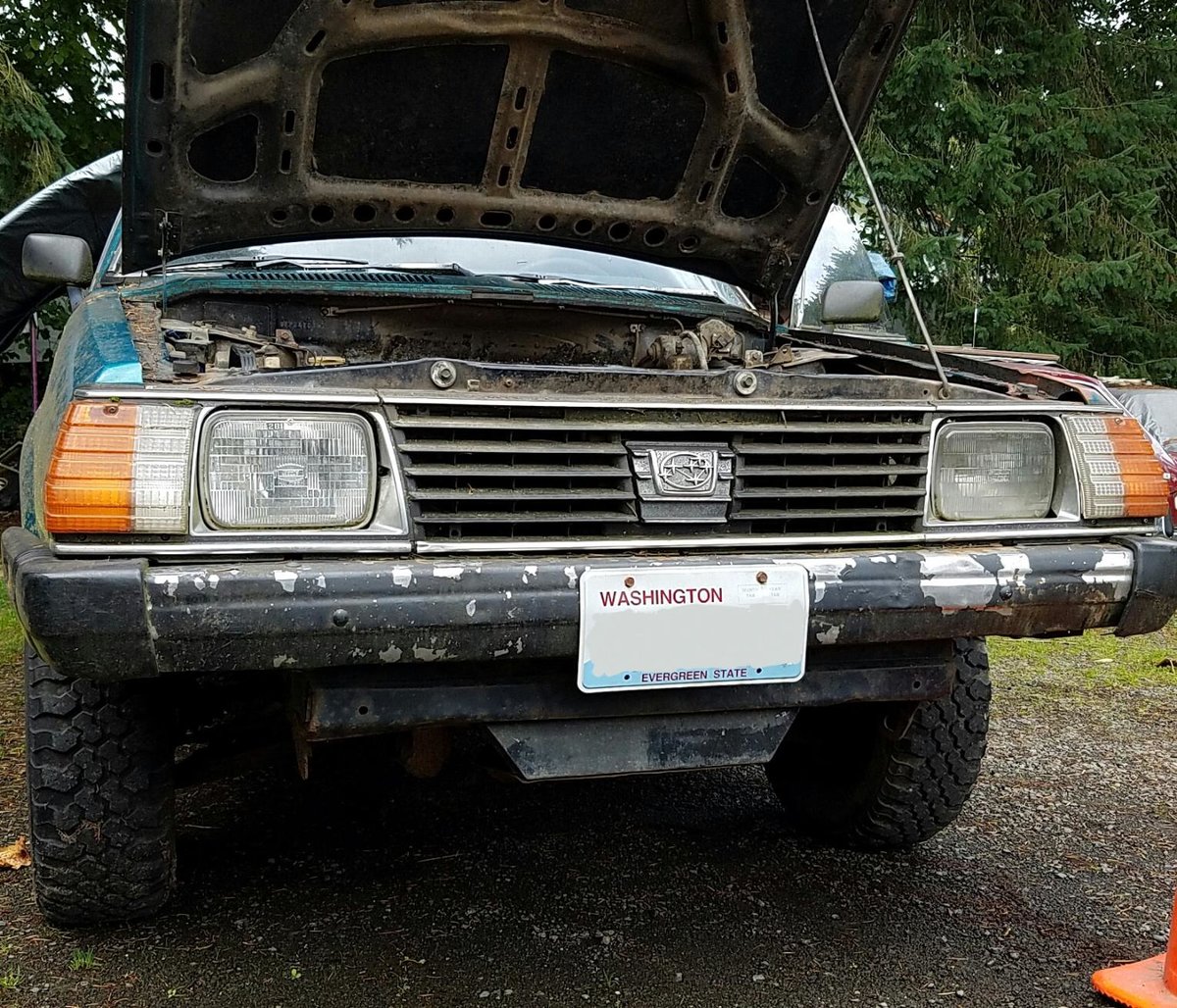
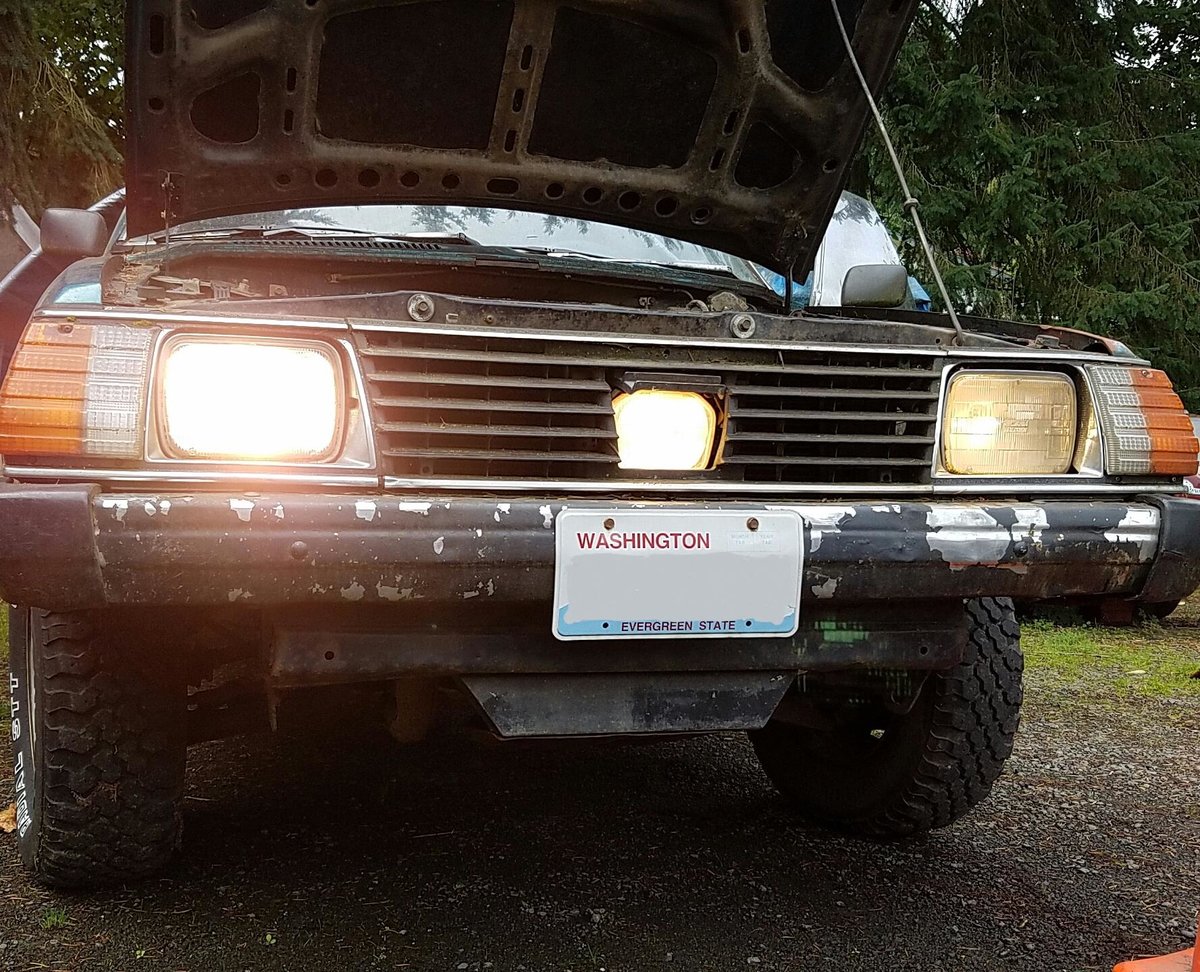
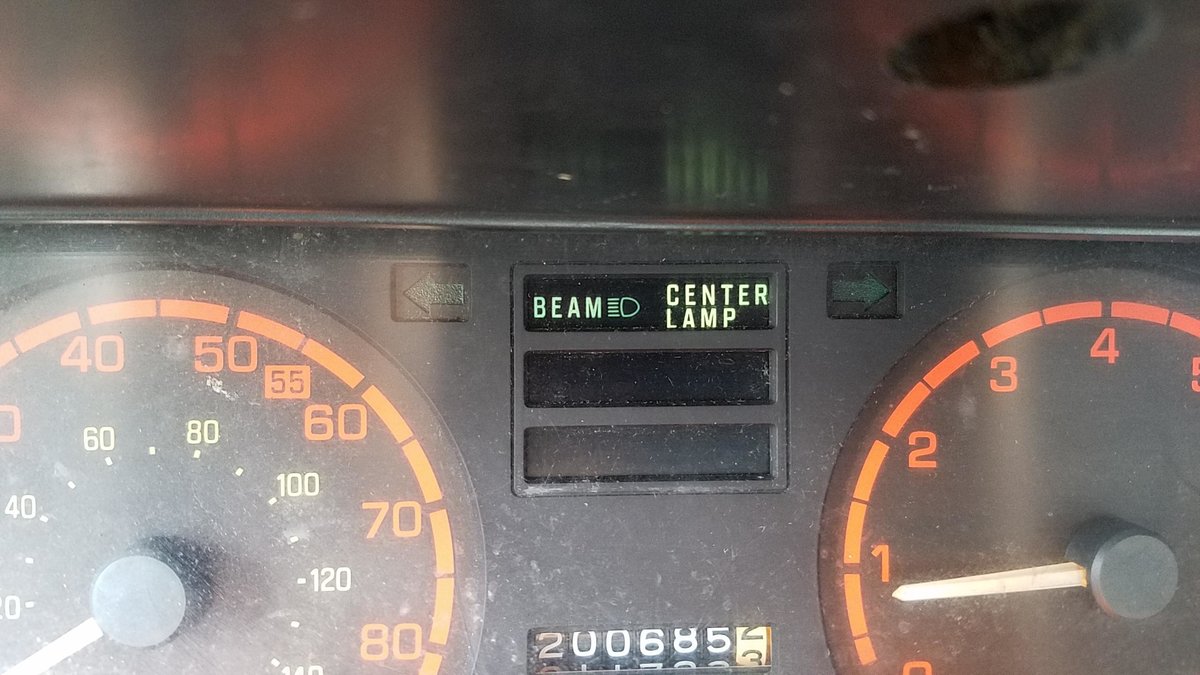
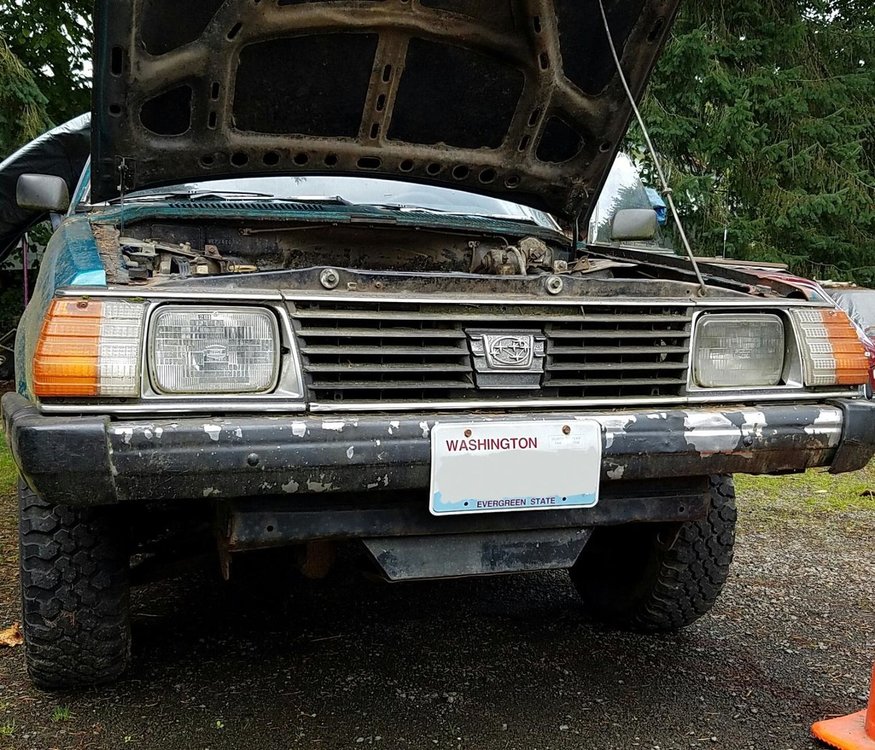
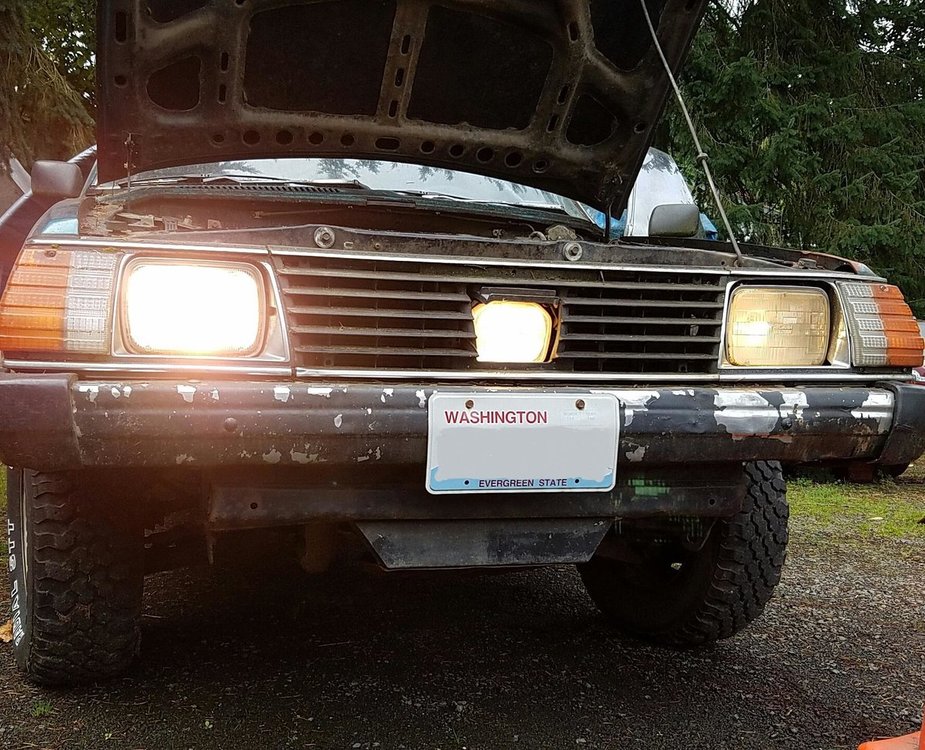
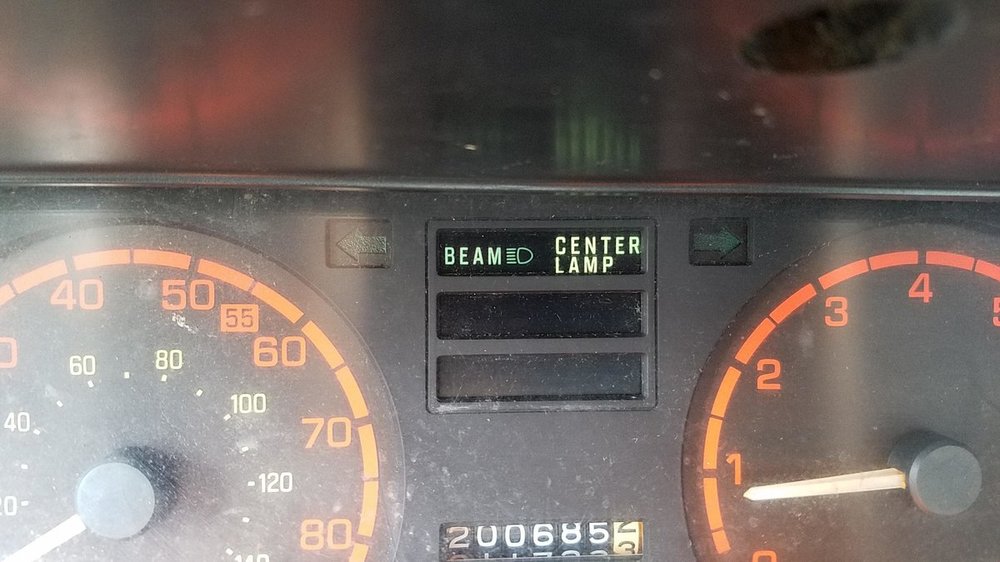
1 point1 pointBack in 2013 I made an attempt to revive all the dead photo links of mine in this thread... Made it to like page 7 before giving it the ghost... This year I've made it to about page 23 so far. That includes all the old American Subaru ads and some from Germany and Netherlands... There is much more to be revived... the jdm ads begin on like page 45 or so. Anyway, the posts that I did revive should be around for a good while now, have changed my image host thanks to a tip from Loyale 2.7 Turbo. If you weren't here around the time of the original posts, chances are you never got to see them before the images died a few days to weeks later. Enjoy them like never before! Some bonus photos and info added where available, or see them for the first time. Get that nostalgic feel, reminisce, get inspired, learn Subaru History! It all begins back at page one... More to come in the future if you all wish... Pics of my '82 to keep on topic... My third eye saw it coming...
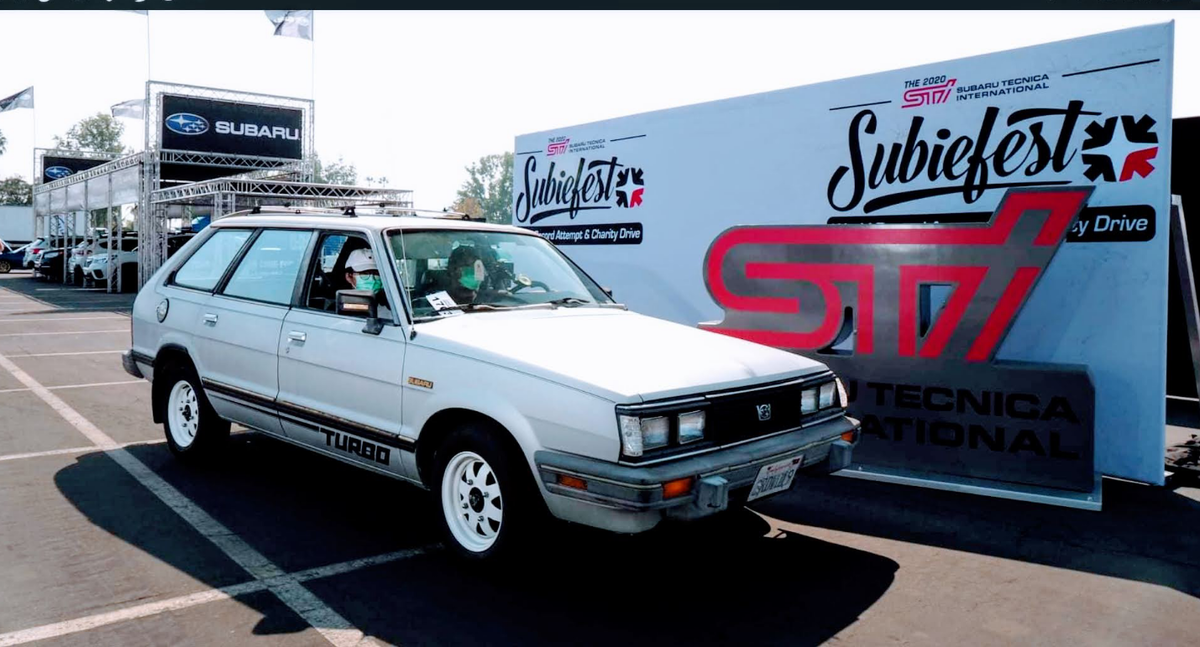
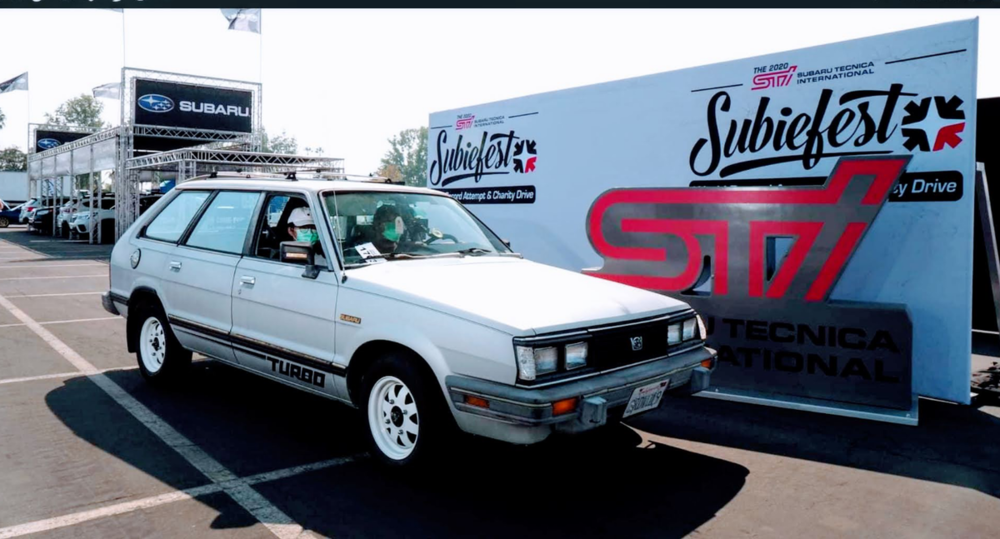
 1 pointMy 1984 GL Turbo at subiefest2020. The only classic one that attended.
 1 point