Leaderboard


Popular Content
Showing content with the highest reputation on 12/22/21 in all areas
-
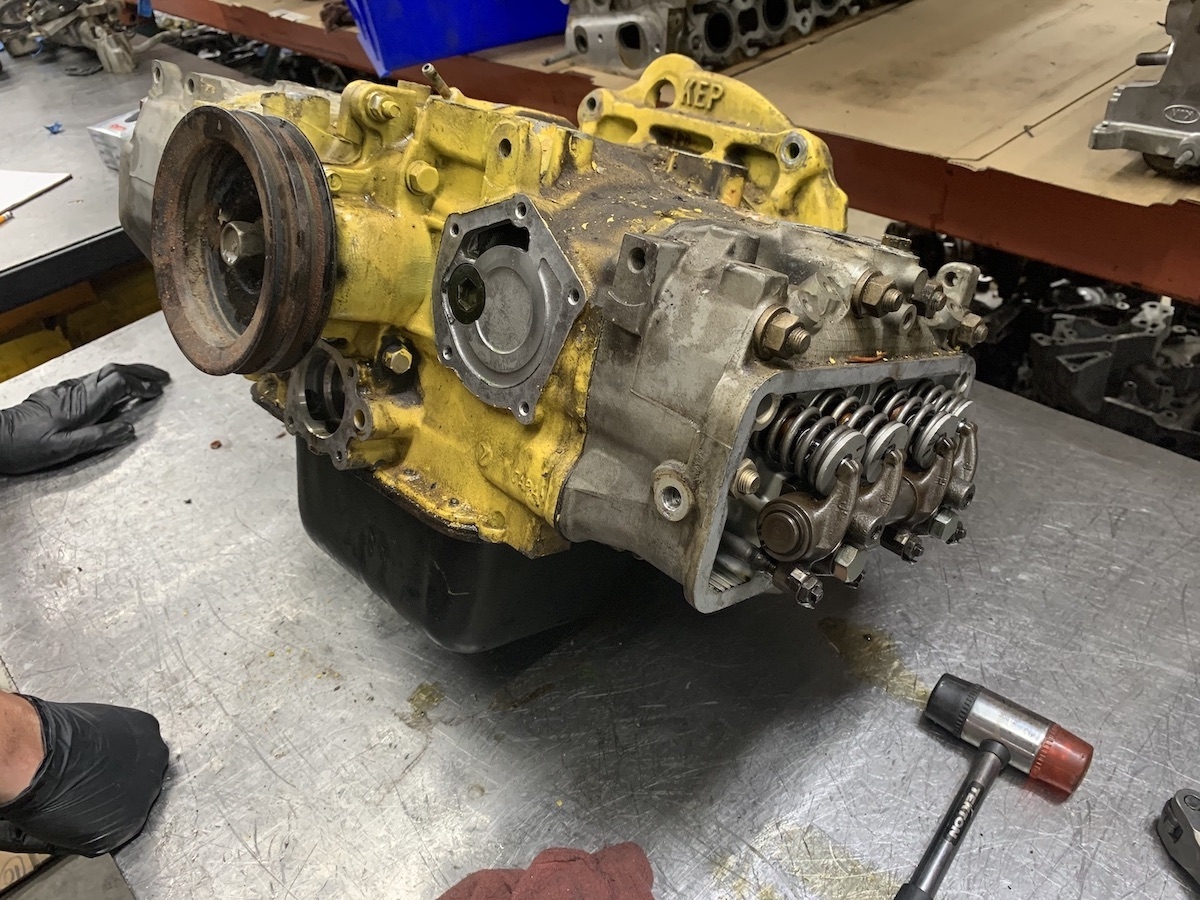
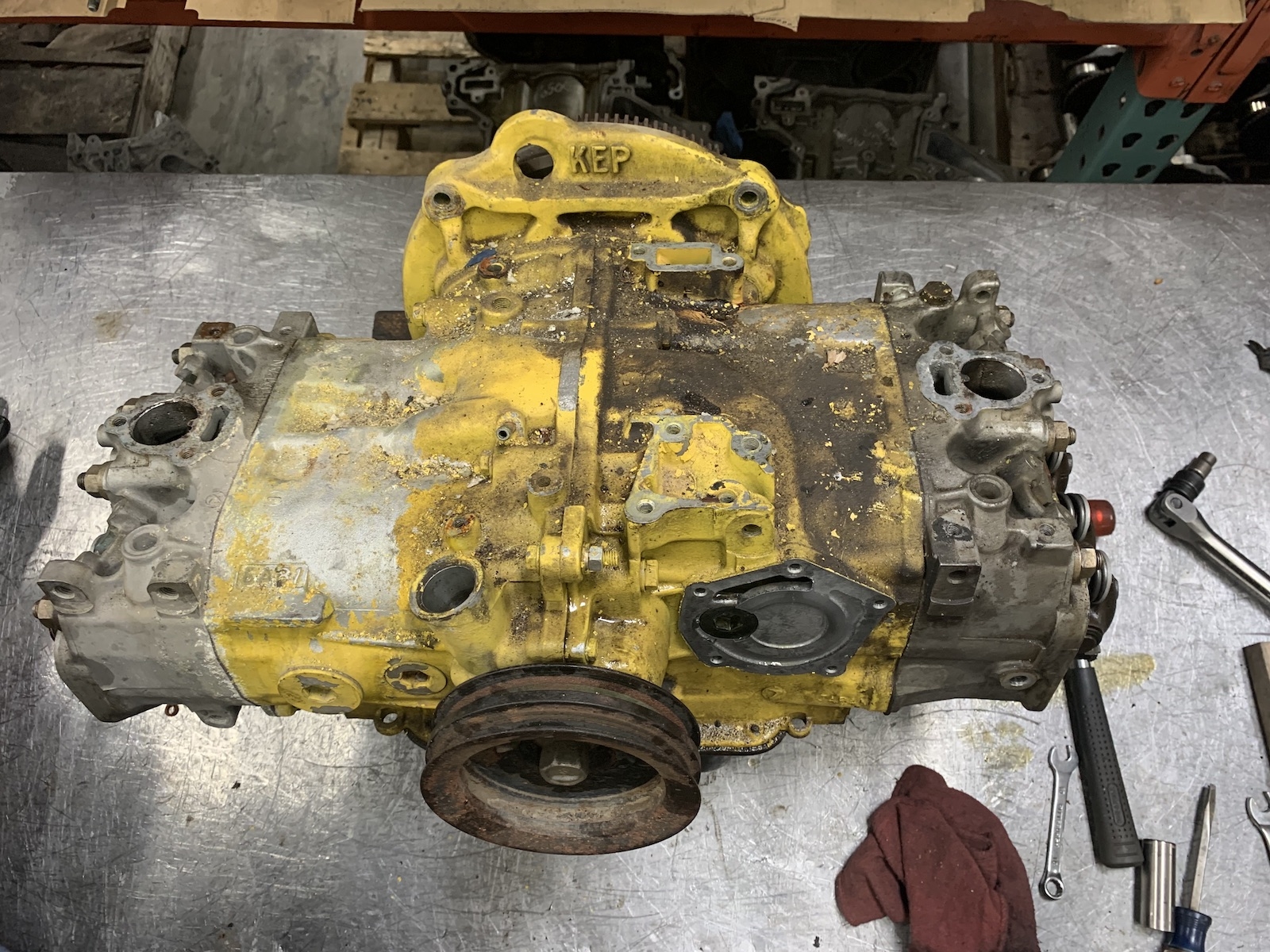
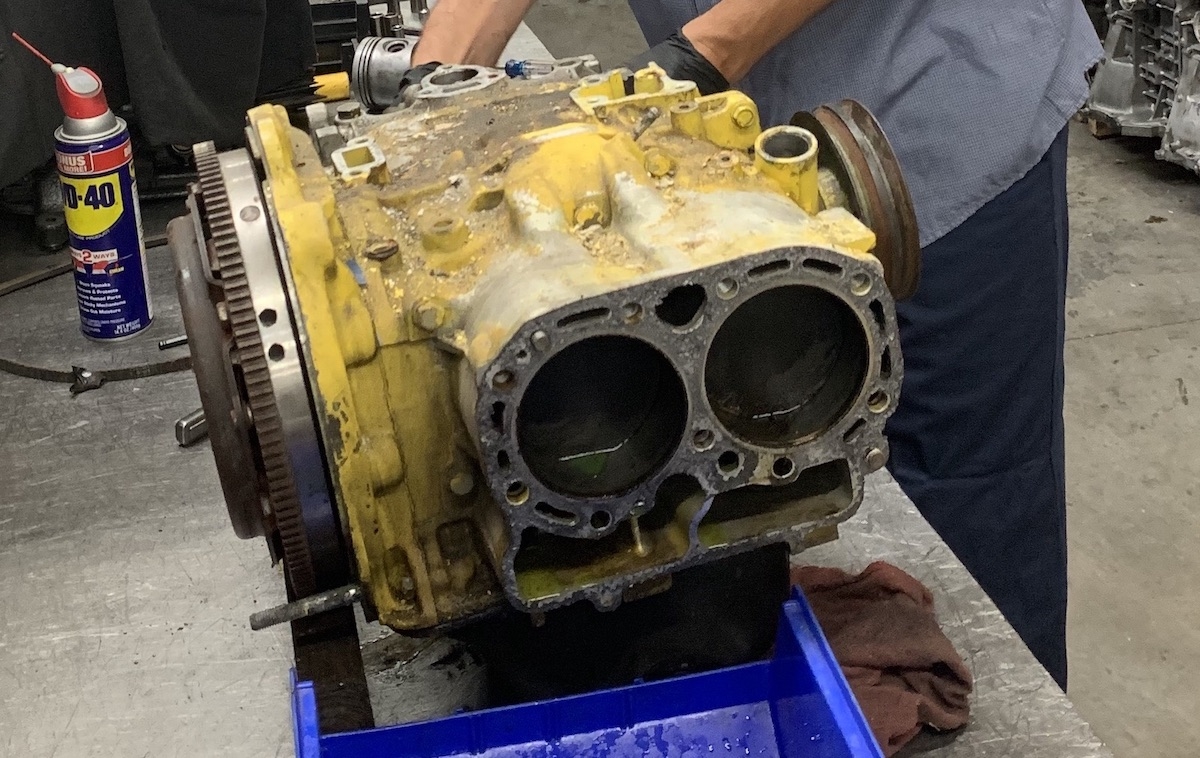
That EA81 looks very industrial painted yellow, like a CAT. I like the custom bell-housing! Noticed your oil pump removed in the photos. You are probably aware that those are NLA and hard to find in decent shape, and to take care of your current pump if it isn't scored-up like a Record.1 point
-
Alright, so you have a complete EA81. Decent engine. Here's an old writeup about using EA82 SPFI on an EA81. https://www.dropbox.com/s/k4kdbpaclc6sko4/EA81_SPI_guide.pdf?dl=0 As for swapping to an EJ. These guys have been doing it forever. It's not cheap, but should solve basically all the fitment issues. https://smallcar.com/vanagon/subaru-vanagon-conversion-parts/subaru-vanagon-parts-kit-4spd-vanagons-and-syncro/ Or, from the company that made the adapter you have: https://www.kennedyeng.com/subaru-vanagon1 point
-