Leaderboard
-

newmexguy
Members1Points84Posts -
ezapar
Members1Points5247Posts -
forester2002s
Members1Points1206Posts -

legacy93wagon
Members1Points46Posts




Popular Content
Showing content with the highest reputation on 03/07/22 in all areas
-
1 pointI suspect that the manufacturer's recommendations for oil viscosity have more to do with meeting fuel consumption limits, than other reasons.1 point
-
Hi This is Me, a couple of years ago (2018), finishing the last Special stage of the 2018 ISDE, held in Chile. That day was Miserably hot. The relief is Cristal clear.
 1 point
 -
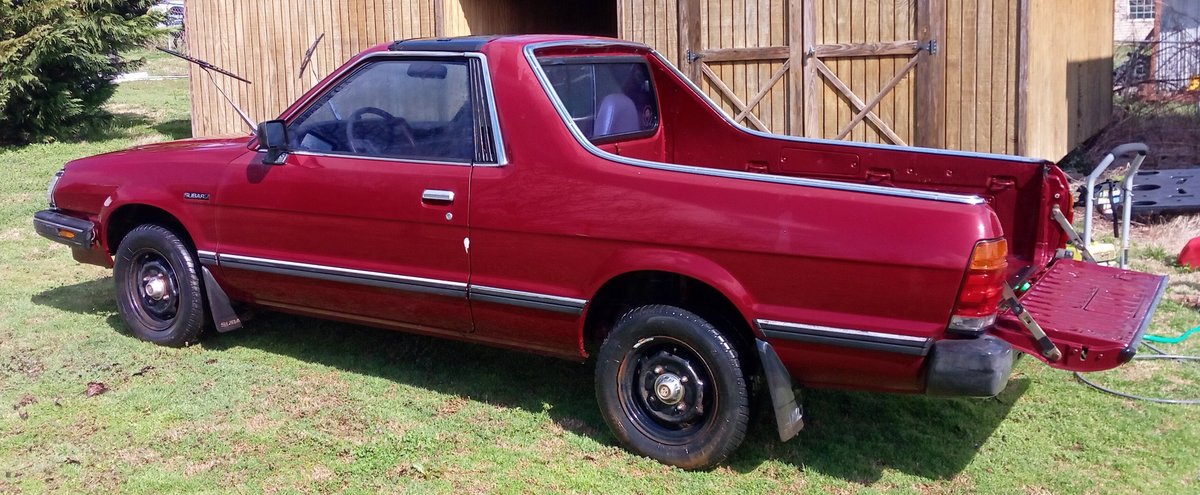
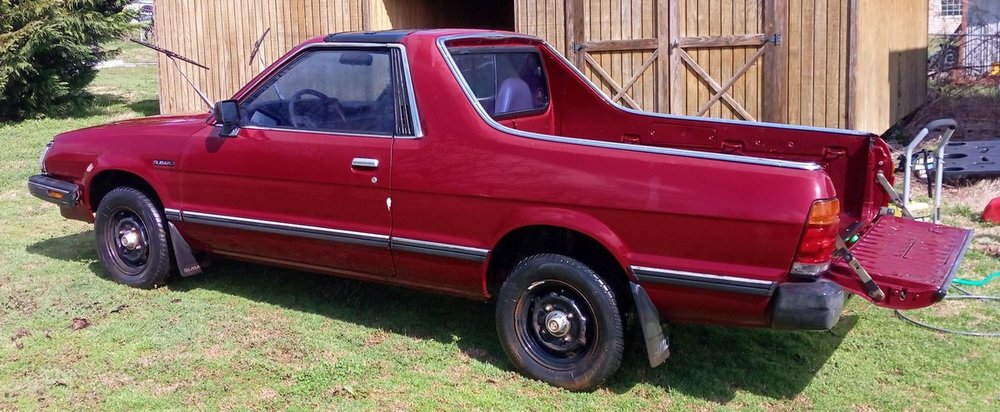
After wanting one for 40 years.... I finally got one... VANDAL
 1 point
 -
1 point