Leaderboard
-
old sub freak
Members1Points340Posts -
tjet
Members1Points39Posts -

heartless
Members1Points4647Posts -
brus brother
Members1Points2889Posts



Popular Content
Showing content with the highest reputation on 02/21/20 in all areas
-
1 pointI’ve been building this for a year now. Payoff is sweet. It is a 99 2.5rs with a complete sti swap. (2006 sti doner car) forged internals, roatated mount turbo fmic, rotated intake, 6spd, limited slip front, Full sti subframes, brembos, etc car is caged, weighs in at 2280, makes 367 at the tires on low boost tune. After break in we’re aiming for 500awhp been fun to build
 1 point
 -
Thanks all and thanks Mitchy for the tip on using the screwdriver wedged into the tubing to keep it on the straight and narrow when inserting spark plugs into the abyss. Great trick.1 point
-
He came to your house uninvited, and without prior warning? That's bizarre (and suspicious).1 point
-
Me either... i would certainly be suspicious of someone coming to my house like that.1 point
-
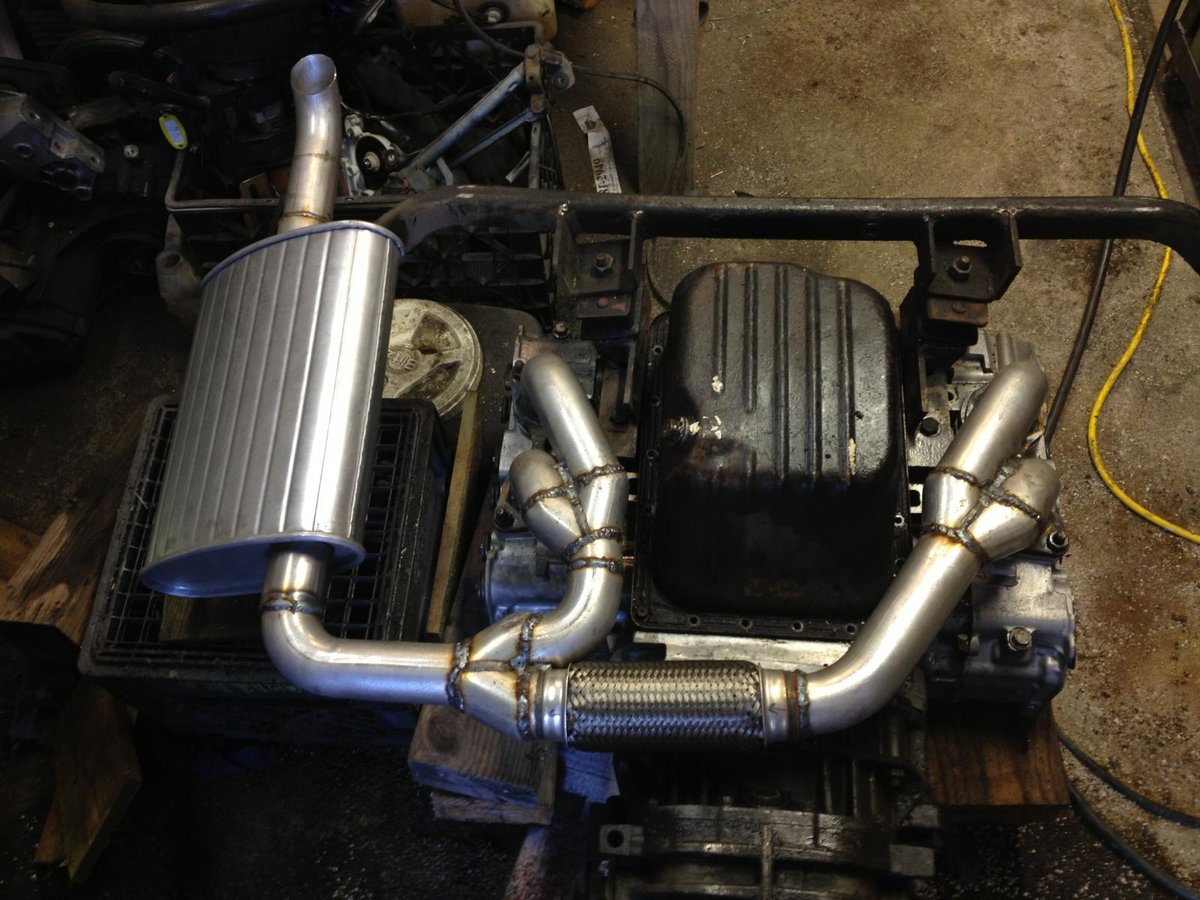
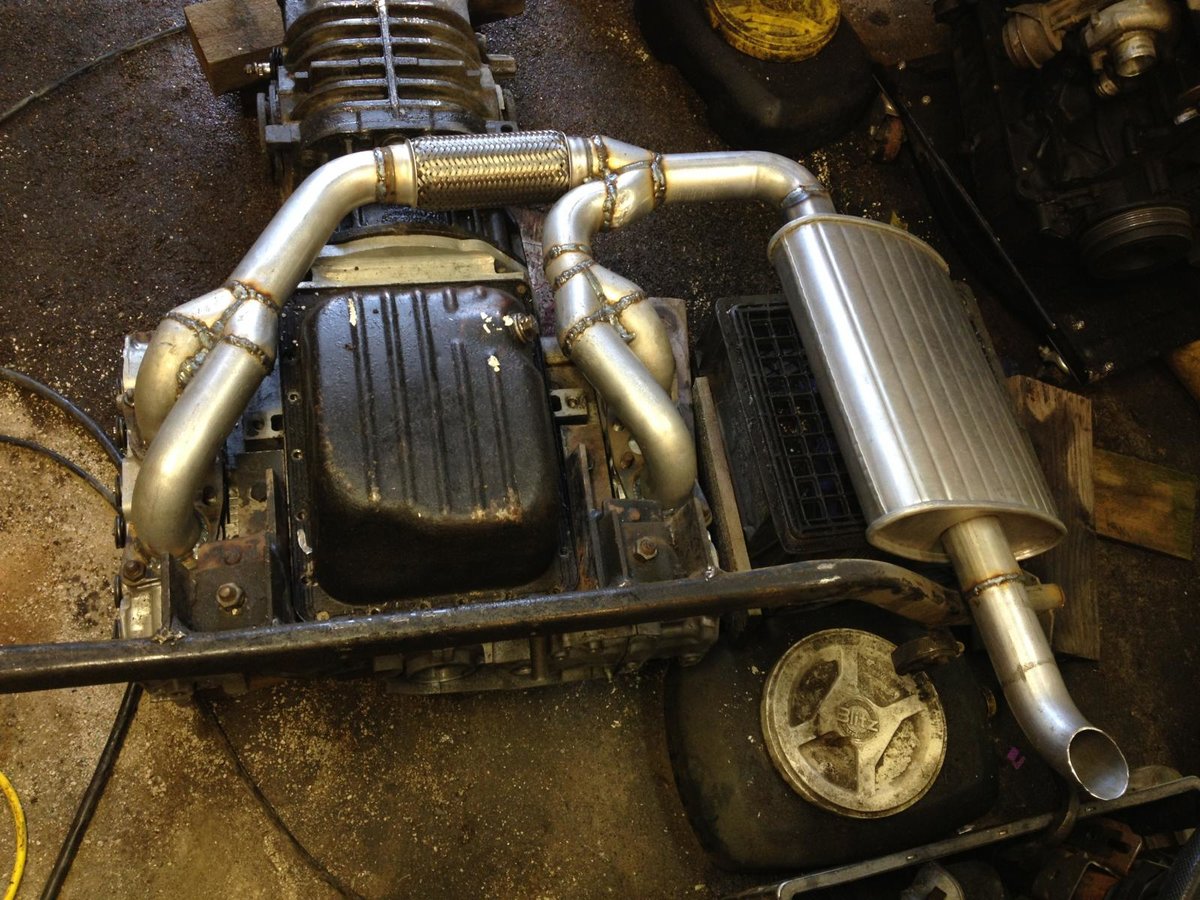
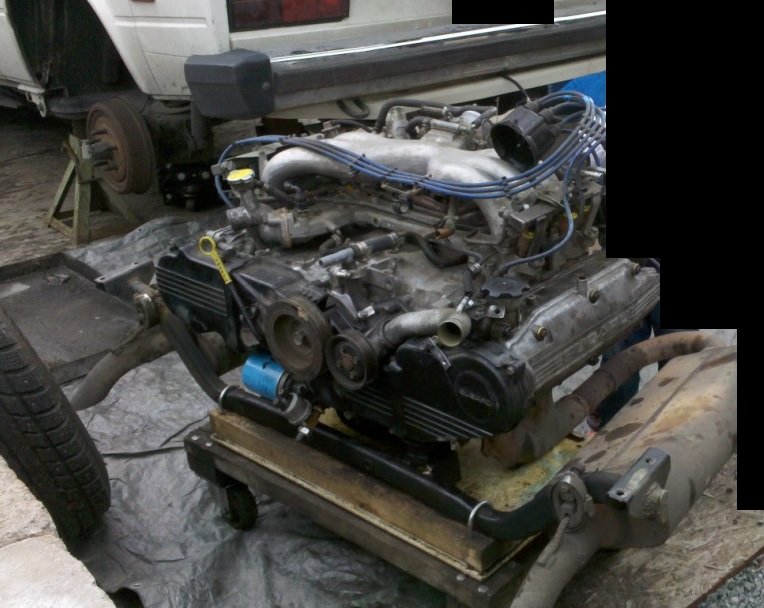
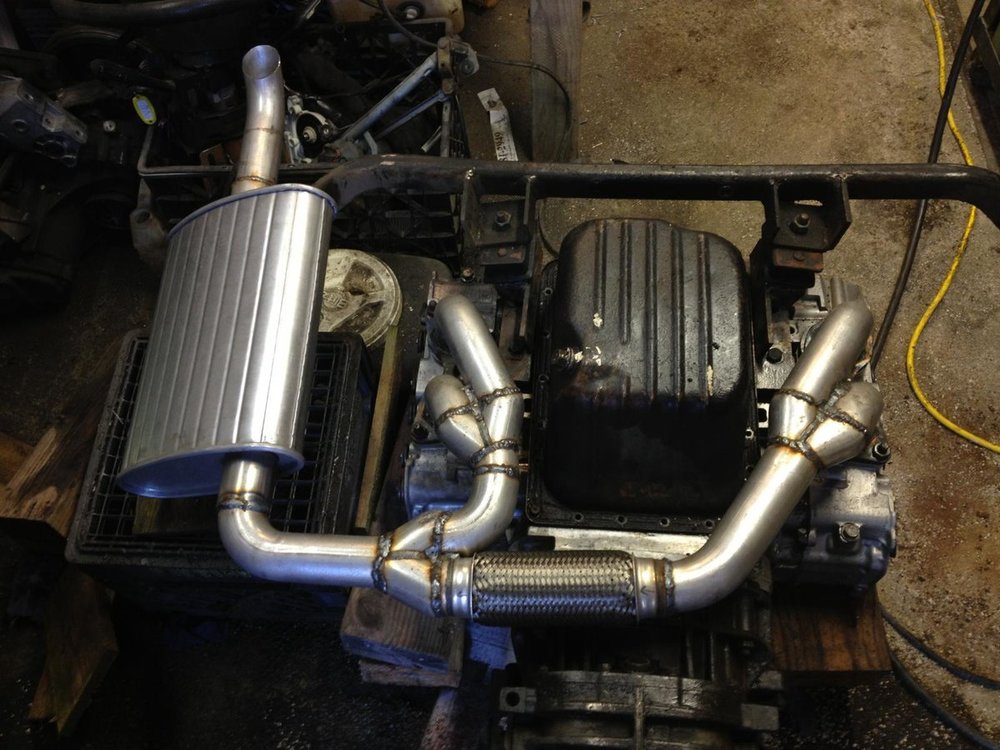
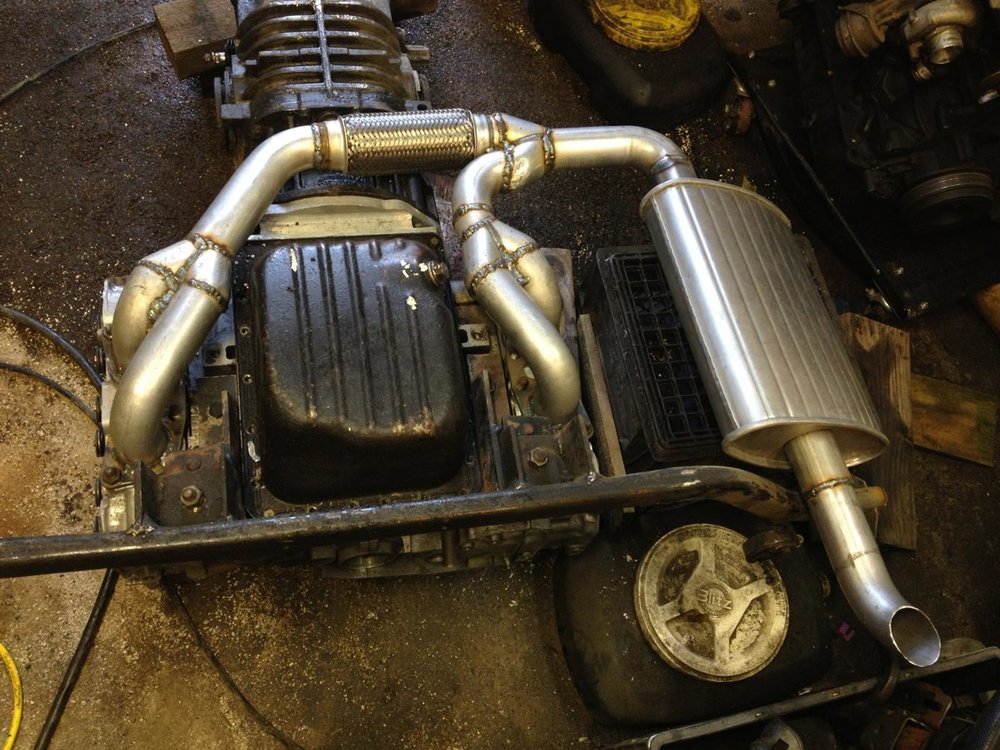
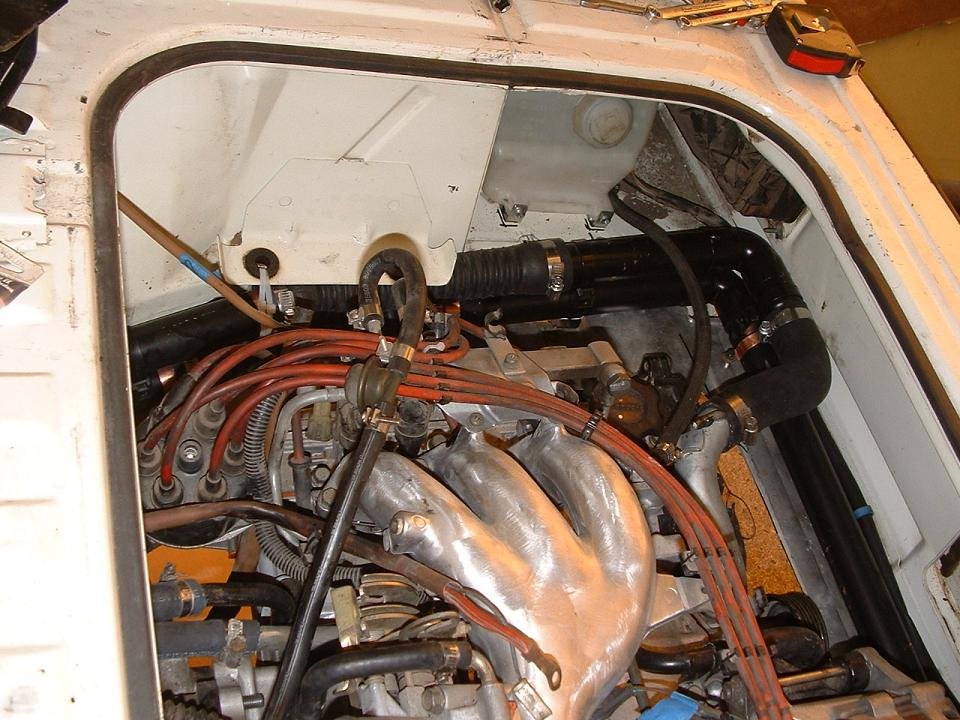
Yes, there was a guy in Seattle that installed one in his Vanagon. I've attached some pics below.
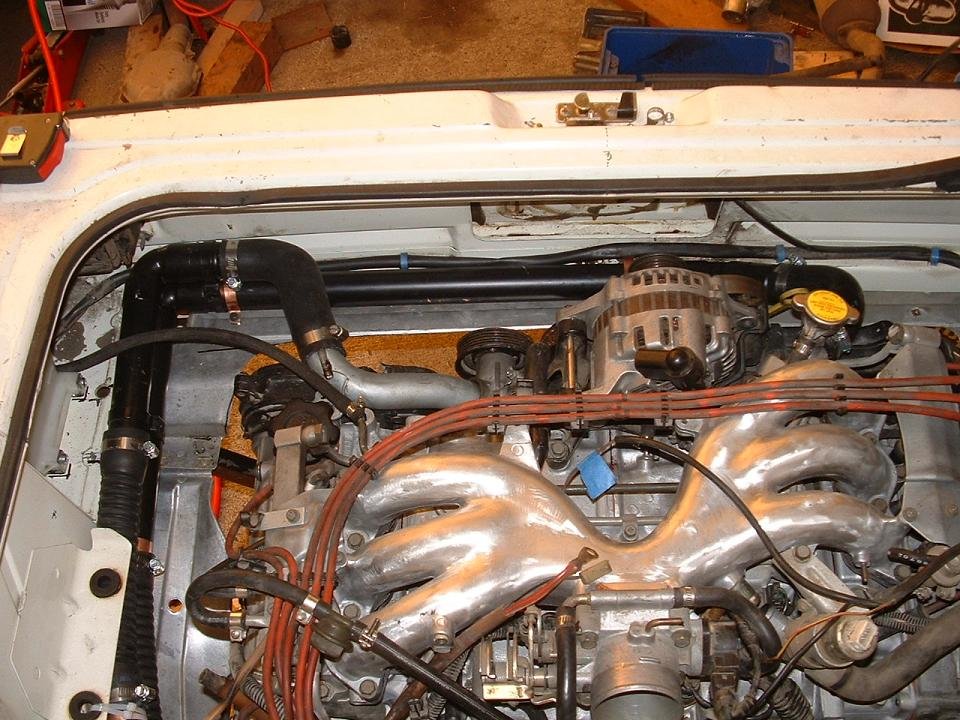 1 point
 -
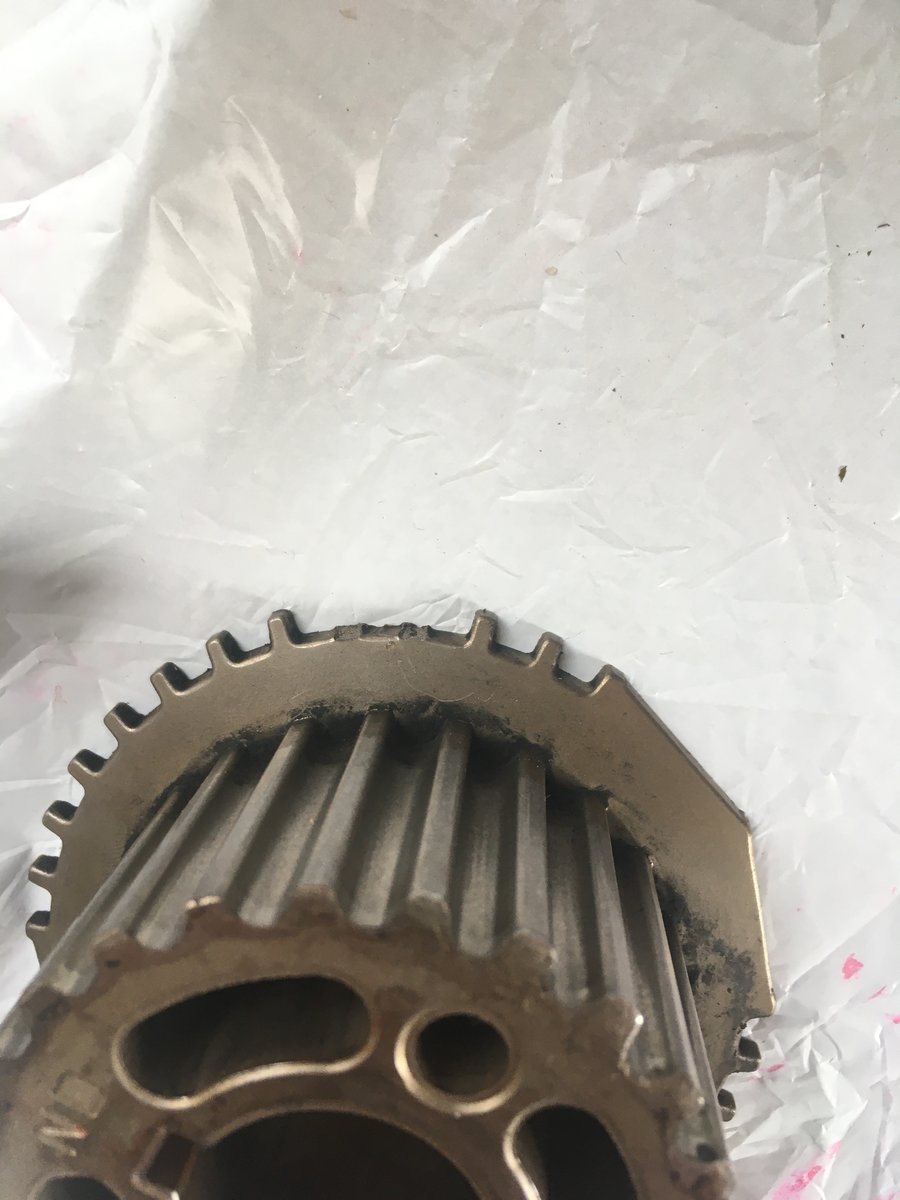
Well guys... i just got a belt that matched the one i took off...and that part is fine..But the no start ...After looking everything over 50 times hahah i realized I had broken a few teeth on the outside of the crank shaft sprocket while prying it off.....The ones that line up with the sensor ...duh ? Live n learn.... put in a good one and VaRoooom..easy peasy Japaneasy....Thanks Guys .
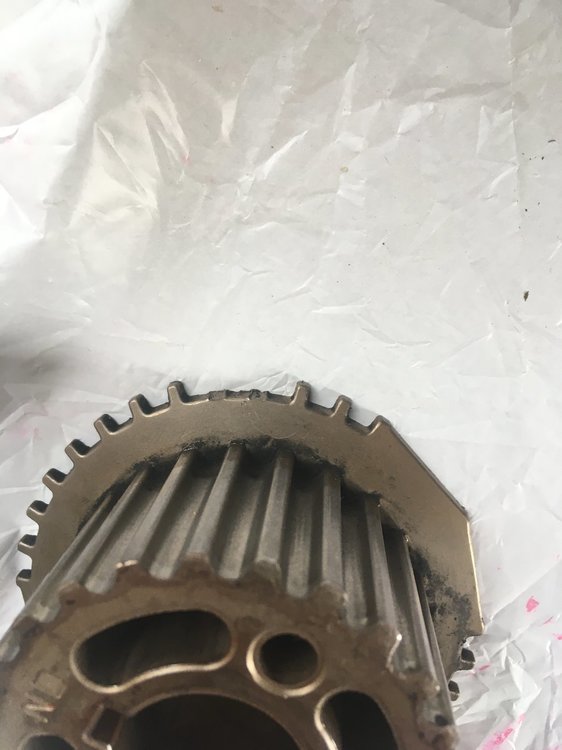 1 point