Leaderboard
-
Zip Tie
Members2Points75Posts -
Rampage
Members2Points683Posts -
Numbchux
Members1Points7630Posts -
Crazyeights
Members1Points1733Posts




Popular Content
Showing content with the highest reputation on 03/03/20 in all areas
-
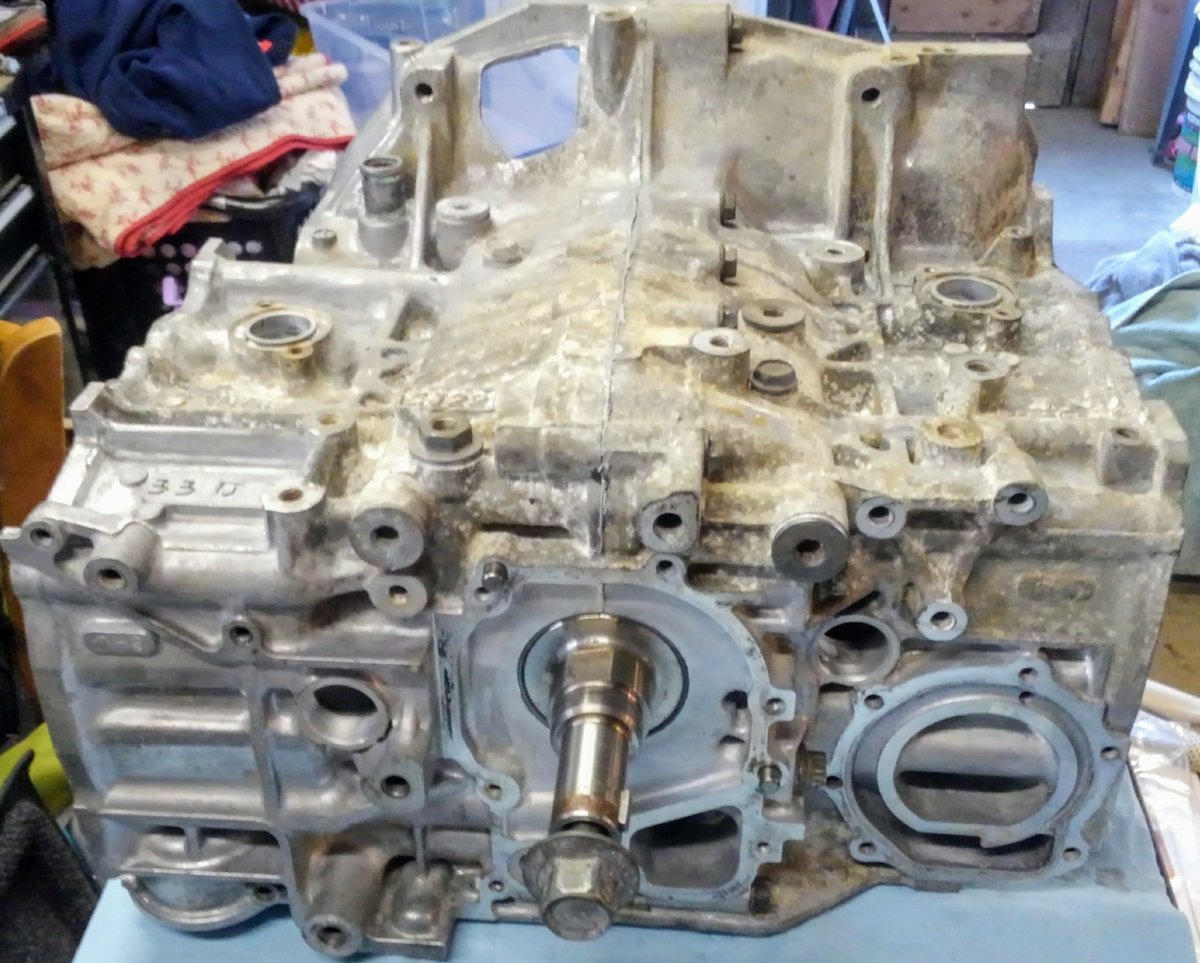
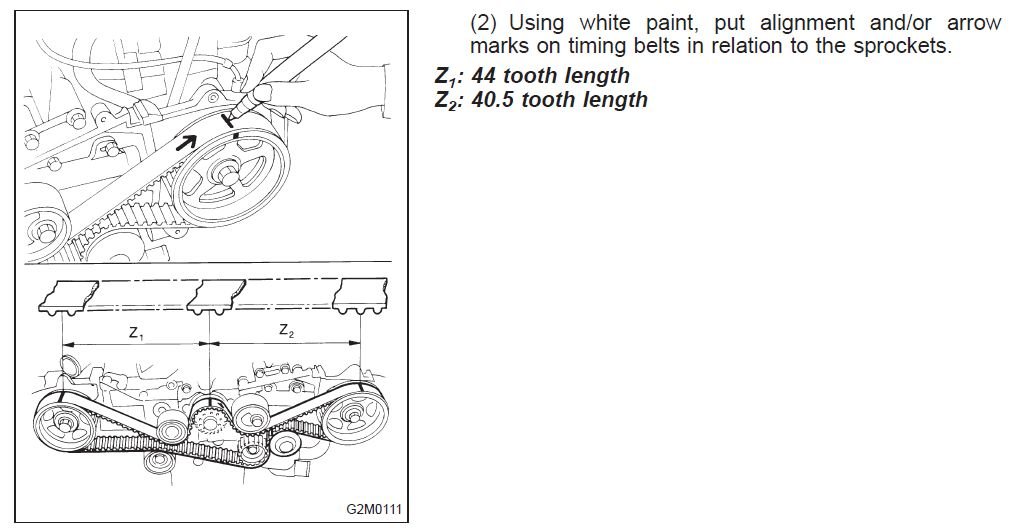
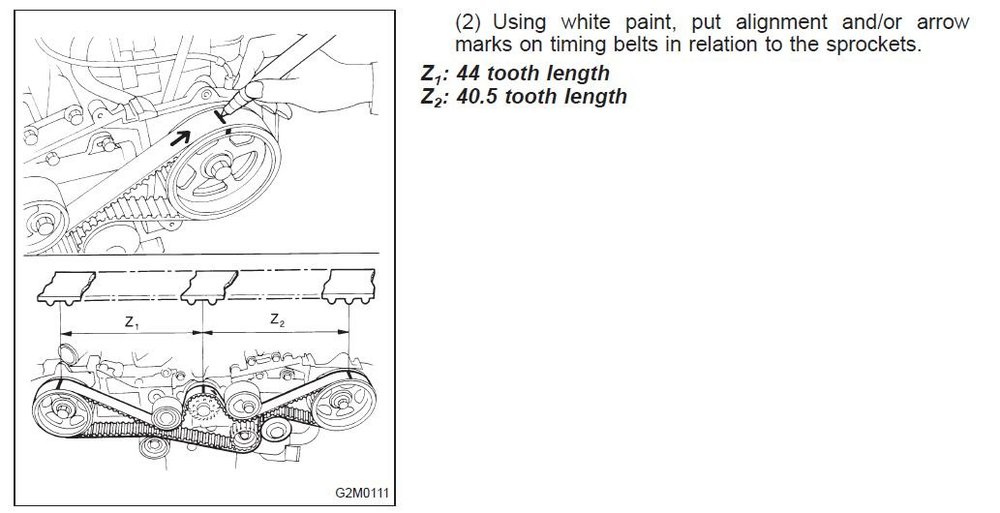
2 points2 pointsA new timing belt has arrows pointing in the direction of rotation (clockwise) because of the different number of teeth on each side of the crank. There are white lines for each cam sprocket and the crankshaft. Looking at the first picture and turning each cam sprocket and the crankshaft gets them into position for the belt to go on. The marks wear off, that is why the second picture show marking the belt. But you can only mark the belt that way if the timing is correct. If I am going to reuse the belt I take the belt off and count the notches and mark them like in the second picture. But usually I just put a new one on.1 pointSimple, once the timing marks are correct slide the tensioner to the left using a screwdriver on the right end and tighten the two bolts then pull the pin. In case the marks are worn off the belt, see pic.
 1 pointI love XT6s and ER27s, but no. Not at all worth the work to swap it in this day and age. EJ22 is smaller, lighter, more reliable, more fuel efficient, better supported. ER27 ECU is mounted in the trunk, so you basically have to make a harness from scratch to swap it. Or spend the dough on a standalone. They use a different bellhousing pattern, so if you change your mind, you will need a different transmission adapter. If you want a 6-cylinder, get an EZ30. Modern, reliable, powerful. Don't mess with anything more than 20 years old (sorry EG33....getting to be a dinosaur as well).1 point1 point