Leaderboard






Popular Content
Showing content with the highest reputation on 04/21/20 in Posts
-
2 pointsideally, you find a tranny with the same final drive ratio as what you already have. short of that, yeah, grab the matching rear diff from the donor2 points
-
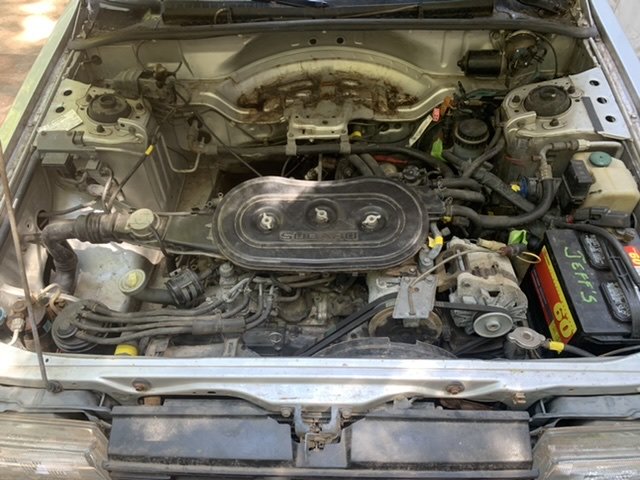
Let the swap begin! My son decided to swap the entire loom. He has every single connection identified and labeled on both ends of both the old and the new harness as well as all of the other mechanical bits. Thanks for the advice.
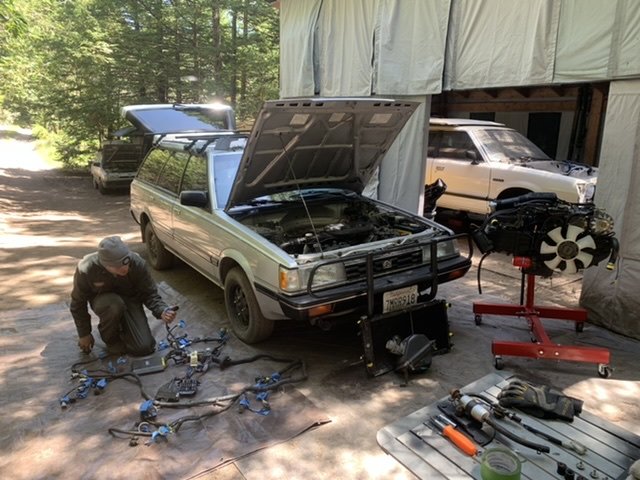
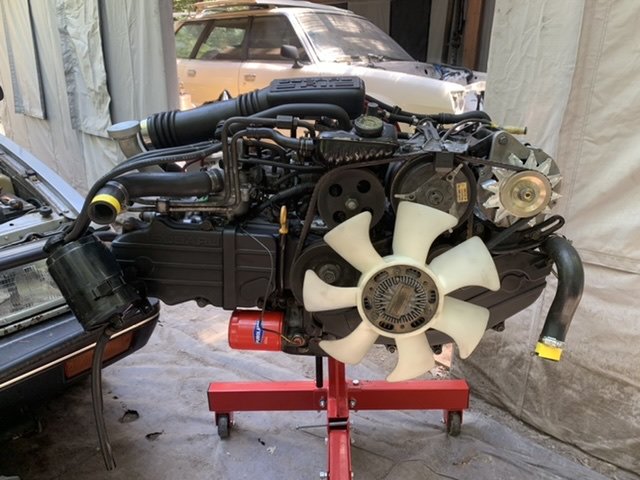
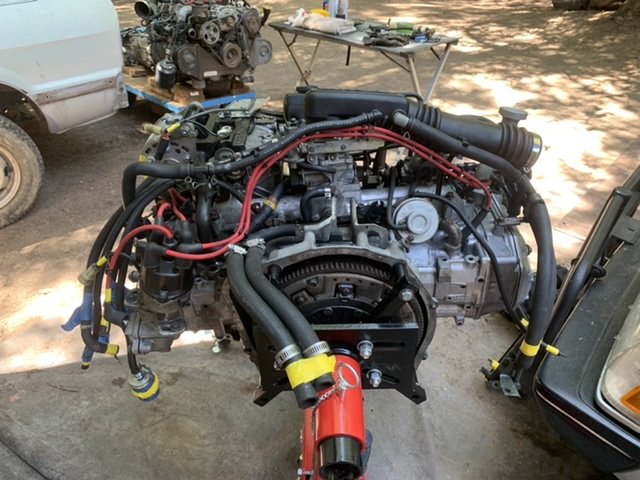
 1 point
 -
1 pointMy wife was driving our 95 RHD EJ22 Legacy and the engine shut off. She coasted off the road and it started right up and worked fine. Then a couple days later it did the same thing. After checking everything I could think of, I found a post here that said to check the knock sensor. The housing was cracked. NO codes, but it shut the engine off. Replaced it and no more problems. I would check the timing. I've read other posts here that with one tooth off it ran ok, but did not have the power it should.1 point
-
1 point
-
1 pointYes, I've seen it. Also knock sensor could cause the loss of power.1 point
-
1 point
-
1 point
-
If going from an L series to an L series you could reloom the recipient vehicle with the donor vehicle’s wiring loom. Otherwise cut down the donor loom to extract the SPFI engine management system. Splice in the necessary wires to get it to work in the donor vehicle, laying the SPFI management over the recipient’s wiring that’s already there. Cheers Bennie1 point