Leaderboard
-
franbev
Members2Points102Posts -
TXJayhawk
Members1Points45Posts -
Turbone
Administrator1Points8515Posts -
brus brother
Members1Points2889Posts




Popular Content
Showing content with the highest reputation on 03/18/21 in all areas
-
2 points
-
An oem 96 would have a metal unless replaced already metal plates require different screws, the originals will be too long and bottom out due to metal style being thinner. Or you’d have to use originals with washers for spacers.1 point
-
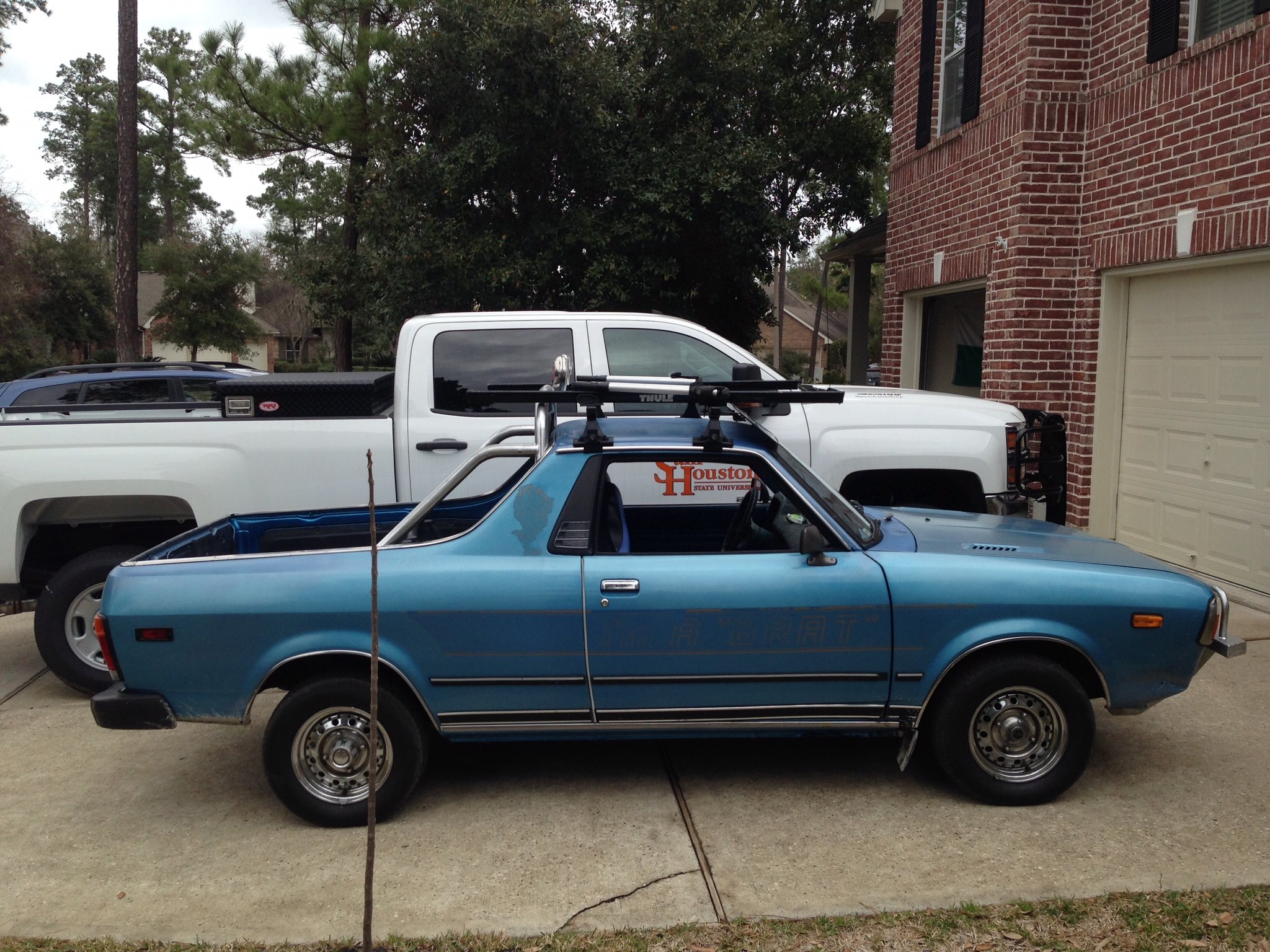
1 pointYes it’s a very old Thule rack which I bought originally for my 87 GL wagon , mounts to the rain gutters1 point
-
1 pointAll "switches" are gone. Don't worry though, the rear gate has now become the battery killer switch. Posted HERE Campers and tailgaters have discovered that system readiness of the hatch motor quickly drains the battery, especially troublesome if you are camping in remote areas. https://www.subaruoutback.org/threads/tailgate-open-battery-drain.517663/ There are various solutions using a caribiner to trick the lock mechanism. Seems like there should be a software upgrade but according to the Grand Wizard of Volt (member Rampage) the circuitry is fairly complicated.1 point
-
To the OP - please refer to this thread for leads. The Brat shocks should still be available from the dealer. I ordered mine a few months ago from these folks. This is the link to the struts on their site. Price is excellent for genuine struts, and they may even waive shipping. Tell them you were referred from this site.1 point