Leaderboard



Popular Content
Showing content with the highest reputation on 12/23/21 in all areas
-
1 point
-
1 point
-
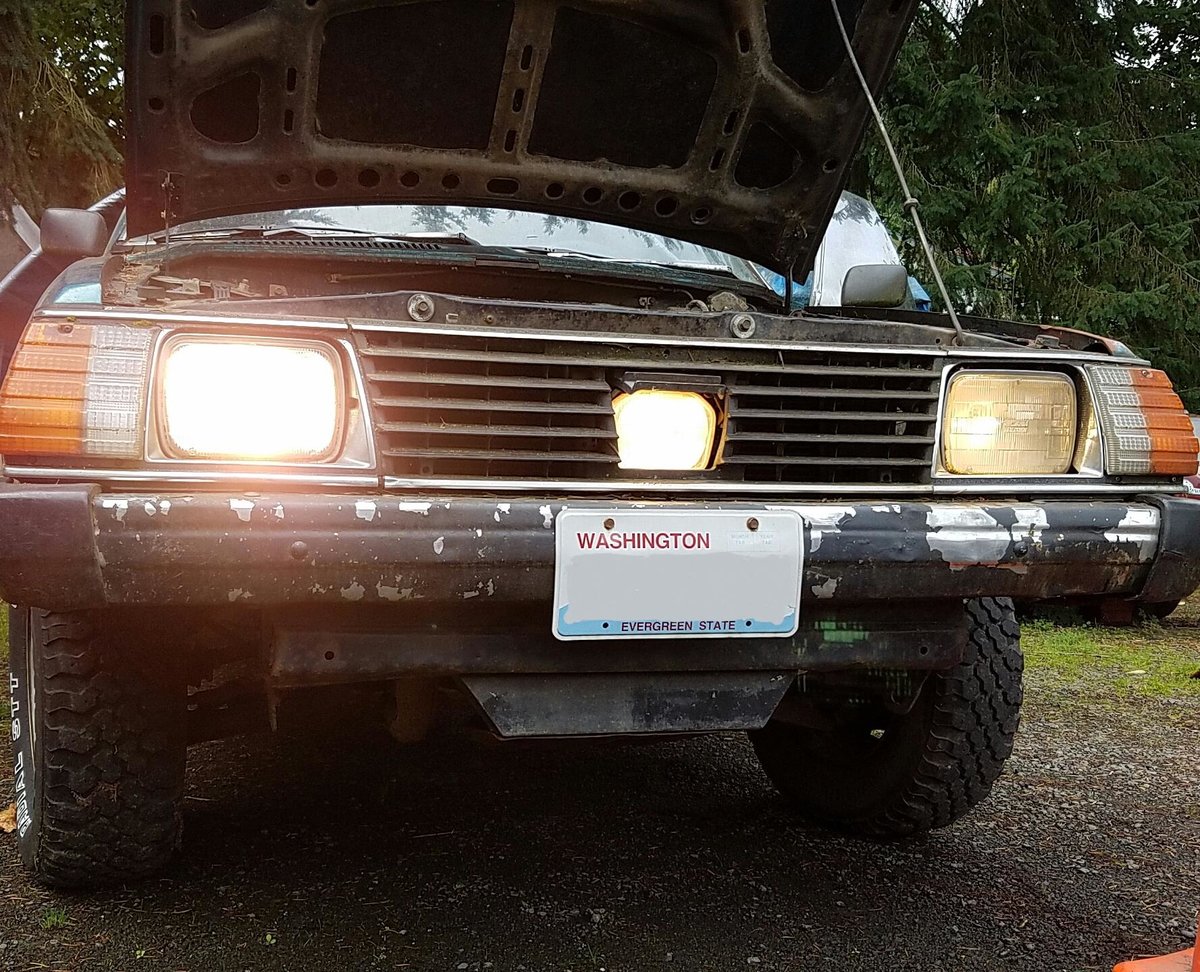
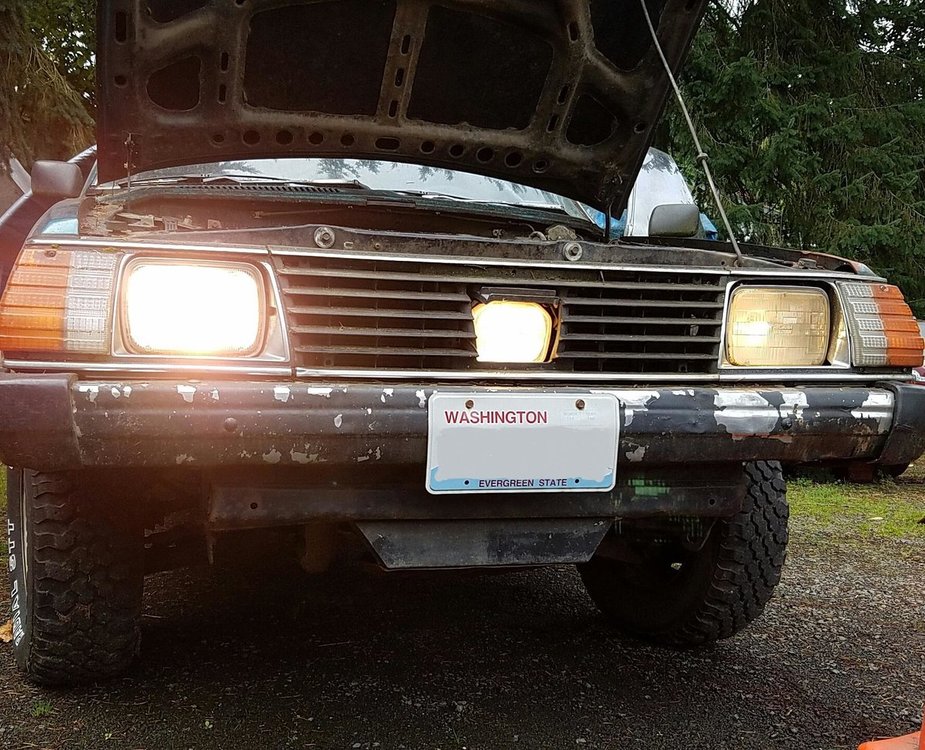
1 point1 pointFor the benefit of others (and thanks to all who nudged me forward): It was identified positively as an 1982 GM SPFI (1982 Camaro) I was able to purchase a replacement injector for it. Thanks!1 pointUnfortunately no, @TIMBERTIGER, I never got around to fixing this issue... This '82 Brat is my "work" Brat. It will occasionally haul stuff to the dump, load firewood around, etc... the coolest side-by-side atv / power wheelbarrow one could ask for. I found it in pretty sorry condition in the woods of South Puget Sound. It was missing the carburetor and had been sitting many years collecting moss. Flushed the fuel system and installed a new Weber, and she was in business. All I have had to replace since then has been a clutch cable. I've never had to touch the braking system even... Following that trend of seat-of-the-pants driving excitement; I've been purposely not fixing anything that wasn't keeping the Brat from driving. Subarus really are inexpensive and meant to stay that way. Since the condition of this Brat isn't stellar, I have better condition Brats, and I also wasn't sure if this Brat would turn into a parts car; that also postponed the fixing of the issue. However I still need to put the Tailgate on this Brat. Maybe I'll try and sort this issue at the same time. Heck maybe I'll restore the whole Brat the way prices are going...
 1 point