Skip to content
View in the app

A better way to browse. Learn more.

Ultimate Subaru Message Board

A full-screen app on your home screen with push notifications, badges and more.

To install this app on iOS and iPadOS
  1. Tap the Share icon in Safari
  2. Scroll the menu and tap Add to Home Screen.
  3. Tap Add in the top-right corner.
To install this app on Android
  1. Tap the 3-dot menu (⋮) in the top-right corner of the browser.
  2. Tap Add to Home screen or Install app.
  3. Confirm by tapping Install.

Leaderboard

Popular Content

Showing content with the highest reputation on 08/25/23 in all areas

  1. 1 point
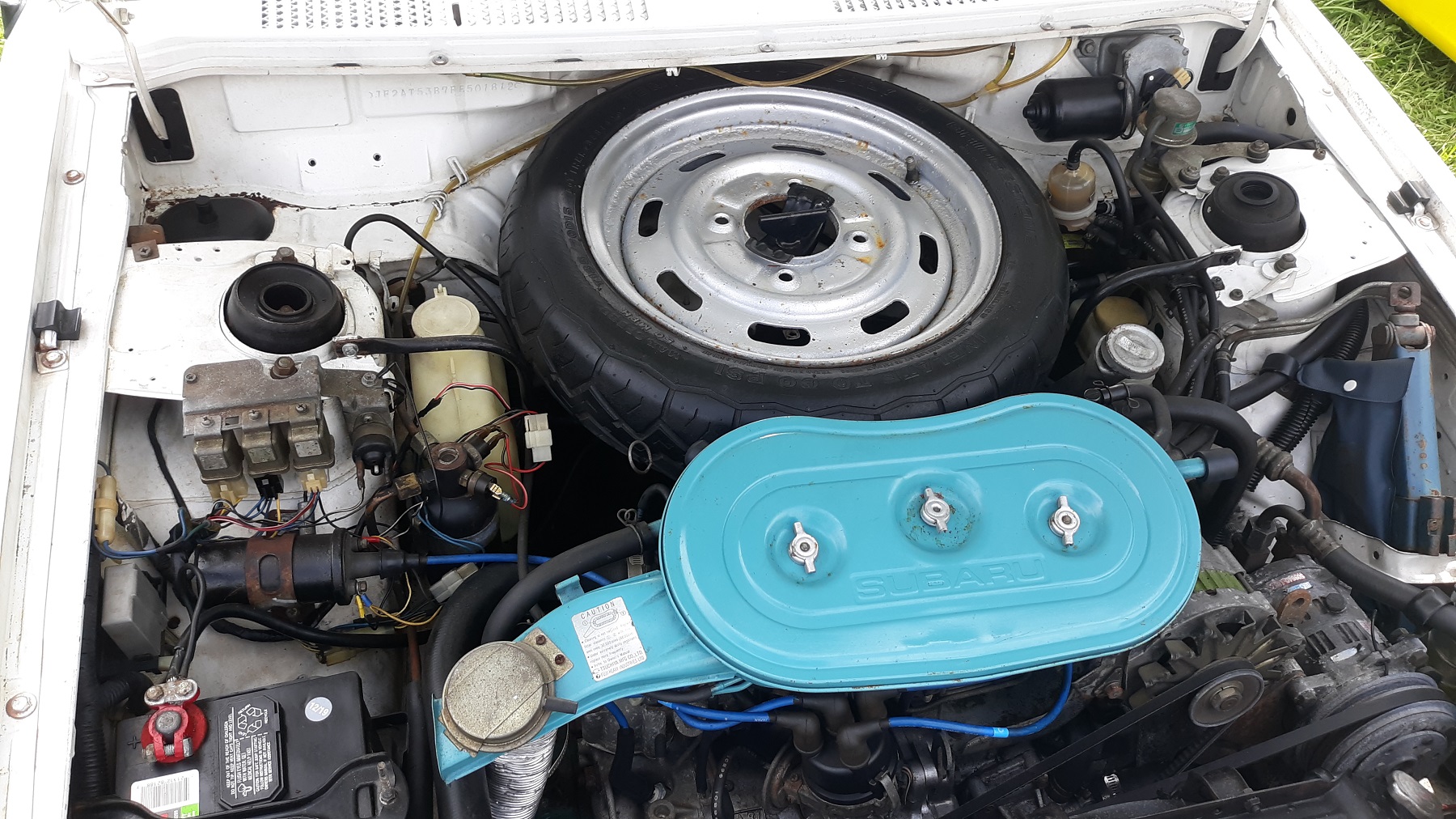
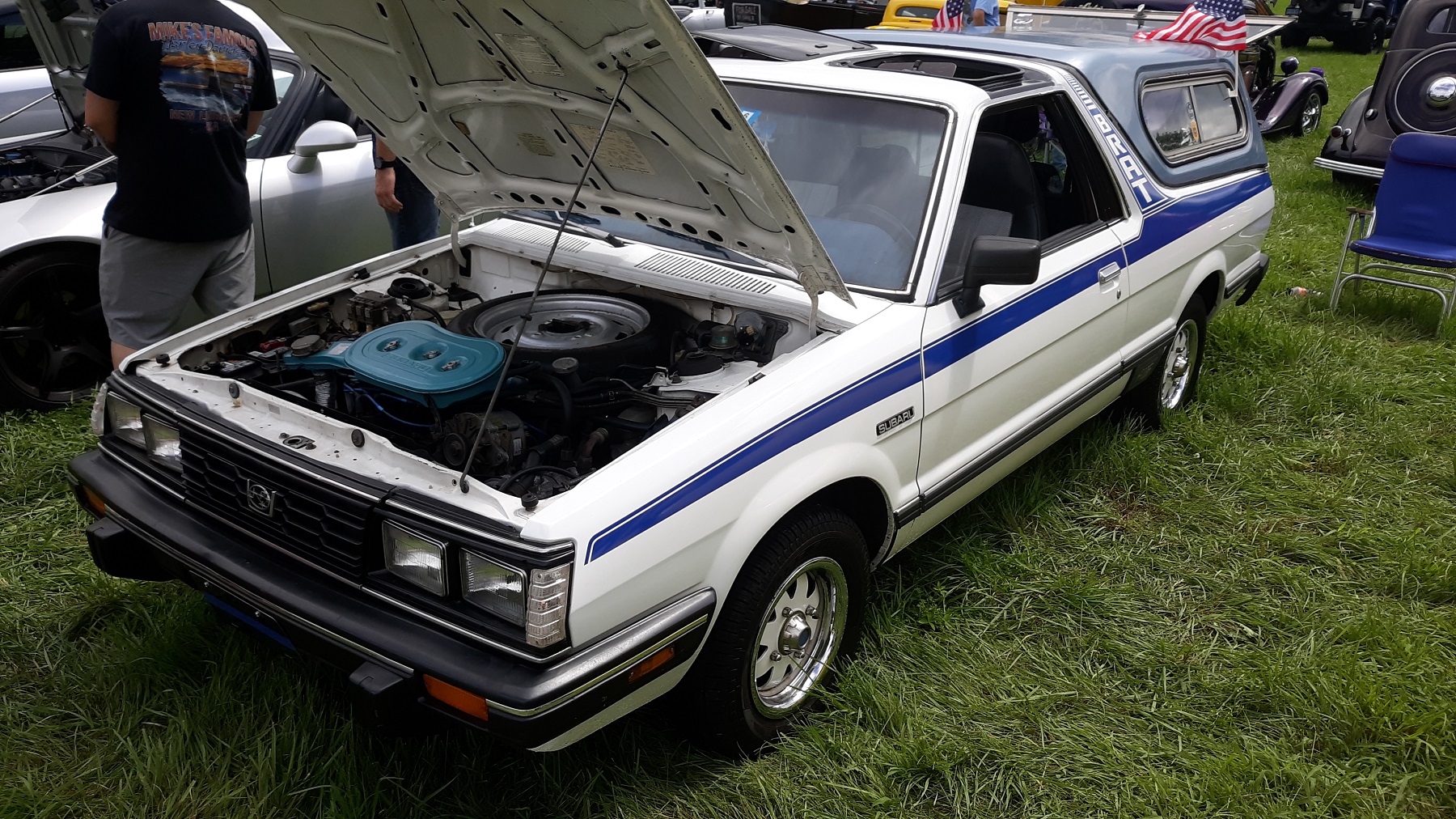
    Went to a local car show today My son alerted me to it, said he saw a Subaru Brat turning into the lot. The front end of this looks just like the 1985 GL 4WD wagon I had, with the spare tire in the same place. I think it was a 1.8L. Mine was a 5 speed manual, great car.
  2. Possibly Neutral Switch. Had them go intermittent or bad, but my 5 speeds were NOT drive by wire, so would call out idle control solenoid. Just a thought since we can't see, touch or hear your car.

Account

Navigation

Search

Search

Configure browser push notifications

Chrome (Android)
  1. Tap the lock icon next to the address bar.
  2. Tap Permissions → Notifications.
  3. Adjust your preference.
Chrome (Desktop)
  1. Click the padlock icon in the address bar.
  2. Select Site settings.
  3. Find Notifications and adjust your preference.