Willy Fisterbottom
Members
-
Joined
-
Last visited
-
-
1972.
-
-
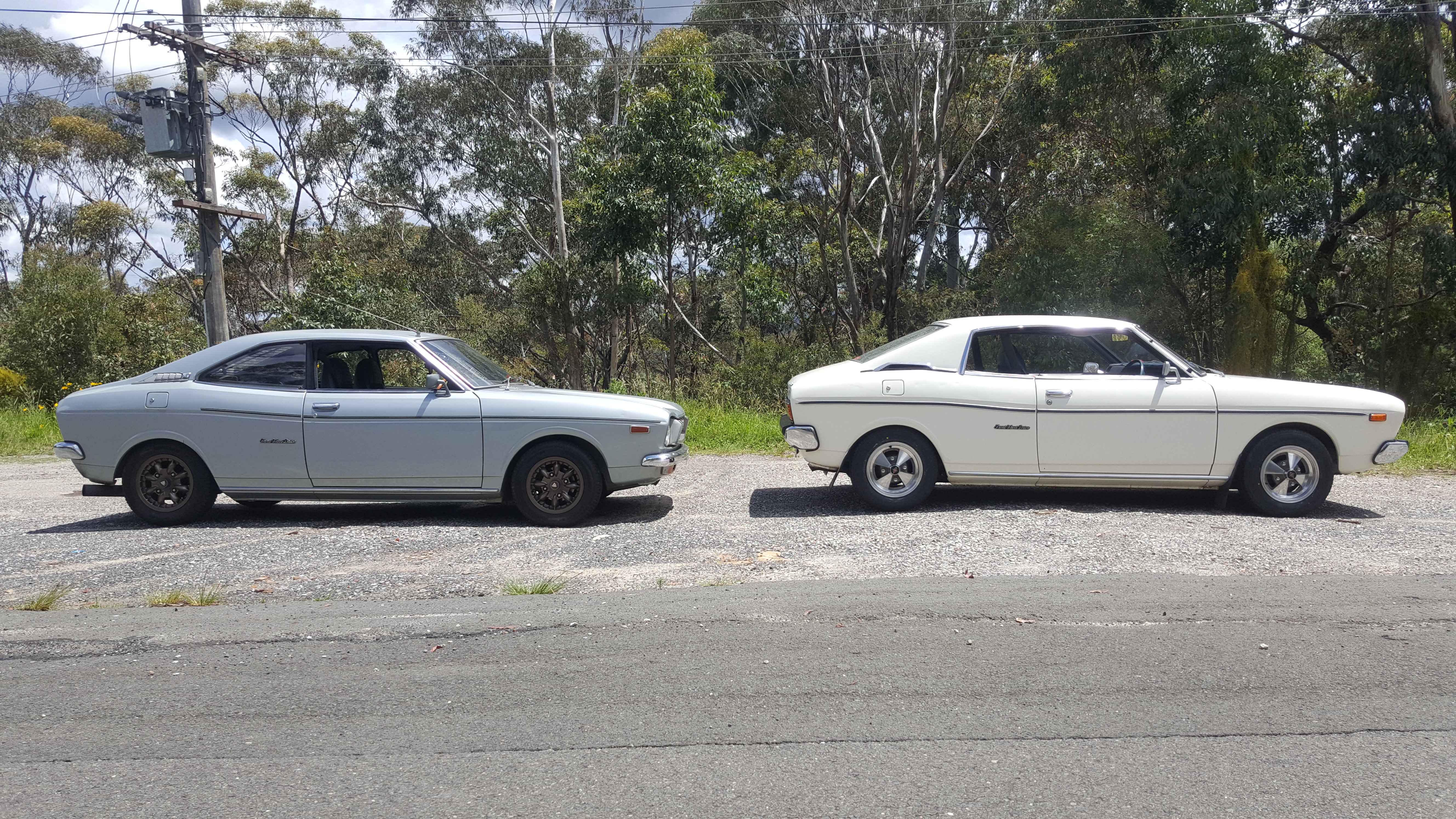
You can download a heap of classic parts books from the Group Files in the Classic Subaru Network facebook group https://www.facebook.com/groups/1603473039901513/They are rubber, only the US got those disgusting Impact bumpers. The rubber covers were on the Hardtops like one of mine here https://www.facebook.com/groups/1603473039901513/permalink/2012337402348406/ If the link dosen't work, try this first. https://www.facebook.com/groups/1603473039901513/?fref=nfI have a Microfiche scanner here at my work that automatically feeds, scans and converts it into PDF. Unfortunately I’m in Australia. I’d be willing to pay for postage and send back, or buy them. I’d share the files in here when done.Nice, shame about the 32/36 Weber.Classic Subaru Network (4x140 or GTFO): https://www.facebook.com/groups/1603473039901513/ Hitachi Training manual.pdf
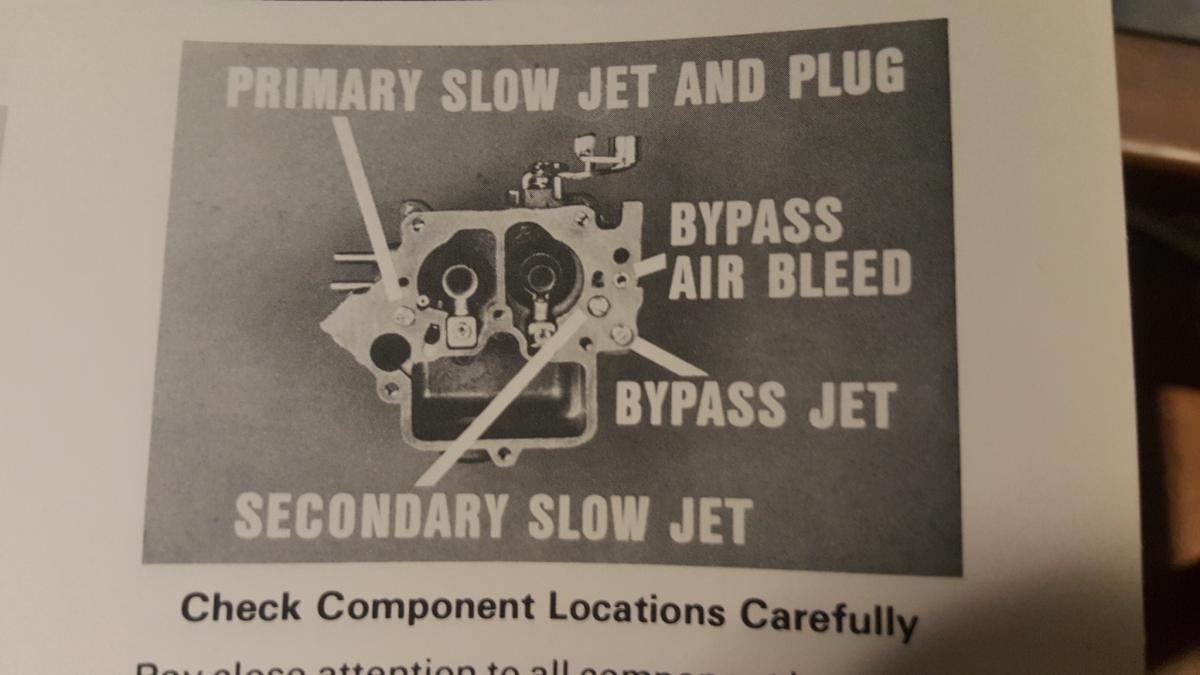
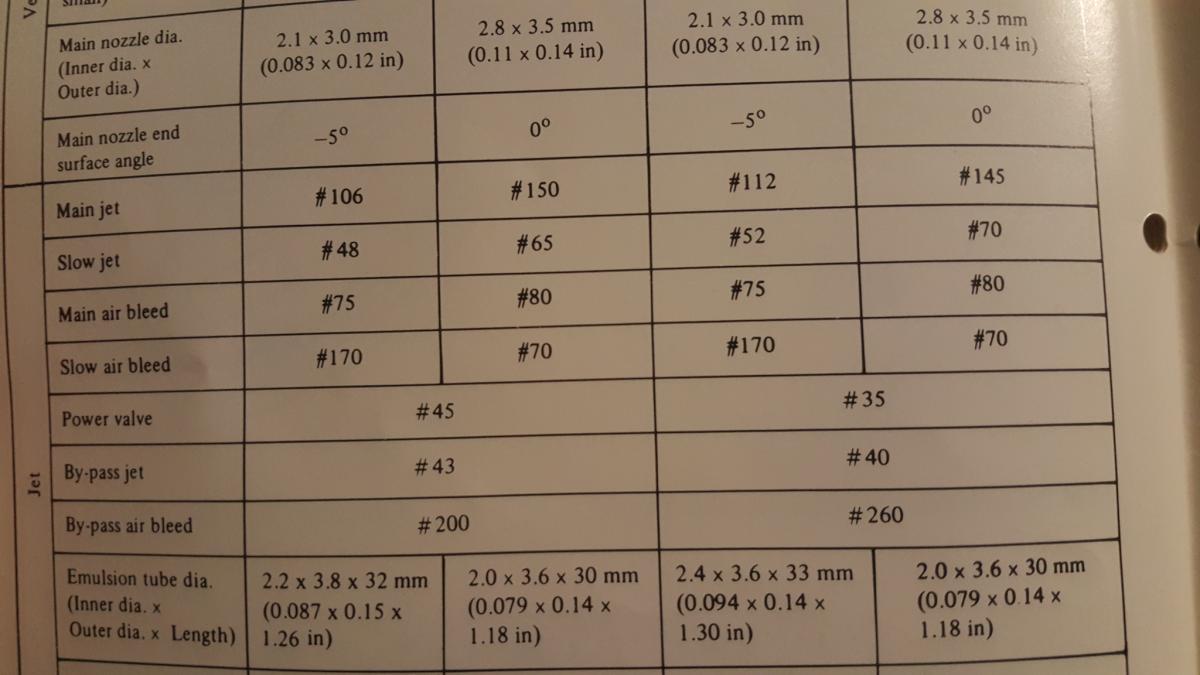
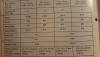
 You can download the 79 dealer carb training manual in the "Classic Subaru Network" facebook group files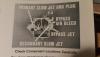
 EA71 don't have removable Cylinder liners like early EA63, you'll have to bore it out or find another block.BRAT (Brumby) doors are longer than 4 door sedan and wagons, You can use doors from coupes, hardtops and 2 door sedans.Remove the trim inside the cab first.