
Leaderboard
-
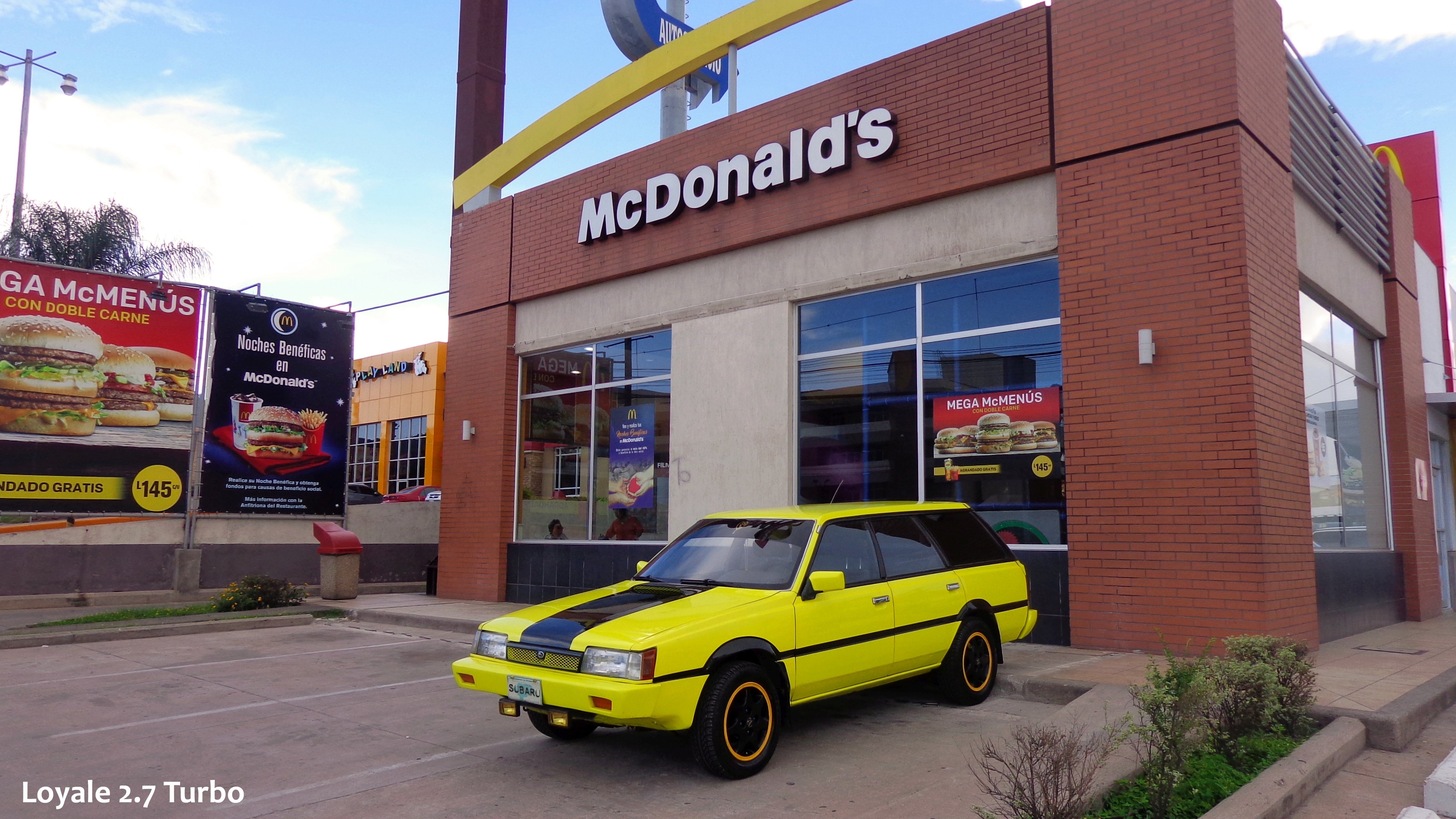
Loyale 2.7 Turbo
Members2Points7843Posts -
1 Lucky Texan
Members1Points10144Posts -
6 Star
Members1Points1217Posts -
Step-a-toe
Members1Points597Posts



Popular Content
Showing content with the highest reputation on 01/08/22 in all areas
-
1 point@el_freddo I found the pictures sorting through my saved Subie photos... only remember what was said in the thread off-hand... would have to search posts way back from when...1 point
-
1 pointThe Colour looks somehow Greener under the Golden Sunlight; after polishing it and under natural light, the Car Looks Bluish.1 point
-
if you ground the wire that you think should go to the simple switch, IGN on, engine off, you should get a red oil light come on the dash1 point
-
1 pointI'm old enough to recall a lot of high school and college teams doing electric or diesel conversions during the oil embargo. Putting Kubota small tractor diesels in Datsun 310s etc.1 point