Teamemdor
Members
-
Joined
-
Last visited
-
no sorry
-
Sold everything from whats left? I see a lot less on ebay too
-
Sounds like lifters... Sometimes it takes hundreds of miles to go away. Try starting your car during the warm part of the day does it help?
-
Bump
-
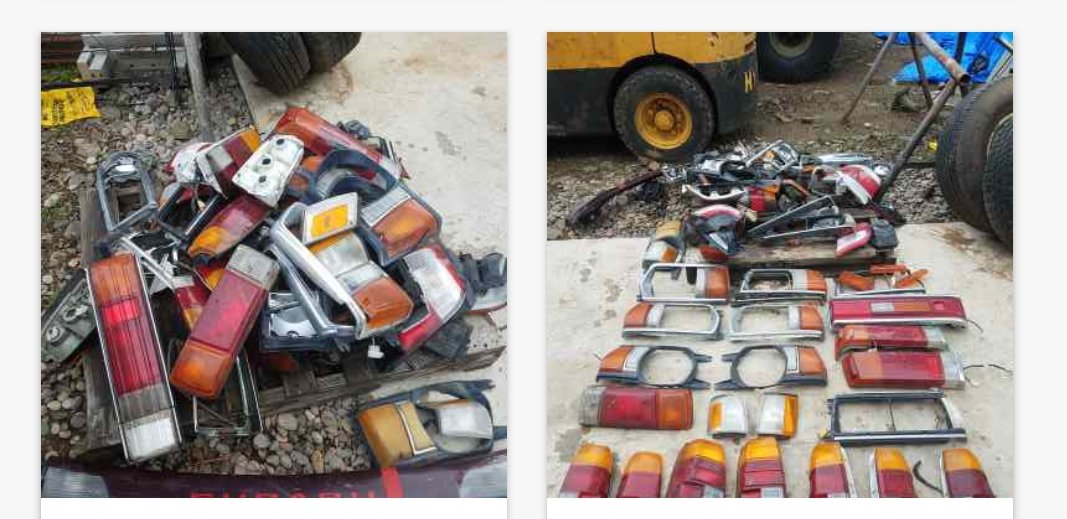
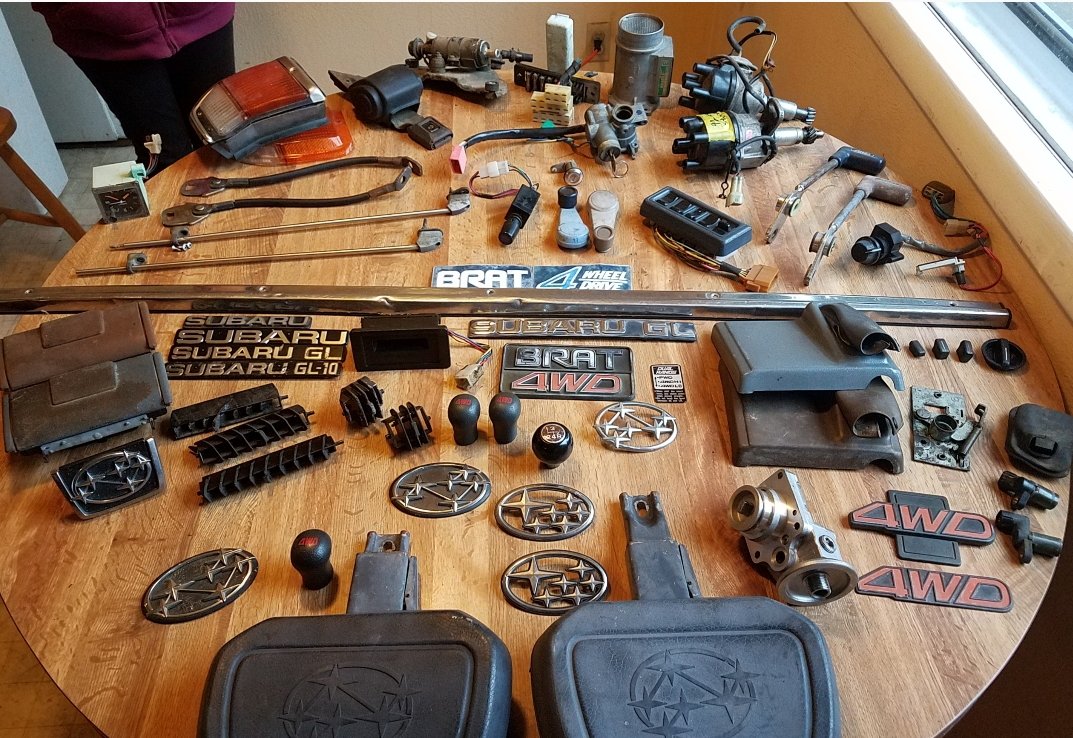
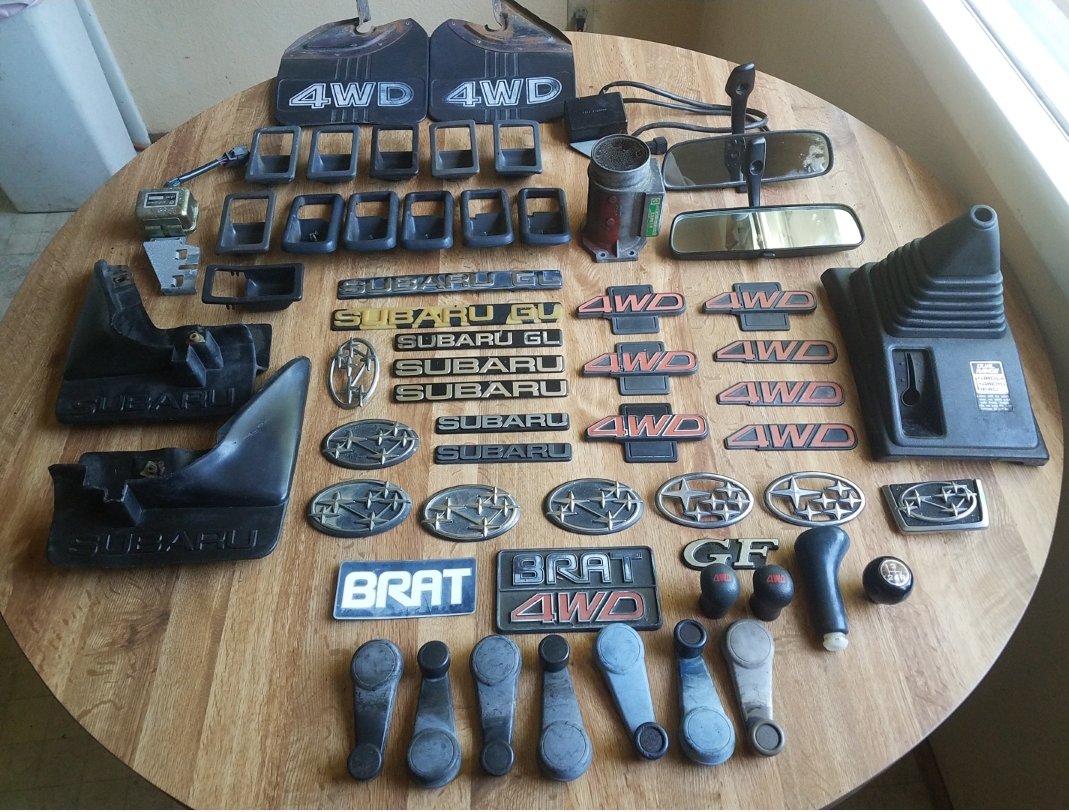
just sent a pmTry bringing the timing down to 10 and keep running premium. See if you can get ethanol free. I have a new ea81 oil pump btw. It's rare I know lolCheck your fuel pressure,coolant temp sensor,tps sensor and timing. My guess with an xt6? coolant temp sensor or pigtail connector for it are onnthe fritzAgreed. Very shady to not respond and just delete the post!This is not the first time the dude has taken 100-200 reminders to respond or square up. We have had bad experiences as well and I know of many others... And $500 is a huge number. I see them online for 200 all day.... I saw the first post and it had a lot of support. Then was deleted? Not Cool at all!I could use that trunk if you can pull parts! Rack is cool!PM for info. We have a full 79 brat and a couple of their complete parts car so more parts than I can list
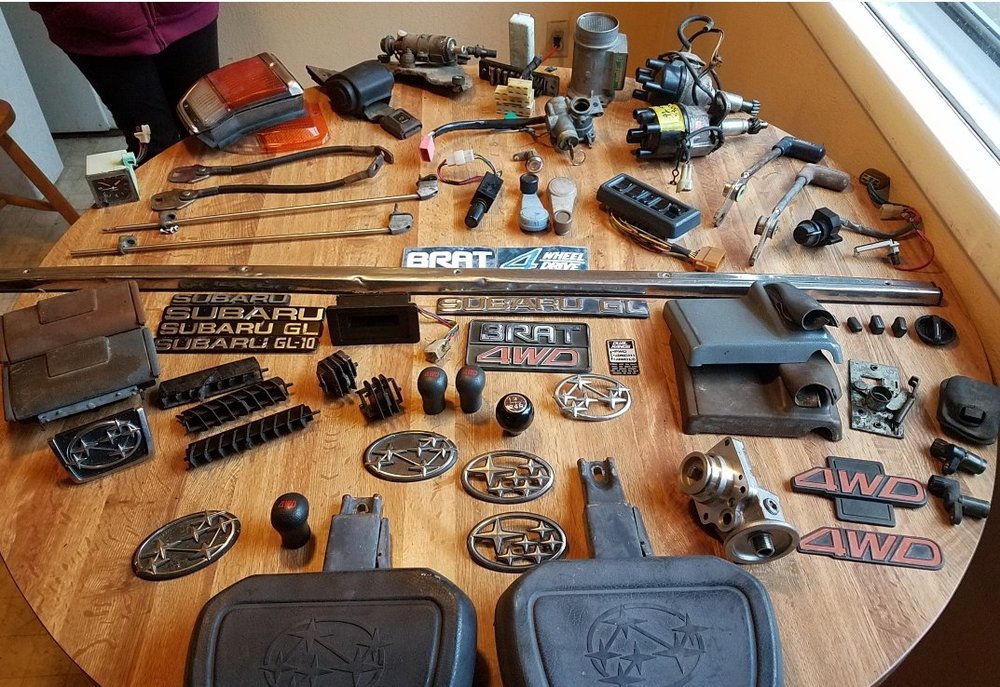
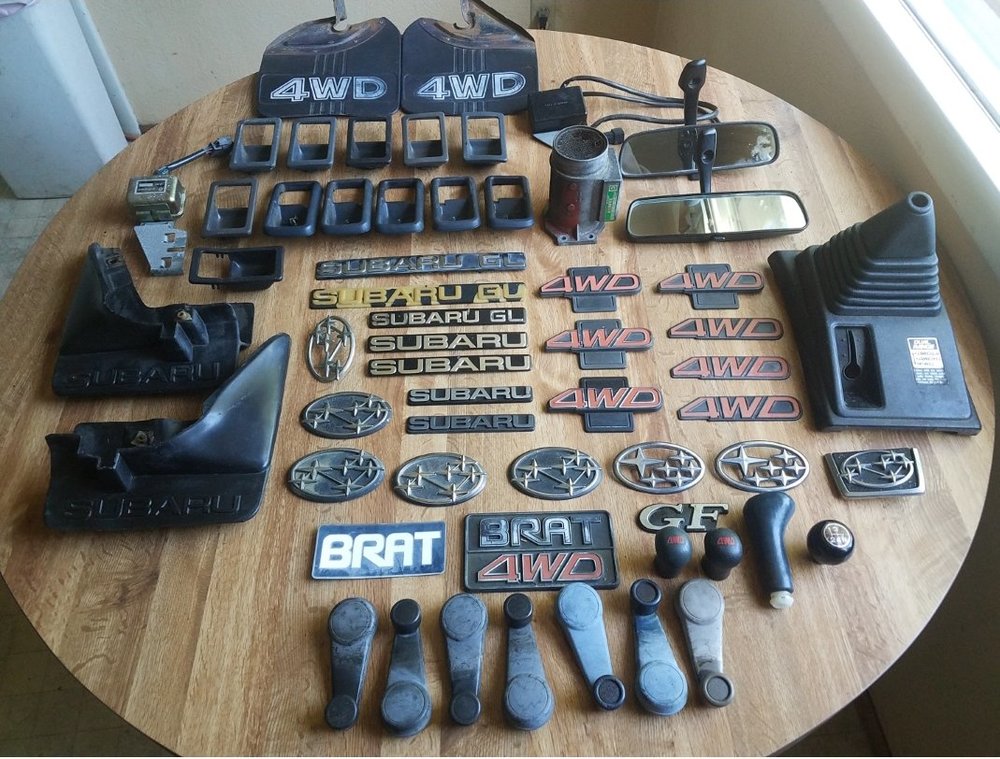 pmedYeah no worries we have turbo dizzys. Just send me a PM we will get you all set. Car freak you keep thinking I'm Mia on you but we are talking on facebook about the same parts lol. PM me on facebook so we can keep the conversation in one place please. Thanks!pmed