Leaderboard
-
old sub freak
Members2Points340Posts -
1 Lucky Texan
Members1Points10144Posts -
brus brother
Members1Points2889Posts -
el_freddo
Members1Points4486Posts




Popular Content
Showing content with the highest reputation on 02/18/20 in all areas
-
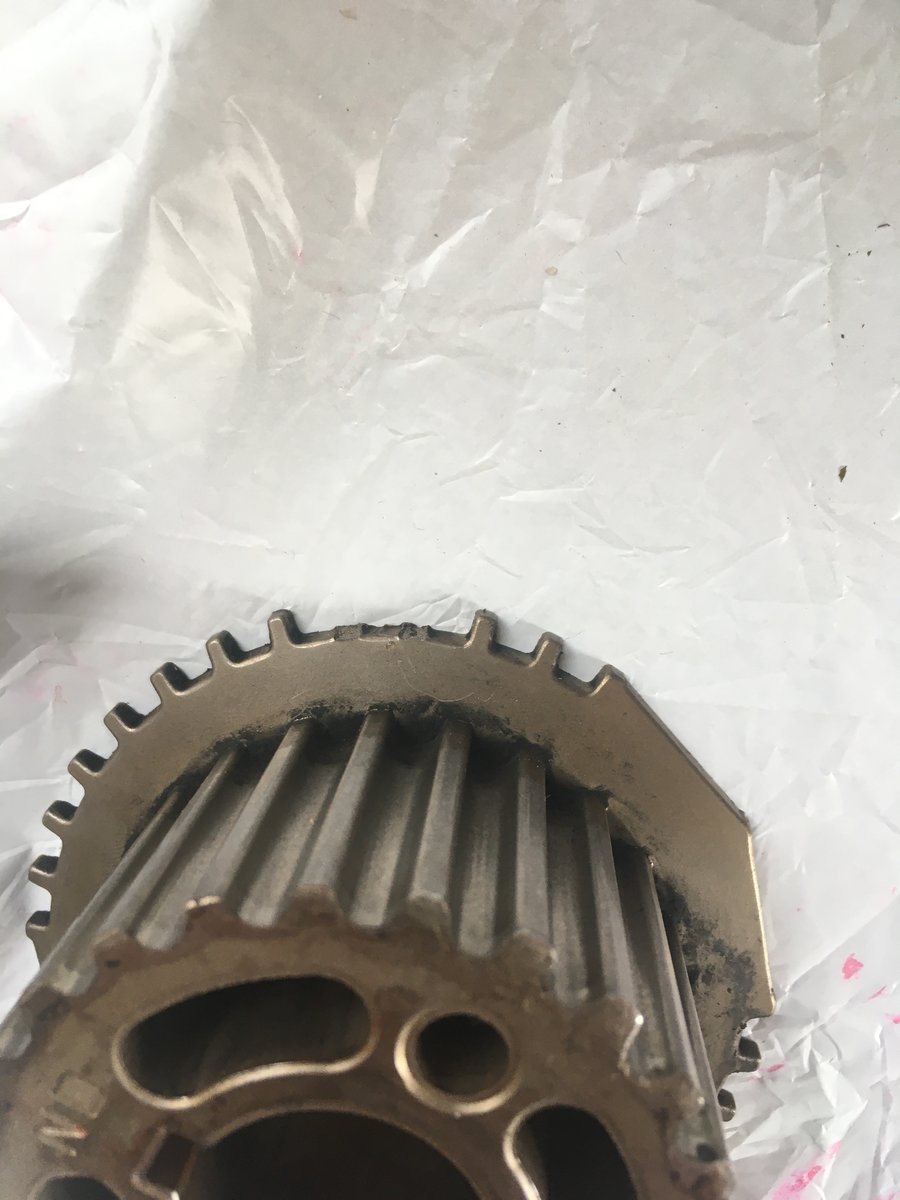
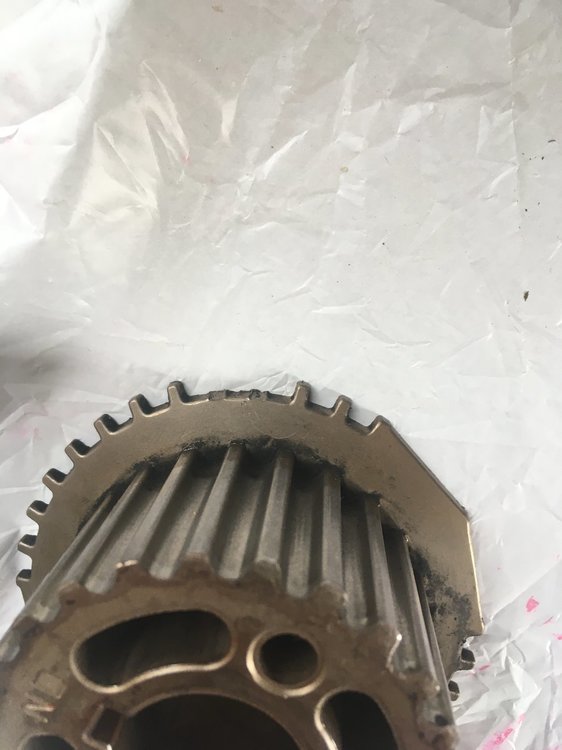
Well guys... i just got a belt that matched the one i took off...and that part is fine..But the no start ...After looking everything over 50 times hahah i realized I had broken a few teeth on the outside of the crank shaft sprocket while prying it off.....The ones that line up with the sensor ...duh ? Live n learn.... put in a good one and VaRoooom..easy peasy Japaneasy....Thanks Guys .
 2 points
 -
great thread no adhesive needed to hold the gaskets in place?1 point
-
thanks for posting what did you use to clean the engine? mine too is a mess.1 point
-
1 pointWell you inspired me to check it out last night. Good weather for it, mid 20’s, loads of mozzies Turned out a shim on the inner pad was rubbing the disc momentarily. I’d also fitted the inner pads the wrong way around. Double Retainer bolt was loose. Thought to myself “that was lucky!”. Went to the RHS to swap the pads and the retainer bolt was MISSING. Not happy. Found a new bolt. All is good. No noises now Cheers Bennie1 point
-
1 pointThe first part of ignition control is the ECM (engine control module) located on the passenger side floor under the carpet. The next part is the Igniter, located under the hood center of the firewall on the bracket for engine support. Next is the coil.1 point
-
1 pointAlso Get a compartment box like for bits n bobs you can see into Tape on the lid to mark each contents Start top left, work across top then down to next row for all the screws in each step So reassembly you have a sequential clue in reverse of what goes where, when and with what1 point