
Leaderboard
-
GeneralDisorder
Members1Points23391Posts -

moosens
Members1Points7873Posts -
aba4430
Members1Points415Posts -
el_freddo
Members1Points4486Posts




Popular Content
Showing content with the highest reputation on 05/26/20 in all areas
-
1 pointAnd the EA82 oil pumps? How do you guys burn through those too? I’ve got a few of those kicking around that I’ll never use... all from good working engines. Cheers Bennie1 point
-
1 pointJust got them all wired up today. That was a little easier than I expected. It's one of the better mods I've done to the car.1 point
-
GMC is just Chevrolet. The C2500 is a 2WD Chevy 3/4 ton truck, and the "Jimmy" is the 4WD Blazer with nicer options. GD1 point
-
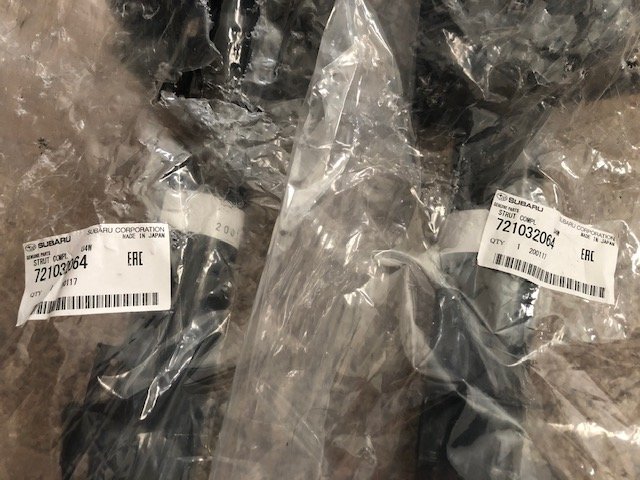
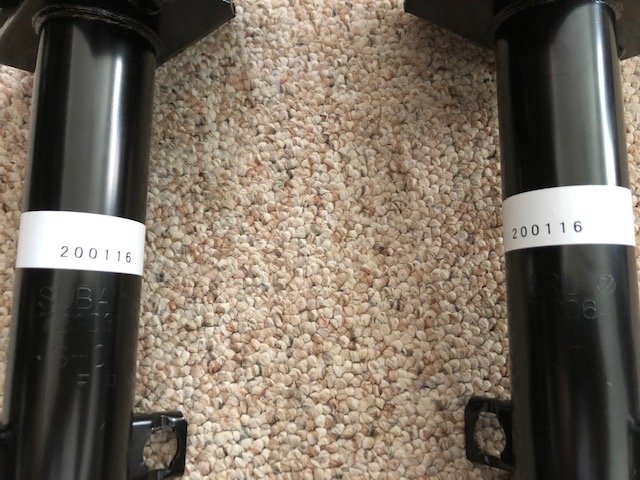
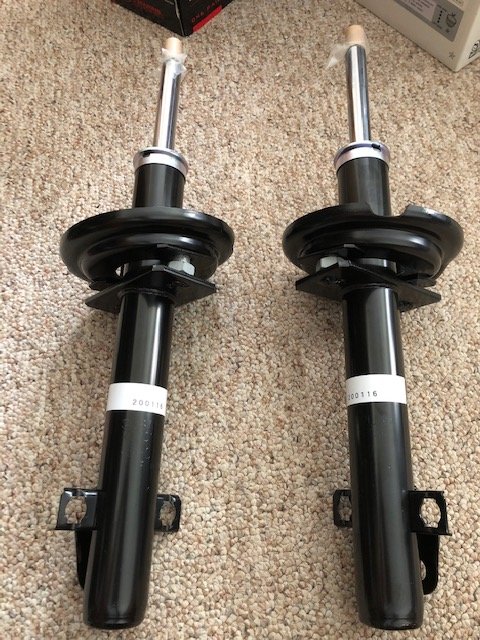
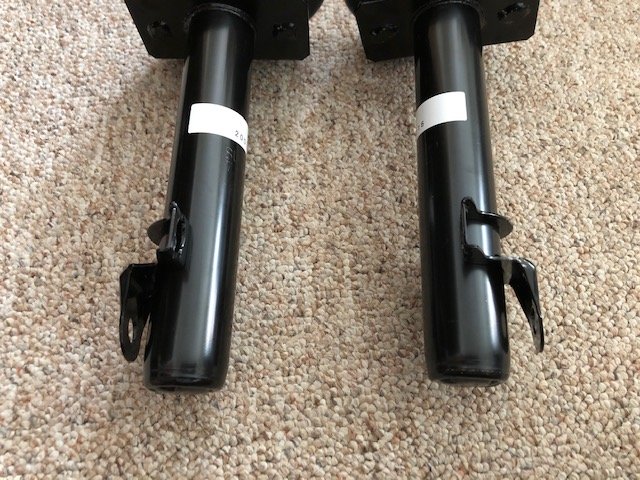
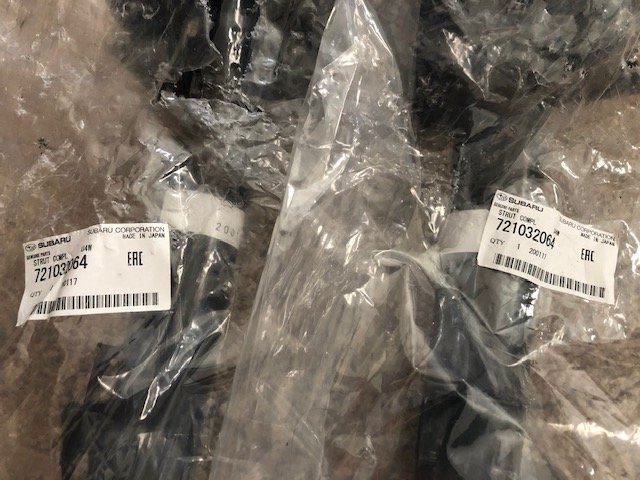
1 pointOK, just received the parts from SPFY. I have ordered parts/accessories from them before for my 2017 Outback and 08 OBS (RIP) before, and my experience has been fantastic with them. They even upgraded shipping on this order for me and waived the shipping charges. I highly recommend SPFY for Subaru parts etc. However, here are the pictures of the fresh date coded matching Subaru struts (SHOWA is the manufacturer). You will note that the mounting bracket on one strut is a bit pulled out, but I can straighten that out, no issues. I am wondering whether these are rebuildable - future consideration.
 1 point
 -
I should apologize. It wasn’t the ADF guys it was Alied Armaments I was referring to. Yeah , Scott has been alongside the USMB so long it’s pretty much a given we older folks are going to point to him first.1 point
-
RA does not ship to CO. Something about taxes. Crazy!0 points

