
Leaderboard
-
GeneralDisorder
Members1Points23391Posts -
Turbone
Administrator1Points8515Posts -
1 Lucky Texan
Members1Points10144Posts -
kaki
Members1Points66Posts




Popular Content
Showing content with the highest reputation on 07/14/21 in all areas
-
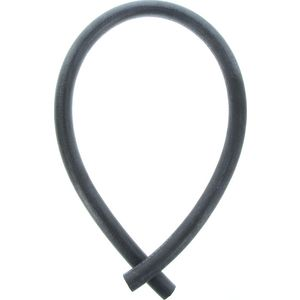
1 pointif you can't match it, as an emergency measure, see if you can make a bigger 'loop' with straight generic hose. Smallest 3/4 circle that doesn't kink. Tie/support it out of the way with some cord or zipties strung together.....? like this ____(
 1 point
 -
1 point
-
1 pointThe computer absolutely WILL know the difference. The computer has access to the vehicle speed on the CANBUS and it internally knows it's own shaft speeds, input speeds, and output speeds. Vehicle speed will no longer correlate as expected with engine RPM, and with the CVT the transmission computer is designed to keep the engine in a specific RPM band and to use changes in the gearing for differences in road speed. I would say it's unlikely that the computer will accept a change in gearing without throwing some codes at the very least. Since it's effectively impossible to know the programming of the TCU as this is proprietary closed source software the only way to know for sure would be to try it. Buy I would guess it probably won't work. GD1 point
-
1 pointI didnt get my HP sitcker until after I had my Hatch and made a trail run with the group. Those are the rules and always will be. Dirt/logging roads dont count:-p I put more dents in my truck than I have put in both my Hatches:cool:1 point
