Leaderboard





Popular Content
Showing content with the highest reputation on 10/04/19 in all areas
-
make sure you have a Subaru thermostat! aftermarket t-stats are not recommended.2 points
-
1 point+1^ Plus the usuals for any Suby that age. ie. maintenance records, T belt, suspension play, working locks and windows etc. O.1 point
-
3rd and 4th pictures. In the first picture I see the rear of the engine and the second picture I see the front of the engine. I think I only see one sensor.1 point
-
1 pointHead gasket external oil leaks and wheel bearings come to mind as things to check. Also make sure all four tires are same brand/model/size wear pattern.1 point
-
1 pointFor those codes the first suggestion is to do an oil change (that you just did). The oil pressure switches as mentioned leak oil and can easily crack the head if tightened too much. I also remember reading a long thread about those codes where there are some small screens in the valve control solenoid (IIRC) that can get blocked and cause these codes. For the misfire check for NGK plugs/wires and if needed swap in a used OEM coil from a pull and pay yard. The aftermarket ones don't taste well for Subies.1 point
-
1 point
-
L series 4wd sedan (rare!) or wagon will be a direct replacement. Put your swing arms on for the swaybar and rear discs. The L series 2wd will fit but needs the front diff mount welded on. Cheers Bennie1 point
-
never done the repair! - only read about it. If it's the dash temp sensor that's bad, you'd be in 'some' danger not knowing if the engine began overheating. If it's the ECU part of the sensor (if a single sensor, it's a moot distinction as they are in the same housing on newer cars, 2 separate sensore on older cars)) ,the ECU may incorrectly richen or lean the A:F mixture since it will have incorrect data on engine temp.1 point
-
1 pointI have a p0028 currrent and a p0026 pending with p0301, 303 and 304 misfires. the oil is really dirty and overfilled. I have a new filter, new synthetic oil and new vcs and a new oil pressure switch. We re going to drain the oil and take off old filter, clean the two vcs , swap in the new oil pressure switch, put in the new oil and filter and cross our fingers. Hope it is an easy fix.1 point
-
Could also be the check valve in the fuel pump not holding pressure. Cycling the fuel pump does work. I usually turn the key to on and then one or two seconds I hit start.1 point
-
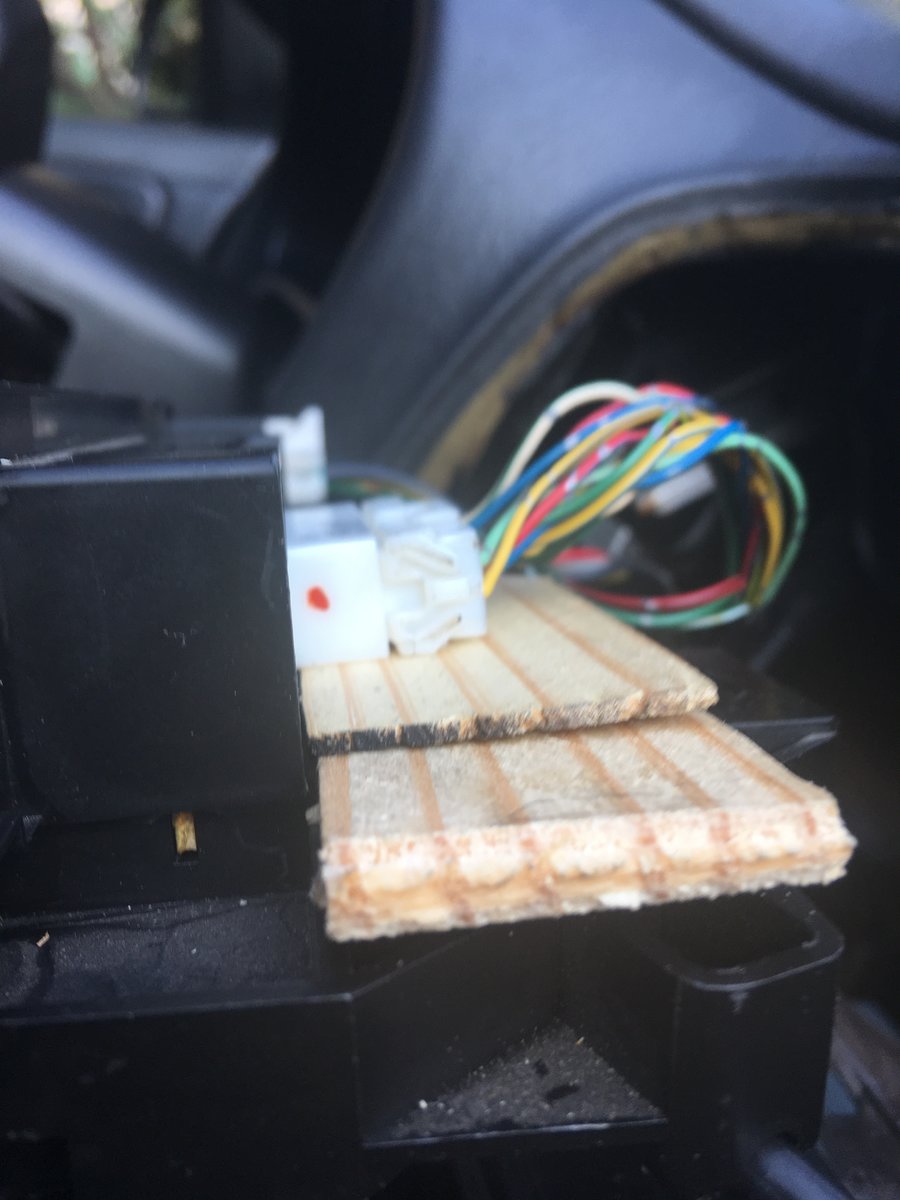
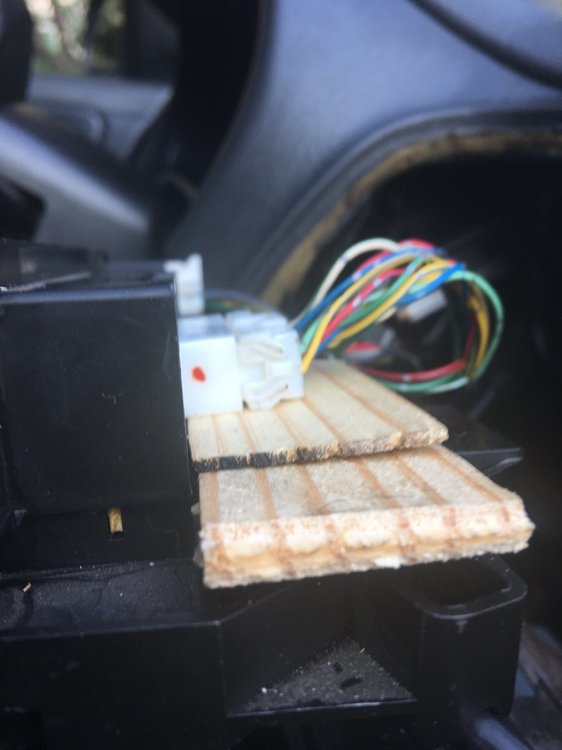
1 pointThe buttons directing air flow to the windshield, front and lower vents did not function. I pulled the unit several times to clean connections, and try to clean the inside of the unit. Immediately after cleaning and reinstalling the unit the buttons work fine. Soon thereafter the buttons stopped working again. During the last reinstall I noted that if I pulled up on the connector for the buttons (top center wire connector) the unit functioned fine. Evidently the wires pulling down on the connectors impacts button contact inside the unit. My solution- wood shims! The two shims are cut so they provide support to the connector, and rest on top of the frame for the cable controlling air temp. See pics below. The unit now almost operates flawlessly, the exception being the recirculate button does not light up.
 1 point
 -
1+ I hate turbo cars. I've worked on my son's 92 turbo but I'd never buy one. NA for me.1 point