Leaderboard
-
NuclearDeLorean
Members3Points72Posts -
Numbchux
Members2Points7632Posts -
Loyale 2.7 Turbo
Members2Points7843Posts -
1 Lucky Texan
Members1Points10144Posts


Popular Content
Showing content with the highest reputation on 02/16/21 in all areas
-
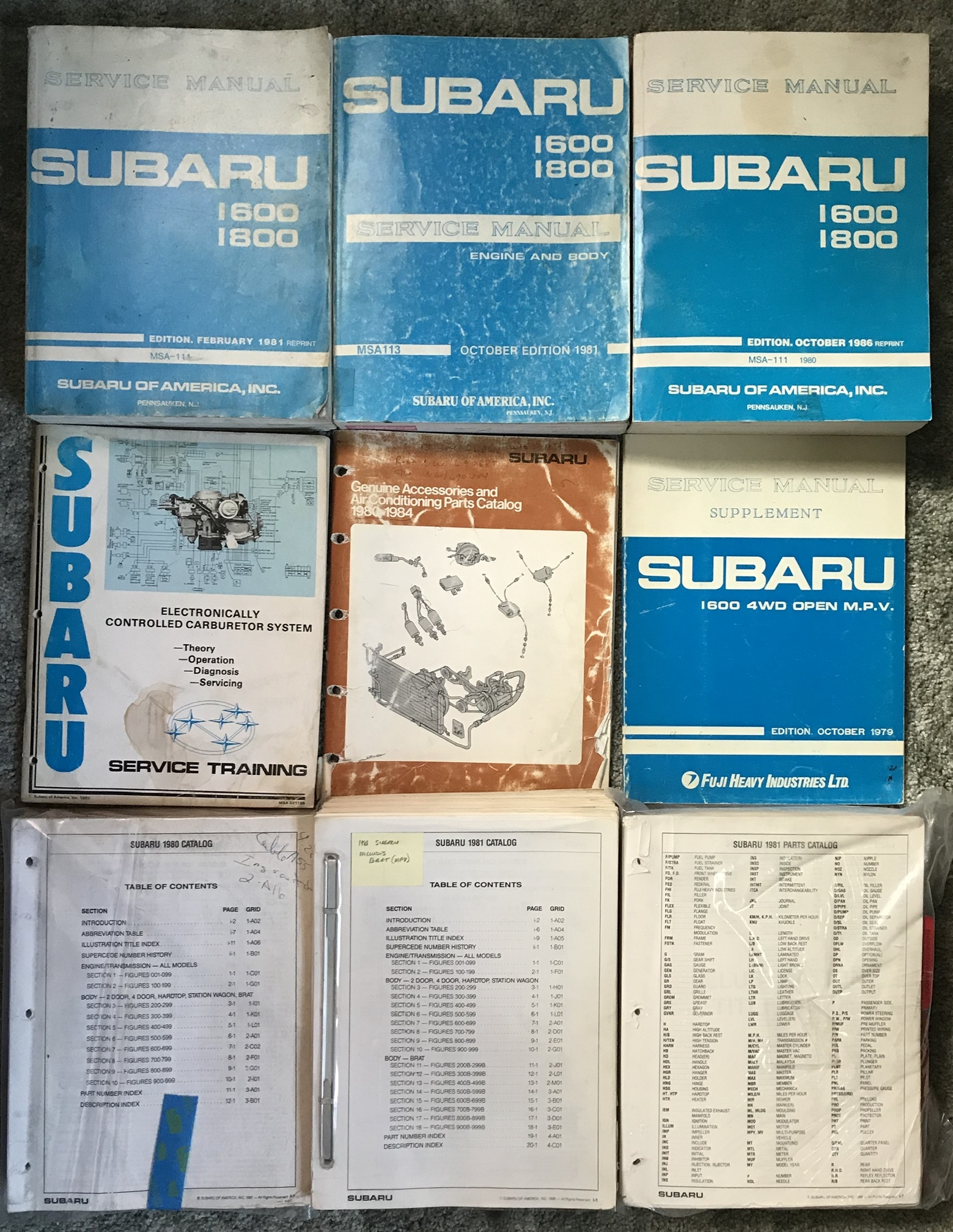
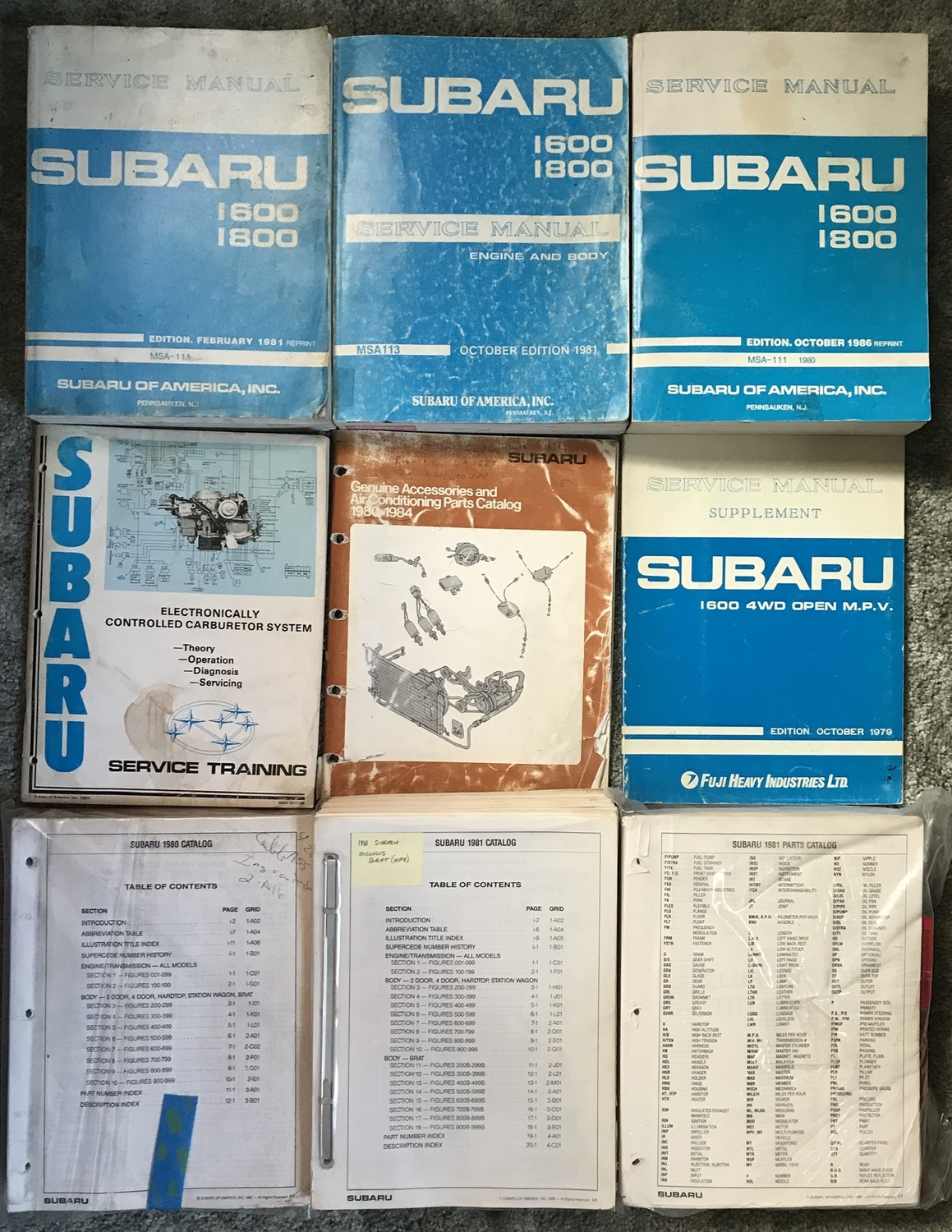
Hello USMB! Over the years you guys have given me so much. I thought I would offer to give a little something back! I have stacks of early 80s manuals and diagrams from the Subaru factory service manuals. As well as entire dealership part guides for 1980 1981 in 1982. Possibly some 1979. If you need a diagram, if you need a part number, if I can find it in my books I’ll get it for you! Just want to help like everyone else has helped me
 3 points
 -
2 pointsActually got some work time this weekend, ran the pump a bit, and it didn't sound like it was pressurizing. So I went for it, held it down for several seconds. Sure enough it started dripping from the headliner trim. Didn't take long to find a break inside the boot between the body and rear gate. 2021-02-15_08-08-43 by Numbchux, on Flickr Looked like it was pinched, but I'm not sure how. I pulled a coupler from a parts car, spliced it together, and I have a rear washer again!2 points
-
Yep just have to be mindful of what you’re doing, not flippant about it. Ive done the same with stuck wheels. Loosen lugs and drive 100 feet. Done.1 point
-
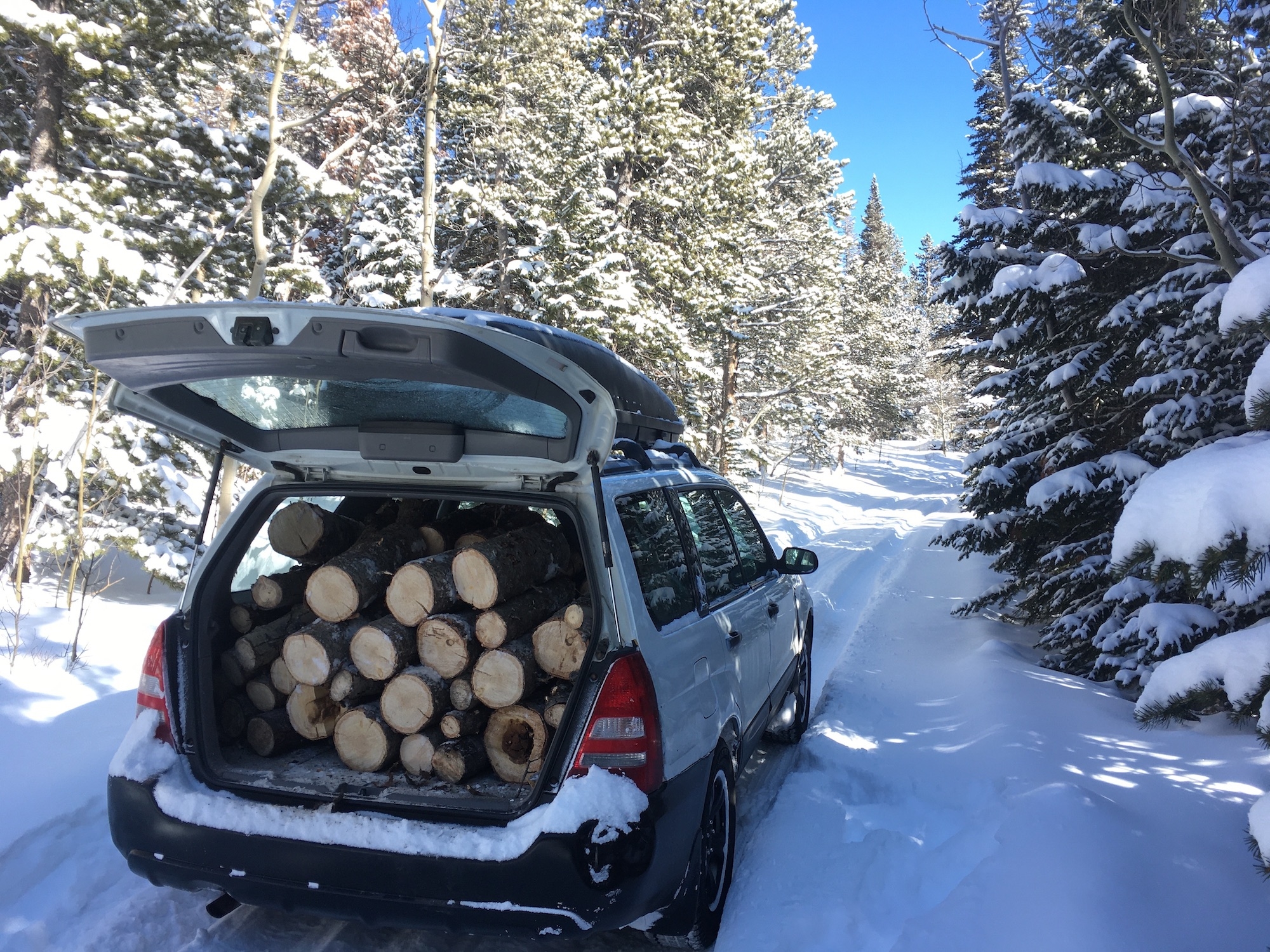
The old F150 did not like -18F and shredded it's serpentine belt when I started it, so subaru got pressed into hauling a little firewood. It was up to about -6F when doing the wood.
 1 point